
Summarize this blog post with:
Manual exports are one of the biggest bottlenecks in TikTok Organic reporting. Every dashboard update requires downloading fresh data, importing it into Google Data Studio, and repeating the same process every time. Instead of spending time maintaining reports, you could be analyzing what your content is actually doing.
By connecting TikTok Organic to Google Data Studio with Two Minute Reports, you can automate data syncing, keep dashboards current, and monitor performance in real time. In this guide, we'll walk you through the setup step by step.
How to Connect TikTok Organic to Data Studio?
You can connect TikTok Organic to Data Studio using the following methods:
- Method 1: Connect TikTok Organic to Data Studio via TMR Hub.
- Method 2: Connect TikTok Organic to Data Studio using pre-built templates.
Method 1: Connect TikTok Organic to Data Studio via TMR Hub
Two Minute Reports Hub is your centralized workspace for managing your TikTok Organic data, clients, and destinations. Here’s how to get started:
Step 1: Creating a Connection
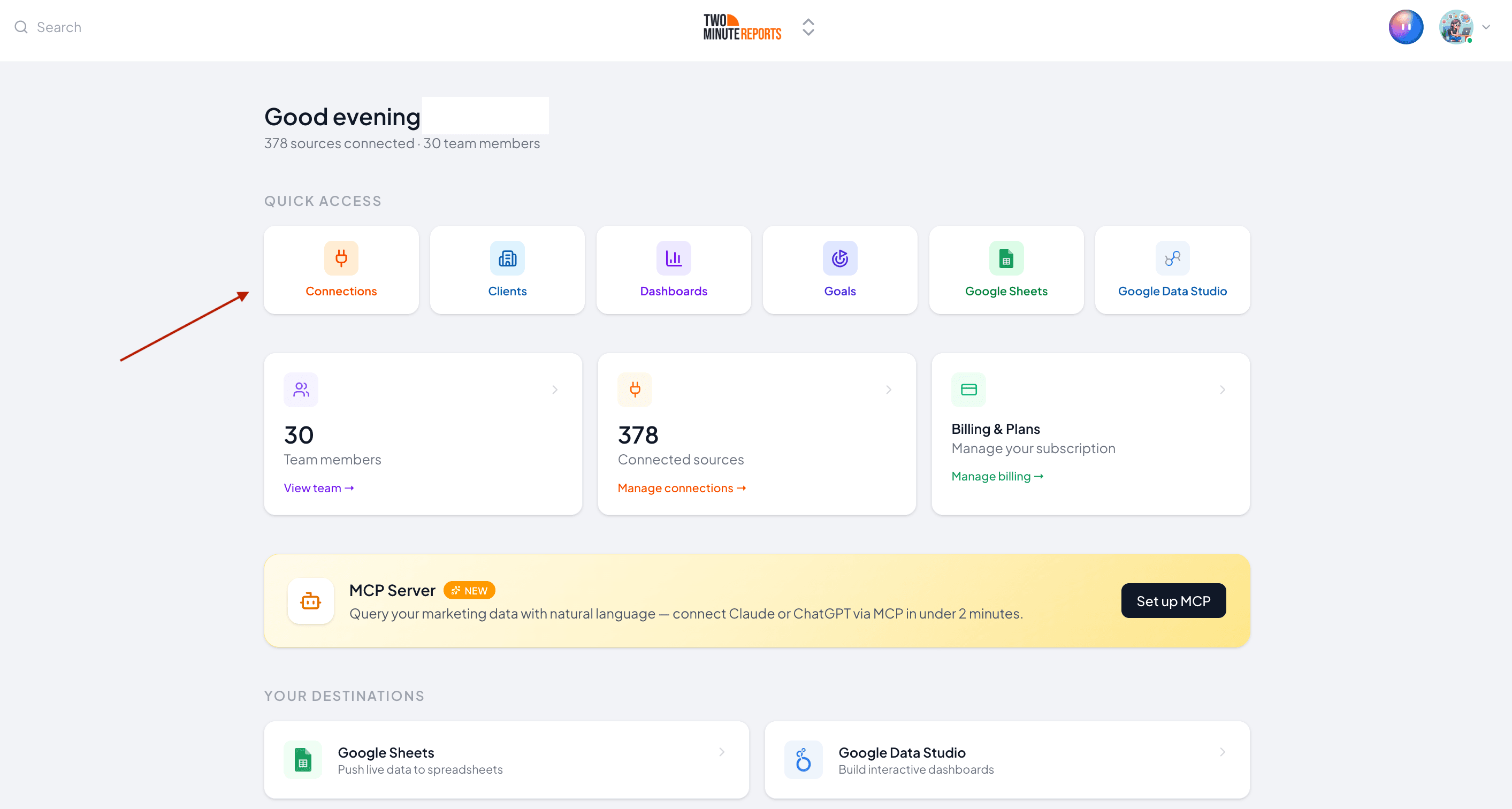
Go to hub.twominutereports.com and click Connections → Create Connection.
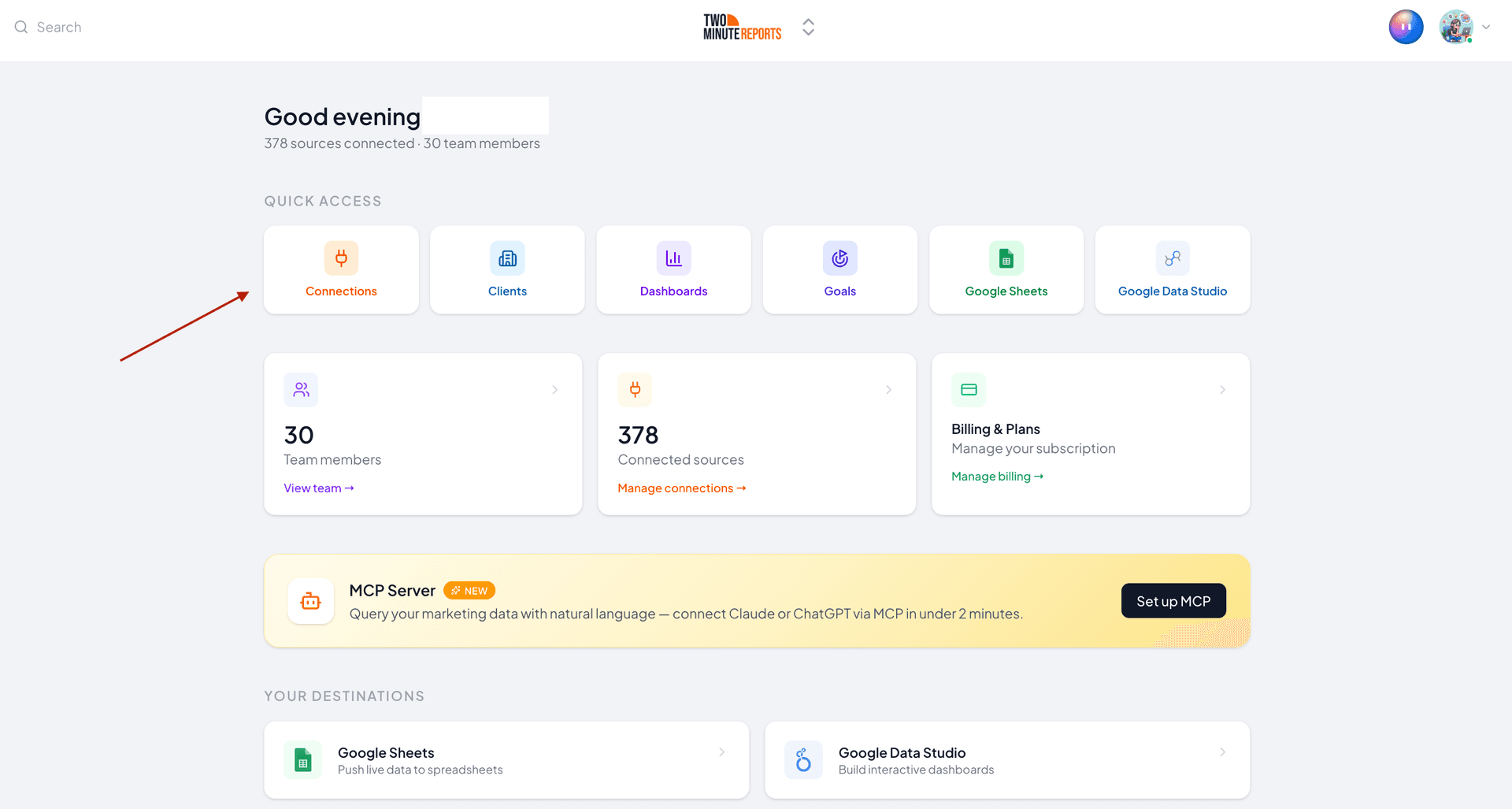
- Inside the dialog box, complete these three steps:
- Select the TikTok Organic connector from the list of available platforms.
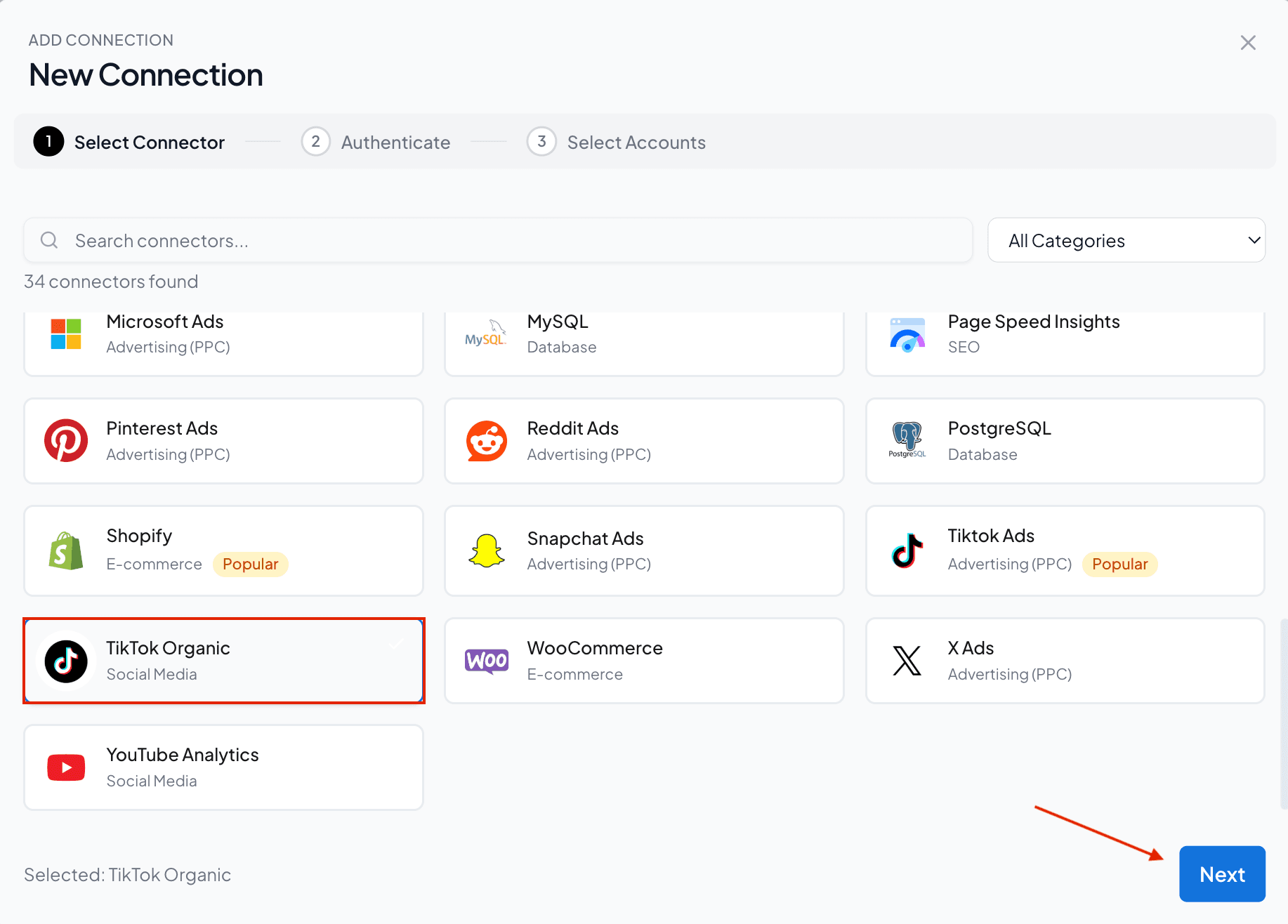
- Enter the name for your Connection and authorize it by logging in with your credentials.
- Enable the TikTok Organic accounts you want to measure performance. Please note that you can’t query the disabled accounts.
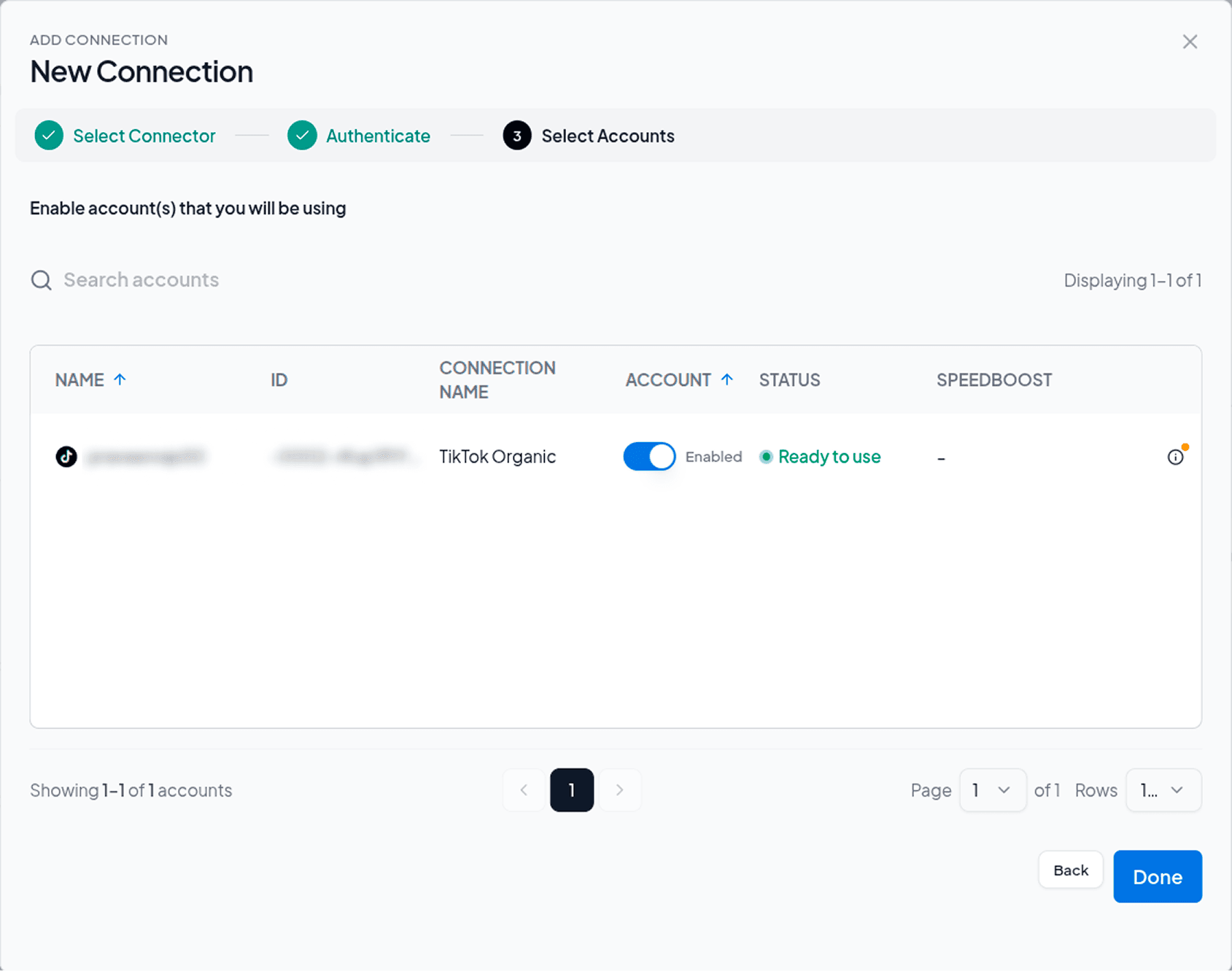
3. Once done, navigate to the Hub Homepage, click Google Data Studio and proceed with the steps below to build your TikTok Organic dashboard in Data Studio.
Step 2: Configure Your TikTok Organic Account
- Once you’re in the Google Data Studio menu, click Create Report.
- Select the TikTok Organic connector from the list of connectors.
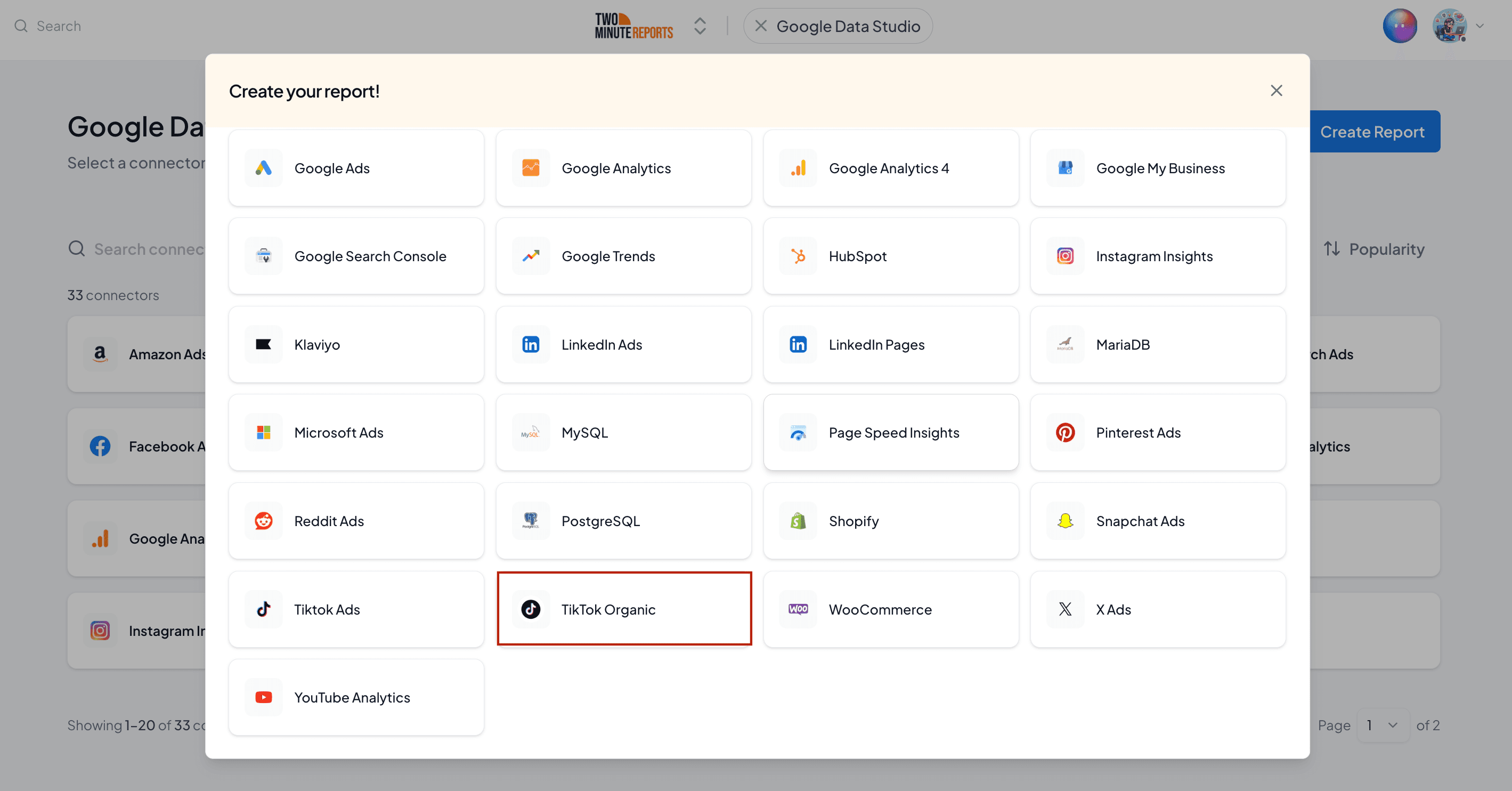
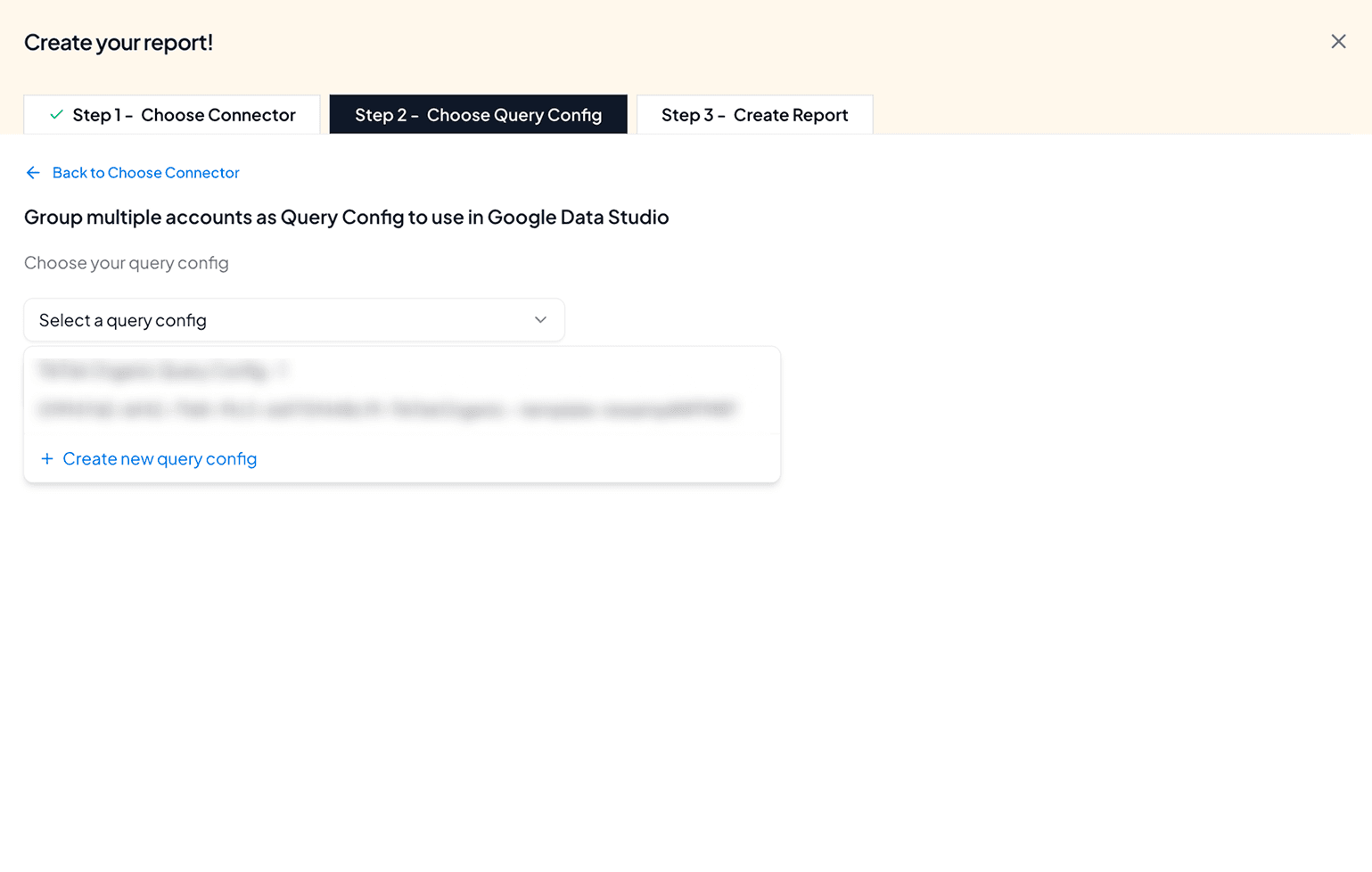
- In Step 2 (Choose Query Config dropdown), click + Create new query config.
Query Config allows you to group multiple accounts, making it easier to access centralized insights in your Data Studio dashboard.
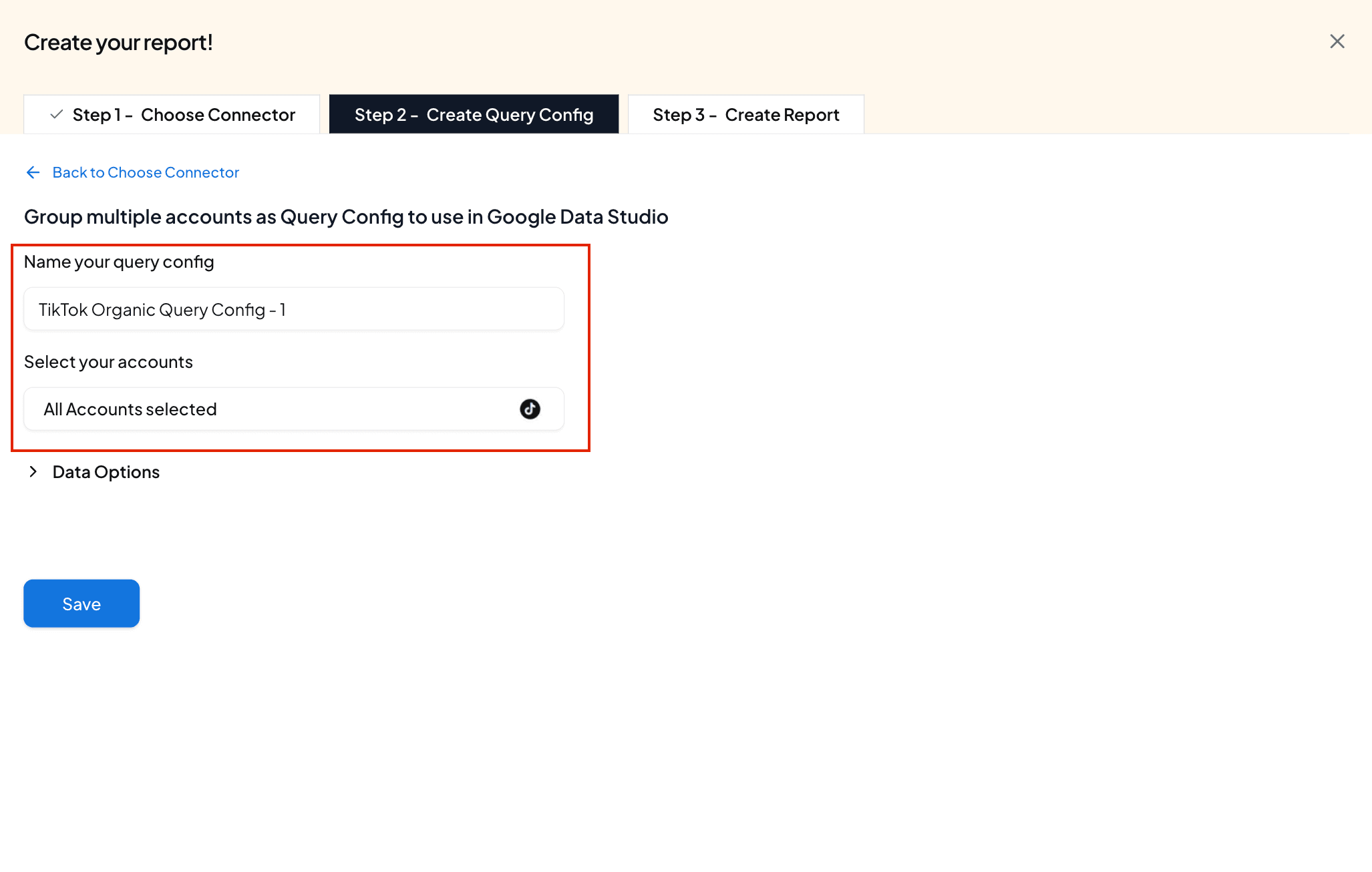
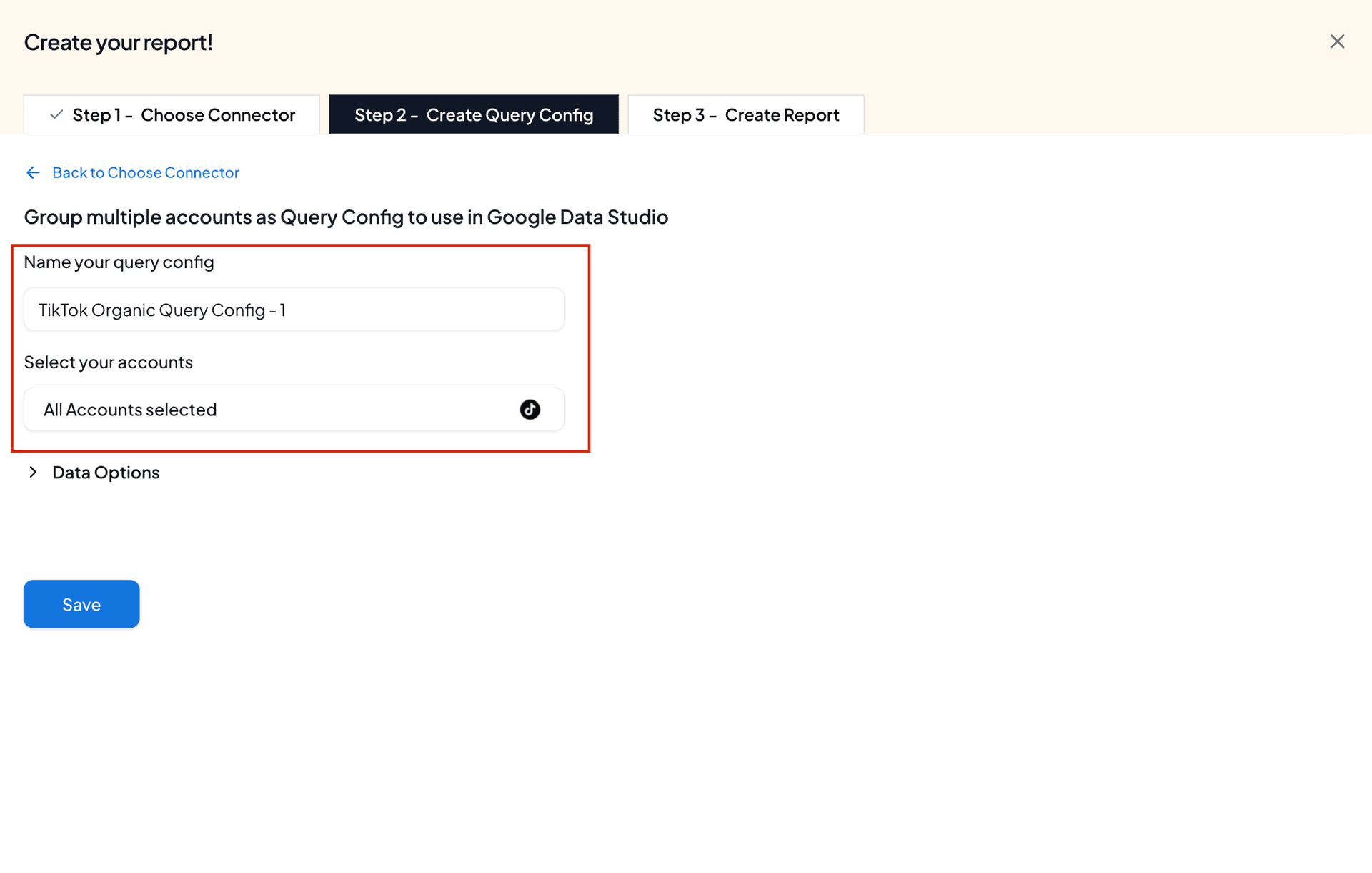
- Once you click Create new query config, you can specify a name and select the required accounts to measure content performance. Click Save.
- Then, click Create from scratch to build your TikTok Organic Dashboard in Data Studio.
Step 3: Build Your TikTok Organic Dashboard in Data Studio
- Now you’ll land on the Data Studio dashboard.
- Select your team and your Query Config will automatically appear. Click Connect to continue.
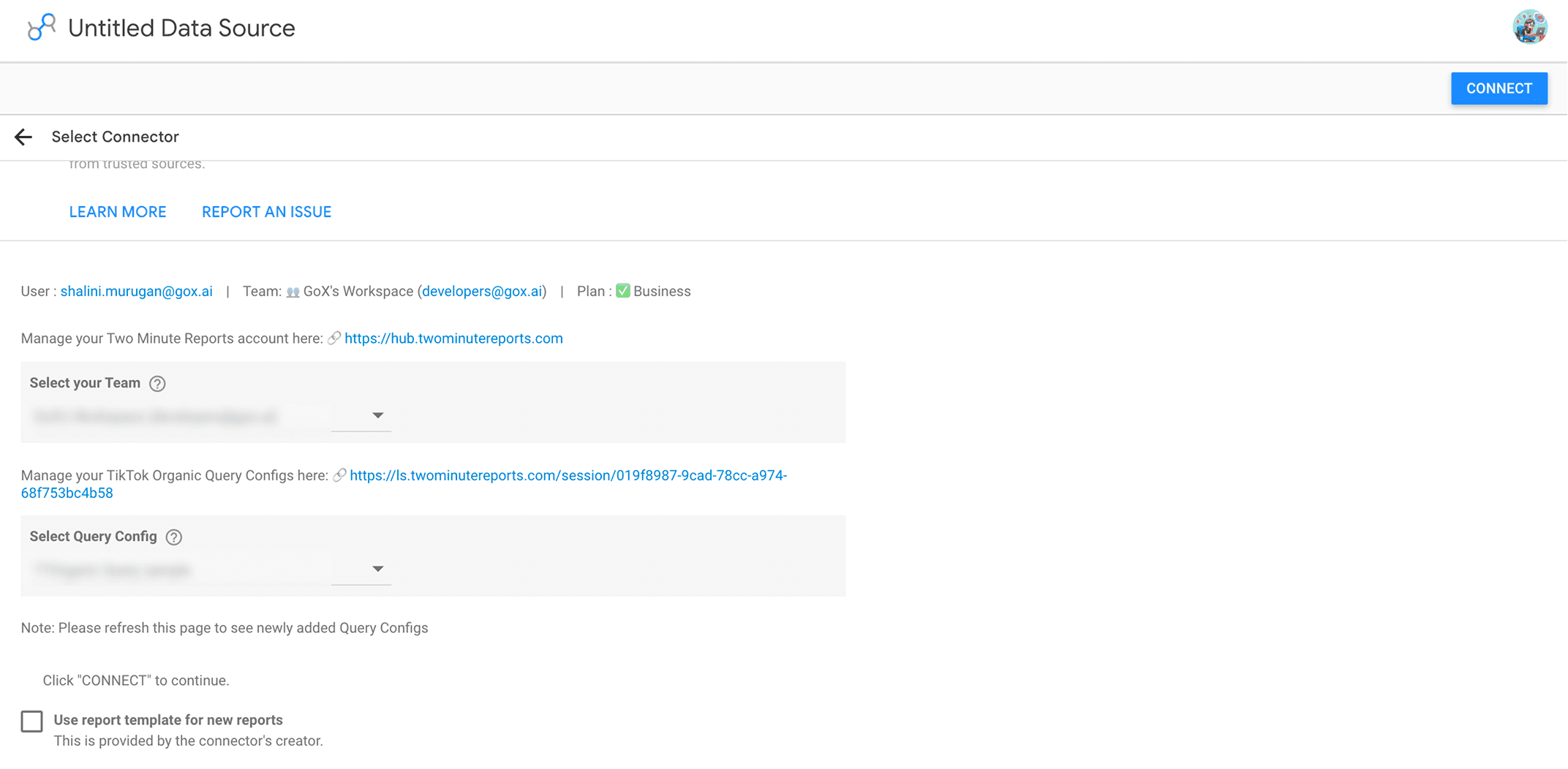
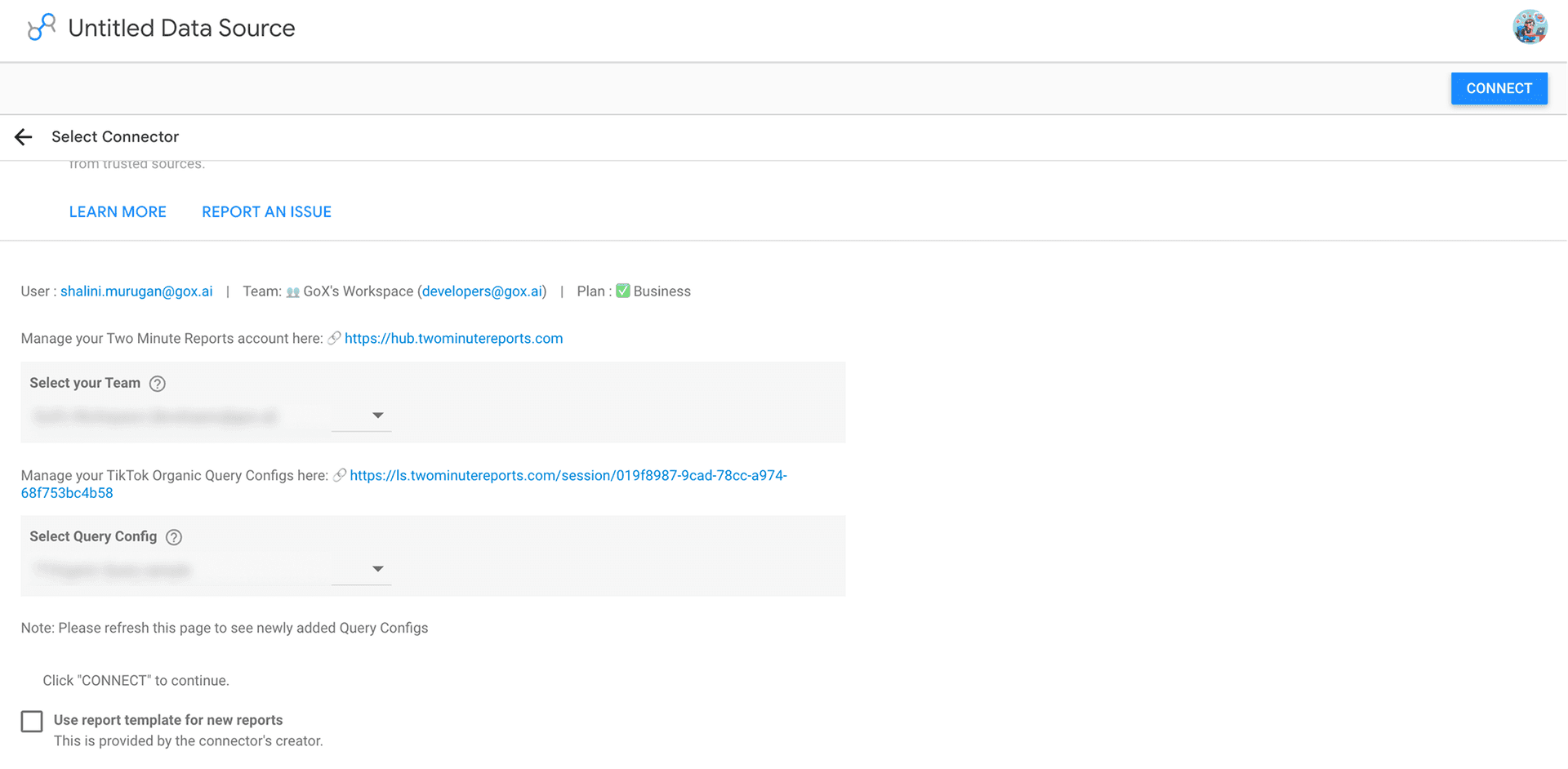
- Review the metrics and dimensions to be included and click Create Report.
- You can add relevant charts, drag and drop TikTok Organic metrics, include filters, date ranges, and dimensions to customize your TikTok Organic dashboard in Google Data Studio (as shown below).
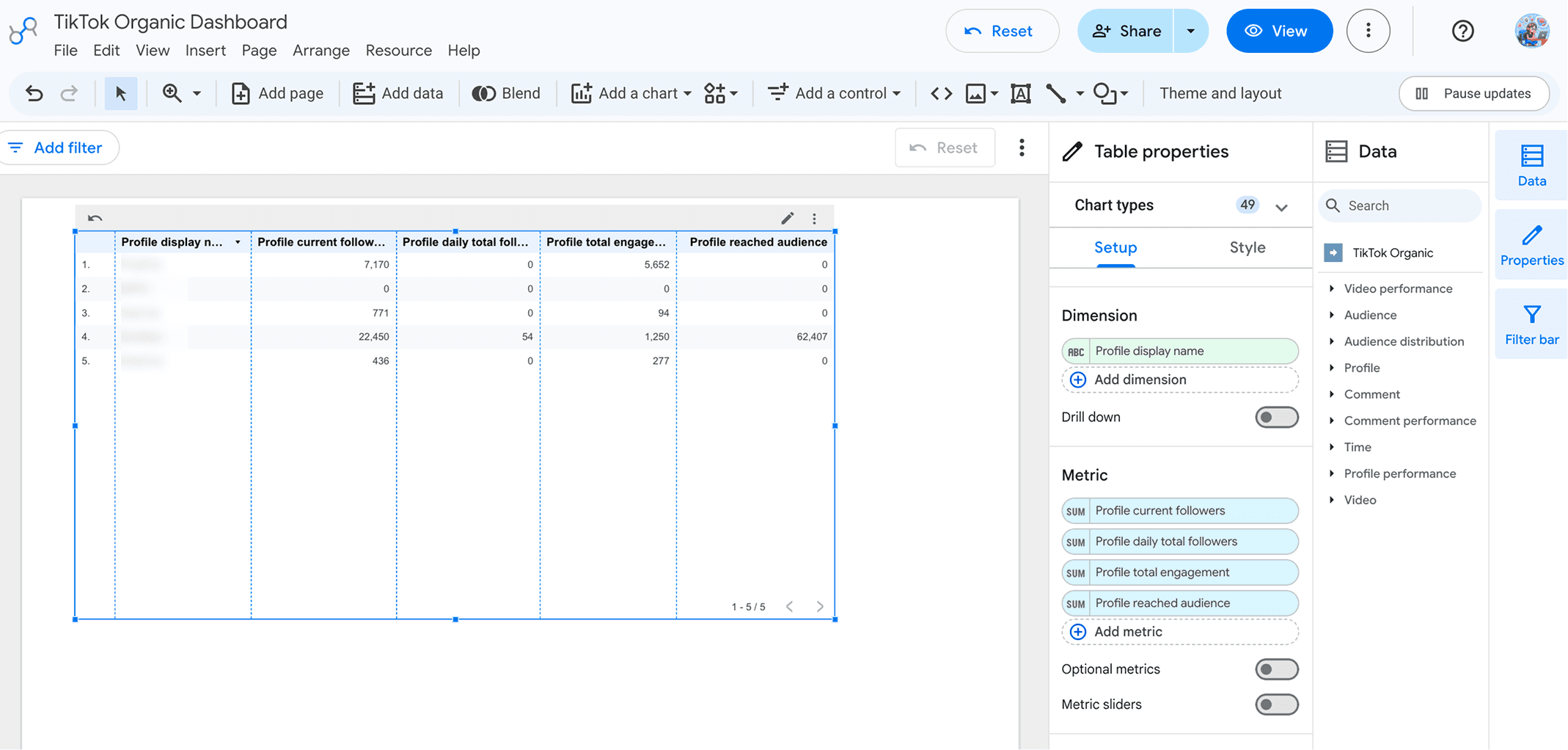
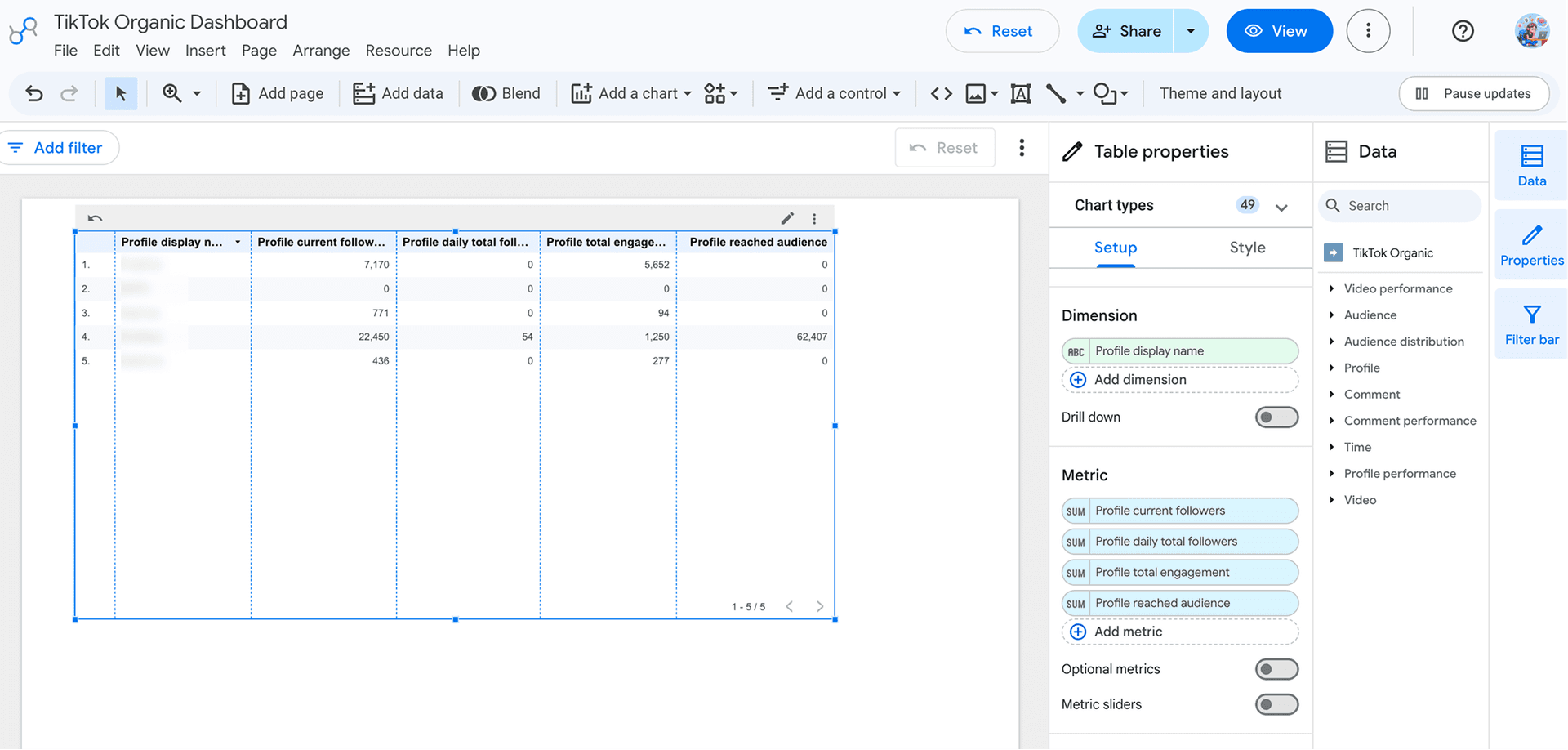
That’s it. Use Data Studio’s native scheduling option to automatically share the latest TikTok Organic performance insights with your clients.
Method 2: Connect TikTok Organic to Data Studio using Pre-built Templates
Skip the blank canvas. Two Minute Reports' pre-built templates give you a ready-made TikTok Organic Google Data Studio dashboard you can customize to fit your brand and share with clients in minutes.
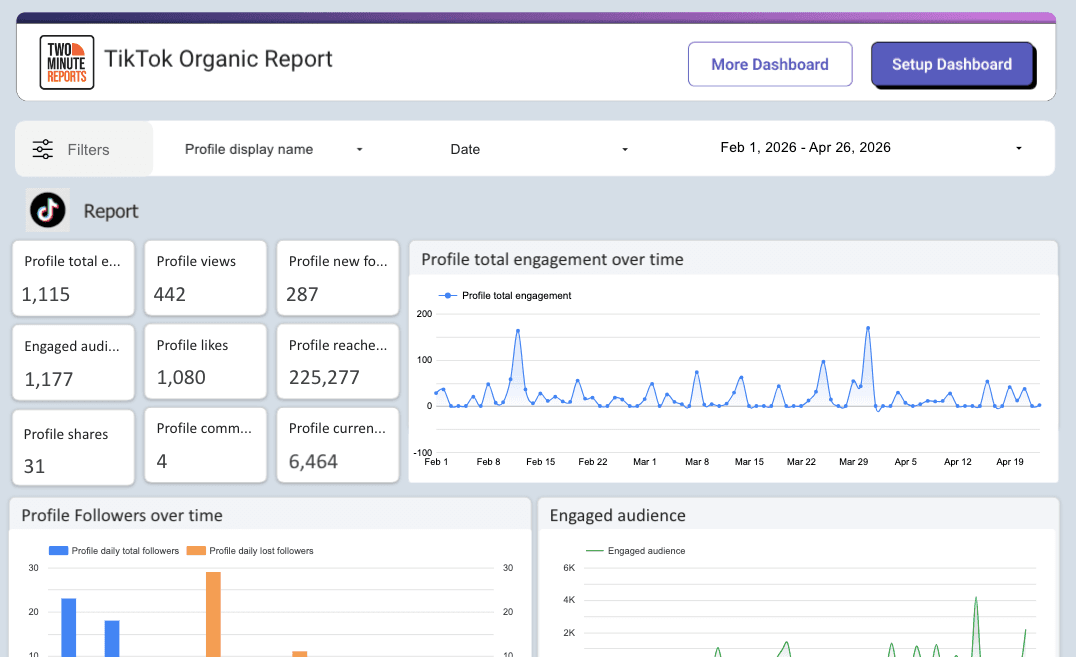
Here’s what’s inside the template:
- Performance Overview: Get an instant snapshot of your TikTok profile with KPI scorecards for Total Engagement, Profile Views, New Followers, Engaged Audience, Likes, Reach, Shares, Comments, and Current Followers.
- Engagement trends: Track Profile Total Engagement over time to understand how audience interactions change across different periods and quickly identify spikes driven by high-performing content.
- Follower Growth: Monitor daily follower gains and losses to measure audience growth, spot retention patterns, and evaluate how consistently your content attracts new followers.
- Audience Insights: Visualize your Engaged Audience over time to understand when your content resonates most, identify engagement peaks, and refine your posting strategy for maximum reach and interaction.
To connect your data:
- Click Get Template for Free to open the TikTok Organic Google Data Studio template.
- Click Use My Own Data and select your team and TikTok Organic Query Configuration created in Step 2 (Method 1).
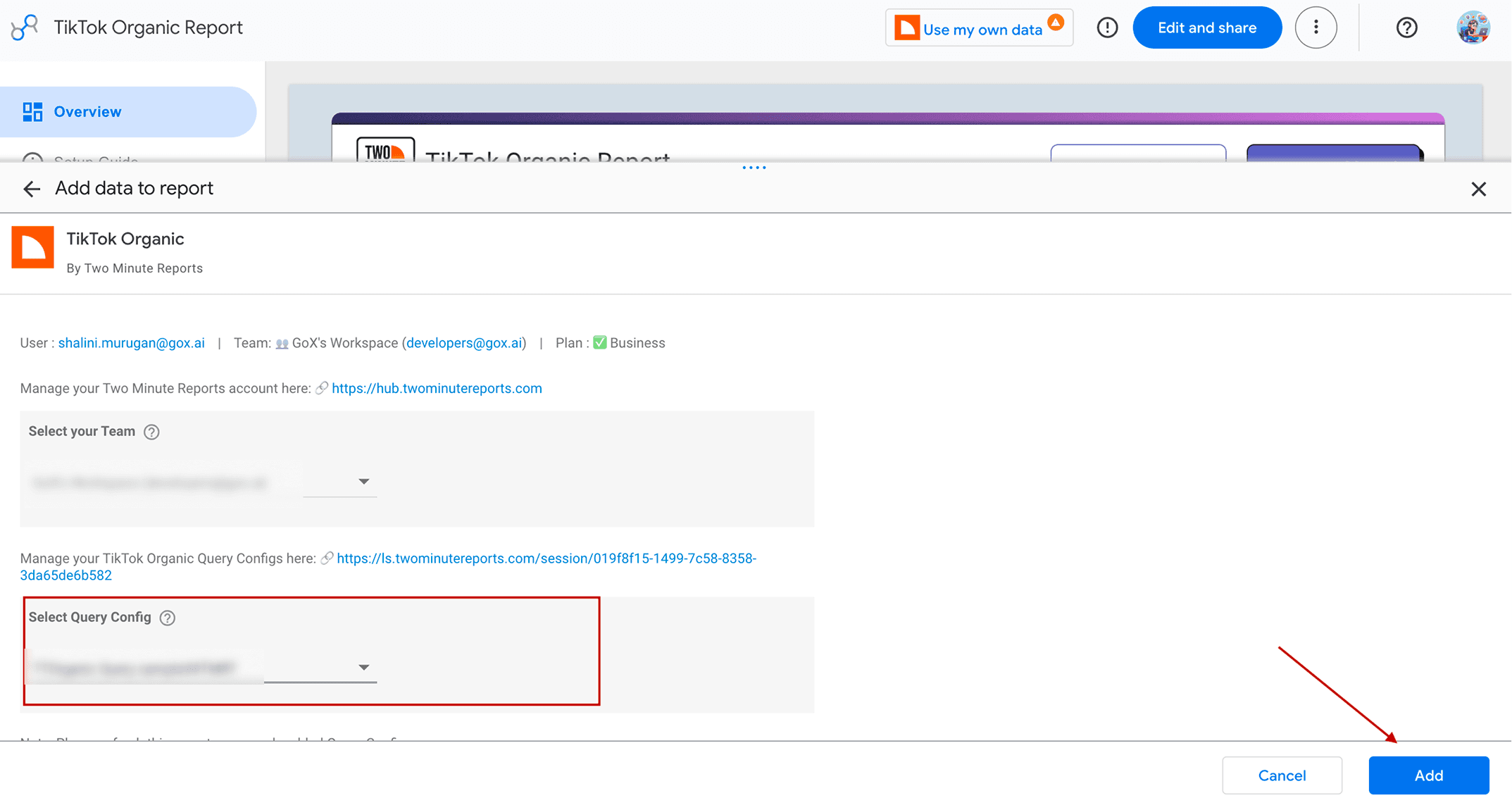
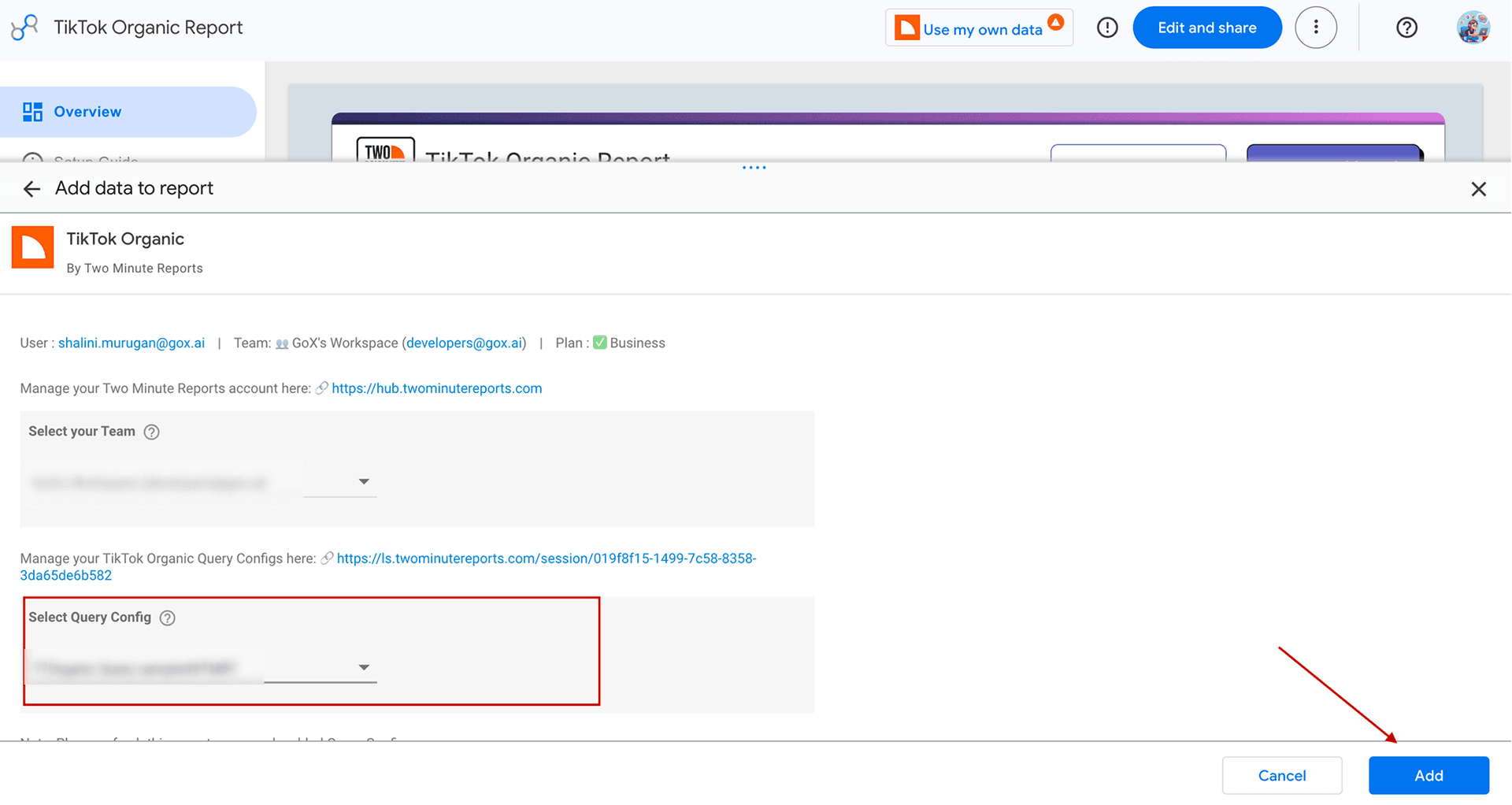
- Click Add. Your TikTok Organic data will be automatically populated in the dashboard.
- Click Edit to customize the layout, drag and drop metrics and adjust visual elements to match your brand.
- Once done, click Share to send your TikTok Organic dashboard directly to your clients or stakeholders.
That's it. No need to build from scratch; you've already got your data connected from Step 2, so the template just drops it in, and you're client-ready in a few clicks.
Click the template link below to get started. It opens directly in Data Studio – no download required.
How to Analyze Your TikTok Organic Data in Google Data Studio?
Once your TikTok Organic data is connected to Google Data Studio via Two Minute Reports, you can use a wide range of metrics and dimensions to analyse your content performance. Here’s how you can do it:
Ready to Connect TikTok Organic to Data Studio?
Before jumping into content ideas, trends, or posting more often, make sure you know what's actually driving growth. With profile performance, follower trends, video engagement, and watch-time flowing from your TikTok Organic account(s) into a single Google Data Studio dashboard, you'll spend more time creating content that performs.
Try Two Minute Reports free for 14 days and see how much faster your TikTok Organic Reporting in Data Studio can be.
Frequently Asked Questions
With Two Minute Reports’ TikTok Organic Reporting Tool, you can pull 50+ metrics and dimensions such as profile views, likes, total engagement, new followers, reached audience, daily lost followers, daily total followers, engaged audience, video duration (s), video duration (min), total time watched (s), average time watched (s), phone number clicks, website clicks, etc and dimensions including profile display name, ID, video media type, comment ID, city, age, etc.
Use Data Studio’s built-in email delivery. Go to Share → Schedule delivery, set your repeat frequency (eg: Daily), pick a time, confirm the timezone, add recipients and click Save. Your updated TikTok Organic dashboard lands in the client’s inbox automatically, no manual exports needed.
When creating a Query Config, select multiple TikTok Organic accounts from the dropdown to build a centralized Google Data Studio dashboard with insights from all your profiles in one place. Use scheduled delivery to share the latest performance insights with each client, so they know what’s happening now and the next steps to be taken.
You can access our free, ready-to-share TikTok Organic Google Data Studio template to streamline performance tracking. Once you click Get Template for Free, select your Query Config, customize the Data Studio dashboard, and deliver data-backed insights to your clients and stakeholders within minutes.
Yes. Two Minute Reports includes Speedboost technology, which is designed to process high-volume TikTok Organic datasets efficiently. This improves query speed and keeps TikTok Organic reports responsive, even when analyzing multiple accounts or large volumes of historical data.

Meet the Author
Shalini MuruganShalini is driven by ideas that create a tangible impact. At Two Minute Reports, she specializes in content that helps marketers optimize their reporting workflows. When she's not transforming complex data into meaningful insights, you might find her lost in a book, jotting down ideas in her notebook, or connecting the dots others overlook.