11 Best DashThis Alternatives for Marketers and Agencies (2026)
Compare the leading DashThis alternatives side by side on pricing, features, pros, cons, and reviews to choose a reporting tool that scales with your agency.
DashThis alternatives at a glance
Paying more per dashboard? Switch to a scalable DashThis alternative.
DashThis is a solid reporting solution for agencies, freelancers, and marketers. Setup is easy, and the no-code dashboards are impressive, but it has limitations. Exports are rigid, advanced data calculations are limited, and collaborative access is restricted, which can reduce flexibility and create roadblocks as your agency grows.
Pay-per-dashboard pricing may work initially, but costs quickly add up as you scale. If you’re on a tight budget, it’s worth thinking carefully. Rather than struggling with these limitations, consider a better alternative that overcomes DashThis’s shortcomings.
Where does DashThis fall short?
The most common and biggest complaint from former DashThis users and online reviews is that the platform has notable limitations. Here’s a closer look at the main drawbacks:
Growing costs with each dashboard
DashThis charges per dashboard, so as you add more clients or campaigns, expenses rise quickly.
Branding locked behind premium plans
Custom branding is only available on higher-tier plans, restricting agencies from delivering fully white-labeled reports to clients.
Limited dashboard customization
Preset widgets make setup easy, but building dashboards around your own metrics or client-specific dimensions is challenging.
Narrow data connectivity
Most major ad platforms are supported, but offline imports, CRM data, and niche integrations aren’t available. Custom connectors are missing, limiting flexibility.
Weak data transformation
You can’t group campaigns by strategy, fix naming inconsistencies, or combine platforms like Meta and Google into a single “retargeting” view.
Scalability issues for teams
Dashboards aren’t easily reusable across multiple clients, and detailed role management is lacking, making it difficult for agencies managing dozens of accounts.
Collaboration limitations
Reports are static with no version history, inline comments, or audit trail, making team collaboration cumbersome.
Restricted data control
Exporting is limited to PDF or CSV. There’s no structured feed for data warehouses or BI tools, so deeper analysis is harder to achieve.
Verified User in Marketing and Advertising
Pricing. It is quite expensive and the designs are not to many (options)
Top DashThis alternatives: feature comparison
How Two Minute Reports and 4 other DashThis alternatives compare on price, AI, client reporting and data, grouped so you can scan what matters to you.
| Compare tools | Two Minute Reports | Coupler.io | Dataslayer | Supermetrics | Portermetrics |
|---|---|---|---|---|---|
| Starting priceCheck the unit: per month, account or client | $81/mo | $24/mo | $35/mo | $44/mo | $12.50/account |
| Best forWho each tool suits most | Multi-client agencies | Midsized agencies | Enterprise teams | Enterprises | Freelancers |
| Feature coverageAcross the 15 features below | 15 of 15 included | 5 of 15 included | 2 of 15 included | 2 of 15 included | 5 of 15 included |
| AI & automation | |||||
| AI agentAsk questions about your data in plain English | Included: Dash AI Agent | Partial: Credit-capped | Partial: $115+ plan | Partial: Credit-based (Studio) | Not available |
| AI dashboard builderBuild a dashboard from a prompt | Included: No credit caps | Not available | Not available | Partial: Credit-based | Not available |
| MCP (Claude, ChatGPT)Part of your plan, or bought as a separate destination | Included | Included | Partial: Separate paid destination | Partial: 50k rows/mo on Starter | Included |
| Claude SkillsReady-made reporting workflows in Claude | Included | Partial: Early access, via MCP | Not available | — | Not available |
| Client reporting | |||||
| Scheduled briefingsAuto-email clients a summary of their dashboard | Included | — | Not available | Partial: Sheets/Excel email only | Not available |
| Goals & budget pacingTrack targets and spend against budget | Included | Not available | Not available | Included | Not available |
| White-label reportsReports under your agency's brand | Included | Included | Not available | Not available | Partial: Via Data Studio |
| Custom domainHost reports on your own URL | Included | — | Not available | — | Not available |
| Data speed & reliability | |||||
| Hourly data refreshOn every plan, or only on pricier plans and add-ons | Included: Unlimited refreshes | Partial: $199+ plan, daily on Starter | Partial: $115+ plan, daily on Starter | Partial: $399+ plan | Included: Hourly, daily, weekly |
| Load reports fasterData is pre-loaded, so reports open quickly | Included: 5x faster with Speedboost | Included: Built-in warehousing | Included: Warehouse caching | Partial: Depends on query size | Not available: Slows on high-volume accounts |
| Data sourcesNumber of built-in connectors | 30+ | 300+ | 40+ | 100+ | 20+ |
| Data tools | |||||
| Data blendingCombine several sources in one report | Included | Included | Partial: $115+ plan | Included | Included |
| Custom fieldsCreate your own metrics and dimensions | Included | Included | Included | Partial: Enterprise plan only | Included |
| API accessPull your data into other tools | Included | Partial: $99+/mo (Active plan) | Partial: Paid destination | Partial: Enterprise plan only | Not available |
| Team & switching | |||||
| Team seatsUsers included at no extra cost | Included: Unlimited | Partial: 1 user on Starter | Not available: 1 user | Not available: Paid seats | Included: Unlimited |
| Migrate existing reportsRebuild an old report from a PDF or screenshot | Included: AI rebuild from PDF | Partial: Onboarding: Custom plan | Partial: Supermetrics queries only | Partial: Data Studio reports only | Not available: Setup call only |
| Reviews | |||||
| G2 ratingScore out of 5. Tap a score to read the reviews on G2 | 4.8Read reviews on G2(opens in a new tab) | 4.8Read reviews on G2(opens in a new tab) | 4.8Read reviews on G2(opens in a new tab) | 4.4Read reviews on G2(opens in a new tab) | 4.6Read reviews on G2(opens in a new tab) |
| Try for Free | Learn More | Learn More | Learn More | Learn More |
11 DashThis Alternatives That Scale Your Clients, Not Your Bill
DashThis isn’t your only option, and definitely not the strongest one. These 11 alternatives give you more power, more freedom, and smarter scaling.
1. Two Minute Reports
Best for:
Marketing agencies, marketing teams, freelancers, and data teams.
Integrations:
Supports 30+ data sources, including Facebook Ads, Shopify, Google Ads, Google Analytics, LinkedIn Ads, Amazon, etc.
Key features:
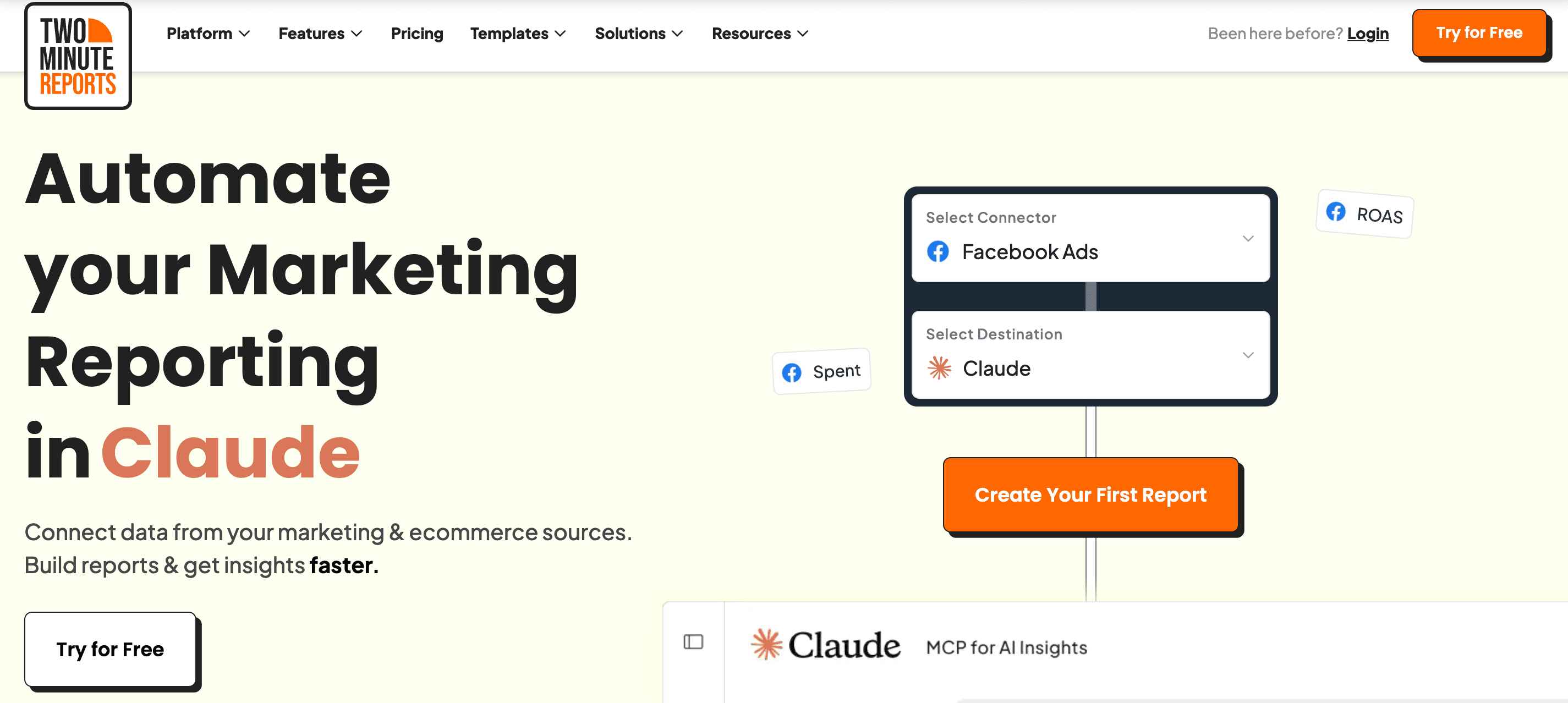
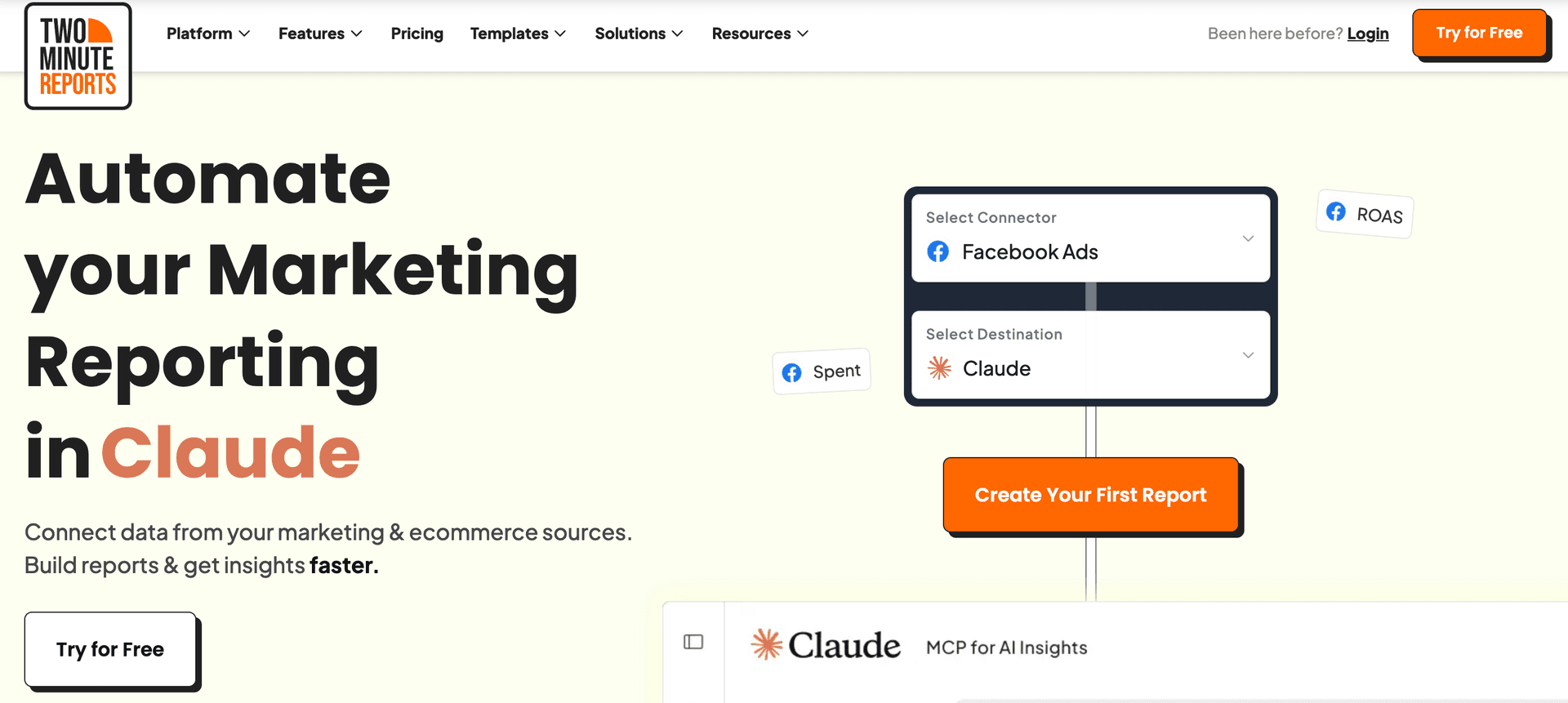
- AI Dashboards - describe the report you want and get a live dashboard for any connected data source.
- Dash AI - A marketing assistant that lets you chat directly with your campaign data.
- 100+ free pre-built templates - ready-made, client-ready dashboards for every major channel
- White-label marketing reports - your logo, your colors, your branding, on every plan.
- Automated scheduled reports - scheduled report delivery across multiple clients via email.
- Speedboost technology - large dashboards load faster, so you spend less time waiting on refreshes.
- Data blending - blend data across PPC platforms into one, clear ROI-focused view.
- Custom fields - build metrics and dimensions that match your own business logic.
- Goals and budget tracking - set targets, pace spend, and flag overspend before the month closes.
- Client management & account mapping - group ad accounts by client so multi-client reporting stays tidy.
- MCP Access - connect your marketing data straight into Claude, ChatGPT, and other AI platforms
- Claude Skills - download ready-made audit skills and run a full account review in minutes.
- Easy learning curve.
- No-code, automated reporting with transparent, scalable pricing.
- Faster data syncs to streamline reporting workflow.
- Responsive customer support
- Zero row limits across all plans.
- Build AI dashboards faster without any caps or limits
- Automate performance summaries to your clients on set intervals via Dash AI.
- Hourly refresh available across all plans.
Jakub
"Its ease of use, coupled with its ability to integrate with popular platforms like Google Analytics and Facebook Ads, makes it an attractive option for businesses and agencies that need a reliable reporting solution without a steep learning curve."
- No freemium plan.
David
"There are some integrations that could be added to make it more robust."
First-Hand Experience
Two Minute Reports gives you more room to grow compared to DashThis. You do not get charged extra every time you add a new dashboard, so scaling clients and campaigns does not become a financial penalty.
You also get real customization. Build dashboards around the metrics your clients care about, blend data across platforms, fix naming issues, and organize everything clearly without preset widget limitations. Full white-label branding is available from the start, so your reports always look professional and client-ready.
Teams stay productive, too. You can reuse dashboards across accounts, export data wherever you need it, and collaborate without restrictions slowing you down.
Bottom line? If DashThis feels like a ceiling, Two Minute Reports is the open sky.
Pricing and Value
Annual billing saves 17%.
Final Verdict
Two Minute Reports outshines DashThis in the areas that truly impact agency growth: pricing that scales fairly, deeper customization, and features built for collaboration. You are not punished for adding dashboards. You get full white-label control from the start. And you can blend data and build metrics without running into preset limitations.
It gives agencies the flexibility to manage more clients, move faster with automation, and maintain control over reporting workflows. If DashThis creates barriers as you grow, Two Minute Reports removes them.
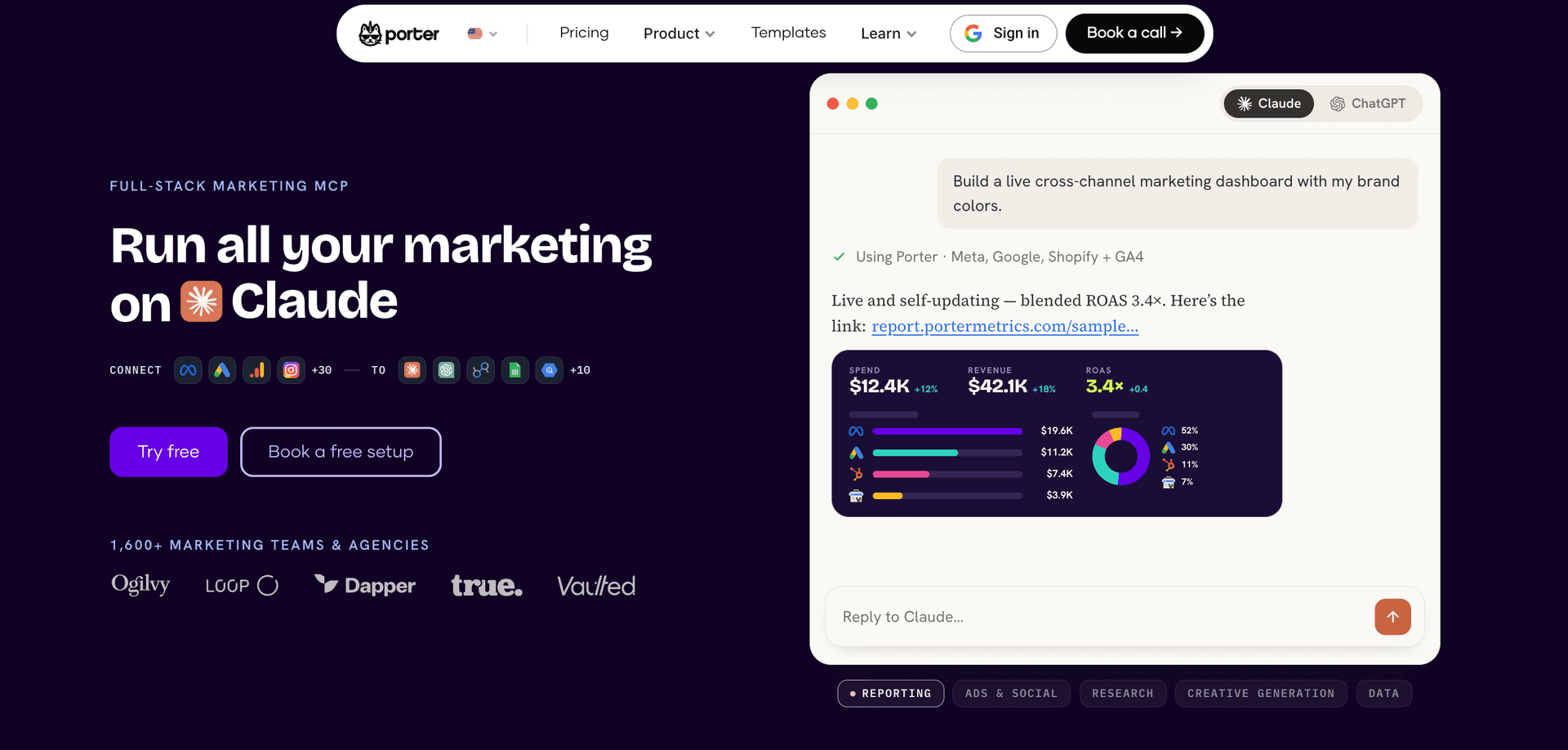
2. Portermetrics
Supported platforms:
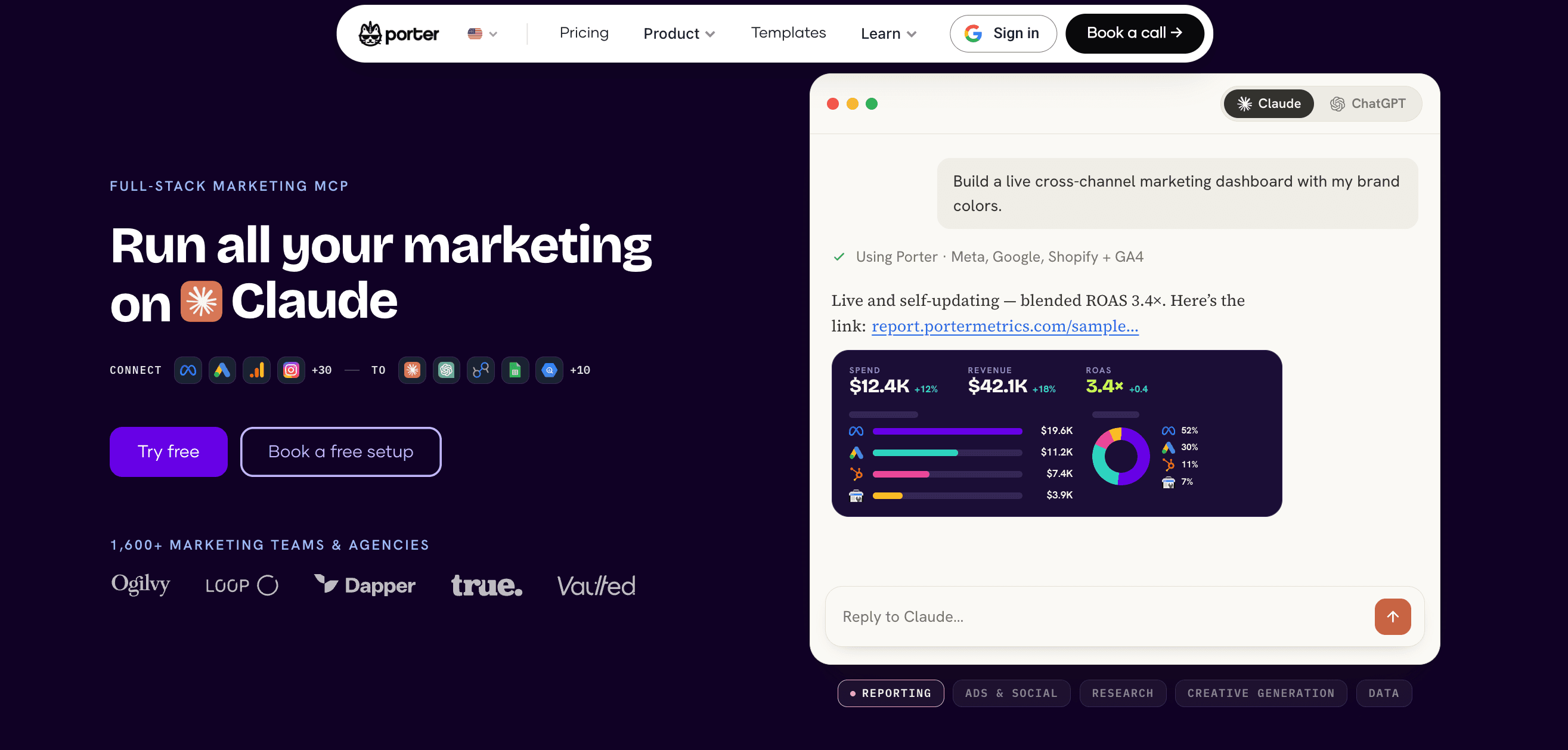
Offers 20 marketing-focused integrations across ads, social media, CRM, ecommerce, email, etc.
Key features:
- Data source integration: Syncs marketing data from 18+ platforms, including Google Ads, Meta Ads, LinkedIn, Shopify, HubSpot, and Mailchimp in one place.
- Build client reports: Let's non-technical users build visual reports using drag-and-drop elements like charts, scorecards, and tables.
- Automated reporting: Automates report refresh and delivery on a daily, weekly, or monthly basis to keep teams updated.
- Cross-channel reporting: Blends data from multiple sources to measure performance metrics like ROI and ROAS across channels.
- Custom marketing dashboards: Builds shareable dashboards in Google Data Studio and Google Sheets for easy access across teams.
- AI creative generation: Generates advertising images, product visuals, videos, etc using AI models through conversational workflows.
- Offers 100+ ready-to-use templates for Google Data Studio and Google Sheets.
- Known for its beginner-friendly interface that makes reporting simple even for non-technical teams.
- Supports cross-channel reporting to give a complete picture of marketing performance.
- Flexible pricing lets you pay only for the accounts you actually connect to and use.
- Great for teams who want powerful analytics with no-code or complicated setup.
Walter F
"Without a doubt, the quick and easy connection allowed me to create a dashboard in minutes, taking advantage of the available themes, replicating charts and tables according to my needs, without worrying too much about the design."
- Dashboards can take longer to load, which may slow down reporting workflows.
- A limited number of integrations makes it less scalable for multi-channel teams.
- Pricing isn’t the most competitive, especially given the smaller connector library and no free plan option.
- Advanced capabilities like data blending require an additional paid add-on.
- Better suited for Google Data Studio; Google Sheets users may find the functionality restrictive.
George R
"The connectors are always broken and it is always an error on the Porter Metrics end. It makes it extremely frustrating when I make reports for senior management and in the middle of their presentation Porter's connectors break and it looks bad on everyone. "
First-Hand Experience
Porter Metrics feels easier to pick up, especially if your team lives in Google Data Studio or Google Sheets. You get plug-and-play templates, simple onboarding, and flexible pricing based on the accounts you link instead of paying per dashboard.
However, once you start growing, you may hit the same walls. Integrations are limited, dashboards can slow down with heavier data, and advanced features like blending require an extra add-on. If you want deeper reporting flexibility or multi-channel scale, Porter still leaves you wanting more.
Pricing and Value
Portermetrics offers two separate pricing plans:
- Reporting: Follows a pay-per-account pricing model. Starts at $12.50/month per account. Pricing becomes expensive as you add more accounts.
- Automation: The free plan offers 100 credits/month. The Build plan starts at $23/month for 500 credits/month and goes up to $208/month, allowing up to 10,000 credits/month.
Final Verdict
Porter Metrics is a solid upgrade if DashThis feels too restrictive. It simplifies reporting and keeps costs manageable early on. However, when you need more power, more speed, and more customization, the limitations start to show.
Two Minute Reports stands out as the tool that grows with you. It gives you fast performance, deeper data control, and professional dashboards without charging extra for what should already be included.
If you are evaluating DashThis alternatives, Porter may fix a few problems. Two Minute Reports fixes them all.
3. Supermetrics
Apps:
Google Sheets add-on, Google Data Studio connector, API and includes other destinations such as Power BI, etc.
Supported platforms:
Around 100+ integrations across PPC, email, SEO, ecommerce, social media, etc.
Key features:
- Data integration capabilities: Connect 100+ data sources, including Facebook Ads, Google, Amazon, TikTok, and Shopify, to your preferred destination.
- Advanced data pipelines: Leverage pre-built and custom data pipelines to move and transform data from source to destination for advanced analysis.
- Streamlined reporting: Get access to granular marketing and performance insights to understand what’s working and what’s not.
- Advanced data transformations: Create advanced data transformations such as dynamic currency conversion, custom metrics, merging ad spend, etc.
- Automated delivery: Enable schedule data refreshes to keep clients informed on real-time updates without having to pull manually.
- Enterprise-level reporting.
- Advanced data storage capabilities.
- Robust data management features for organizing, transforming, and combining data from multiple sources.
- Multiple teams and client collaboration.
Trevor I
"SuperMetrics continues to seek out new platforms to make connections to, and they just created one for a platform that I routinely use for monthly reporting."
- Requires high technical expertise to troubleshoot and resolve issues.
- Highly expensive for SMBs and agencies.
- The cost of integrating additional connectors is high.
- Steep learning curve.
- Upgrade to higher plans to customize refresh schedules.
William T
"Troubleshooting issues with Supermetrics is as far from transparent as I've ever seen - to resolve most issues (caused by bugs within the software rather than human error) requires contacting support directly, rather than being solvable on the user end. "
First-Hand Experience
Supermetrics gives you serious data power. You can pull granular numbers straight into spreadsheets and build reports with total control. The downside is that you pay for power. The pricing climbs as you add connectors and users, and the setup can be intimidating if the team is not very technical.
Pricing and Value
Supermetrics pricing plan starts at $29/month, supporting 3 data sources, 1 core destination, weekly data refresh, and access to dashboards. The other plans include:
- Growth – $159/month – 7 data sources, 1 core destination, daily refresh, data transformation, SSO.
- Pro – $399/month – 10 data sources, 1 destination, hourly refreshes, Supermetrics storage basic
- Enterprise – Custom – Advanced features for large-scale businesses.
It is clear that for businesses with complex reporting needs, Supermetrics offers good value. However, for small businesses or startups, Supermetrics pricing may sound like a less attractive option.
Final Verdict
Supermetrics wins on data control and sophistication. DashThis wins on ease and speed. But neither tool checks every box. One becomes expensive as you scale, and the other can feel restrictive once you outgrow starter dashboards. The decision ultimately comes down to whether your team is okay with compromising either flexibility or affordability.
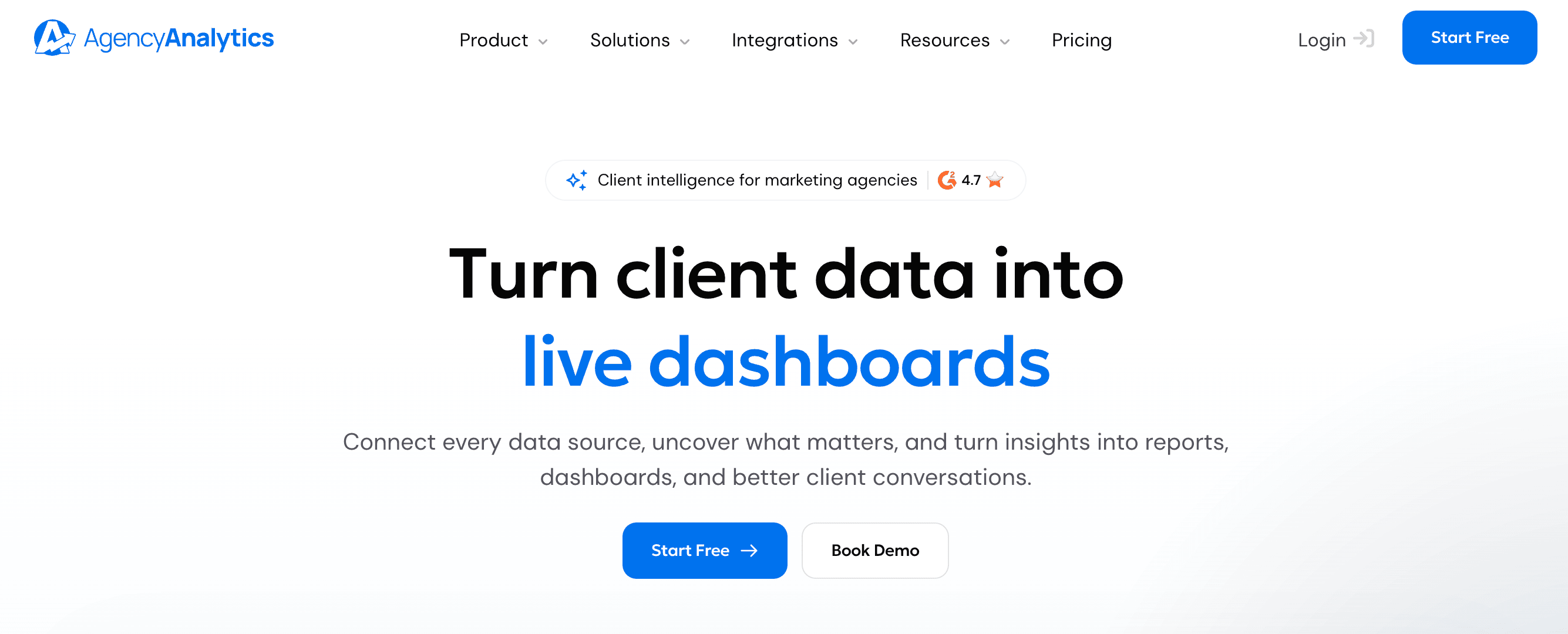
4. AgencyAnalytics
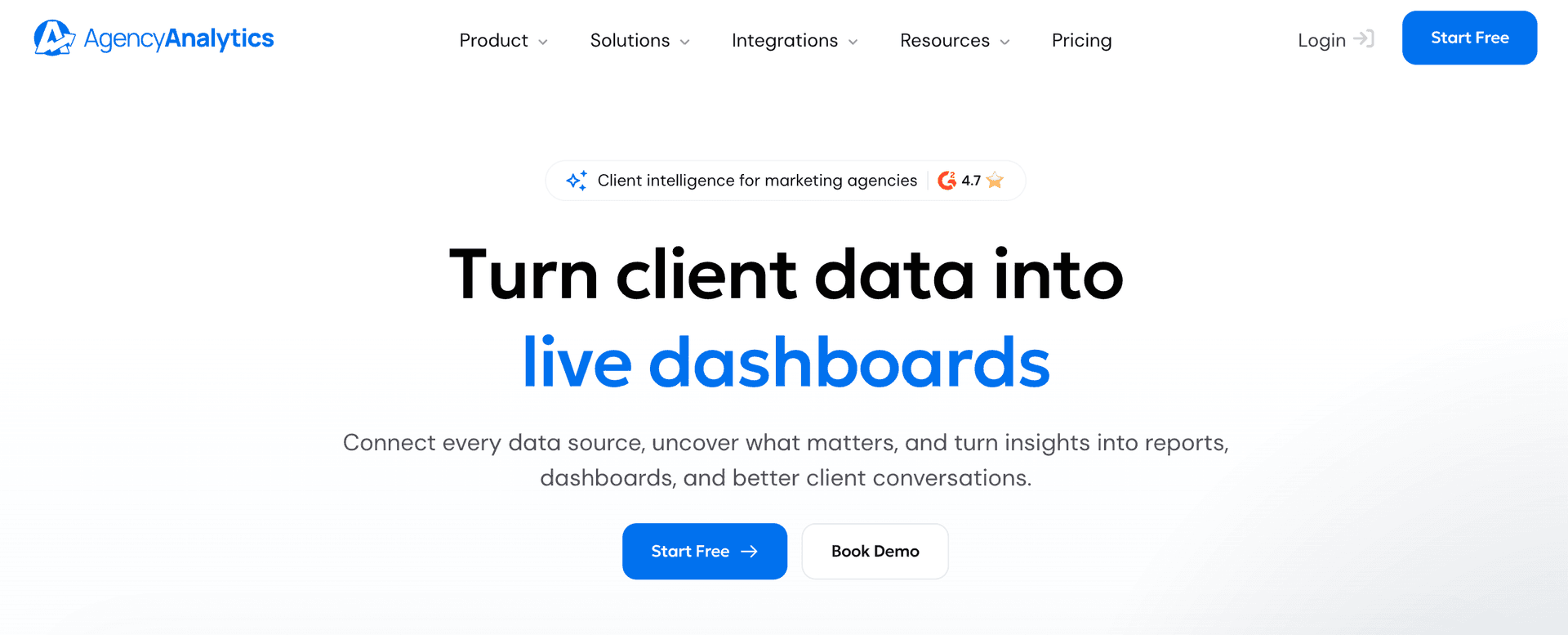
Supported platforms:
Supports 80+ integrations such as ActiveCampaign, Amazon Ads, LinkedIn Ads, GA4, etc.
Key features:
- White-labelling: Offer clients branded, professional dashboards to improve your agency’s expertise and credibility.
- AI-Tracker: Track and analyze how your clients show up across different AI platforms such as Claude, ChatGPT, Gemini, etc.
- Clients & Staff Management: Manage all your clients, staff, and teams in one place so you can share reports, create custom permissions, and give clients their own login.
- Drag-and-drop report builder: Use the drag-and-drop report builder to create visually compelling reports that showcase clear results.
- Custom comments: Add personalized comments and annotations to make your reports contextually relevant to your clients.
- Easy-to-use reporting interface.
- A broad range of integrations for agencies to consolidate marketing data.
- Fast and responsive customer support.
Oren M
"The platform gives you complete visibility into performance across multiple channels, with advanced filtering options and fully customizable dashboards."
- Some users face issues with the rank tracker.
- Pricing scales as you onboard new clients.
Sarfaraz
"The platform had limited capacity when it came to configuring report dimensions and tracking custom dimensions, which severely limited my ability to gain the insights I wanted from our performance reports. Furthermore, there were quite a few occasions where I encountered bugs in their software or had difficulty getting technical support for my issues."
First-Hand Experience
AgencyAnalytics feels built for agencies that want to look sharp in front of clients. The dashboards are clean, and you can shape them to match each brand. Drag, drop, rename, organise. It feels like reporting finally respects your workflow.
The client portal is a win too. Instead of sending PDFs and chasing inbox replies, clients can log in anytime and get answers themselves. The AI insights help surface opportunities without digging, which saves precious hours each week.
There are still moments where you want deeper data control, but for agencies focused on client delivery and scalable reporting structure, it brings a workflow that feels polished and efficient.
Pricing and Value
AgencyAnalytics pricing depends on the number of clients.
- Core plan: $20/month for one client (billed annually)
- AI Tracker (add-on): $20.83/month per 250 credits (currently in Beta)
- Rank-tracker (add-on): $41.67/month per 500 keywords.
Final Verdict
AgencyAnalytics has strong client-facing features that make reporting feel professional. However, compared directly with DashThis, it becomes clear why agencies choose it. This can feel restrictive with preset widgets that block deeper customization. It also charges more as you add dashboards and keeps full branding locked behind expensive plans.
If you want a reporting platform that grows with client demands instead of slowing you down, AgencyAnalytics is the more scalable pick for agencies ready to level up their reporting game.
5. Coupler.io
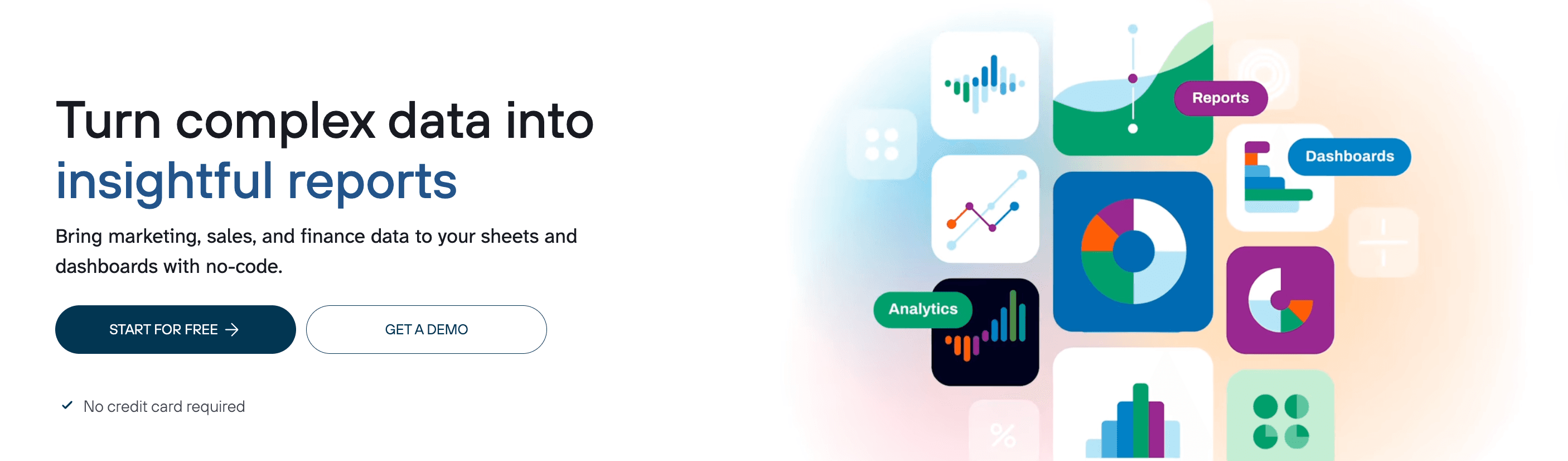
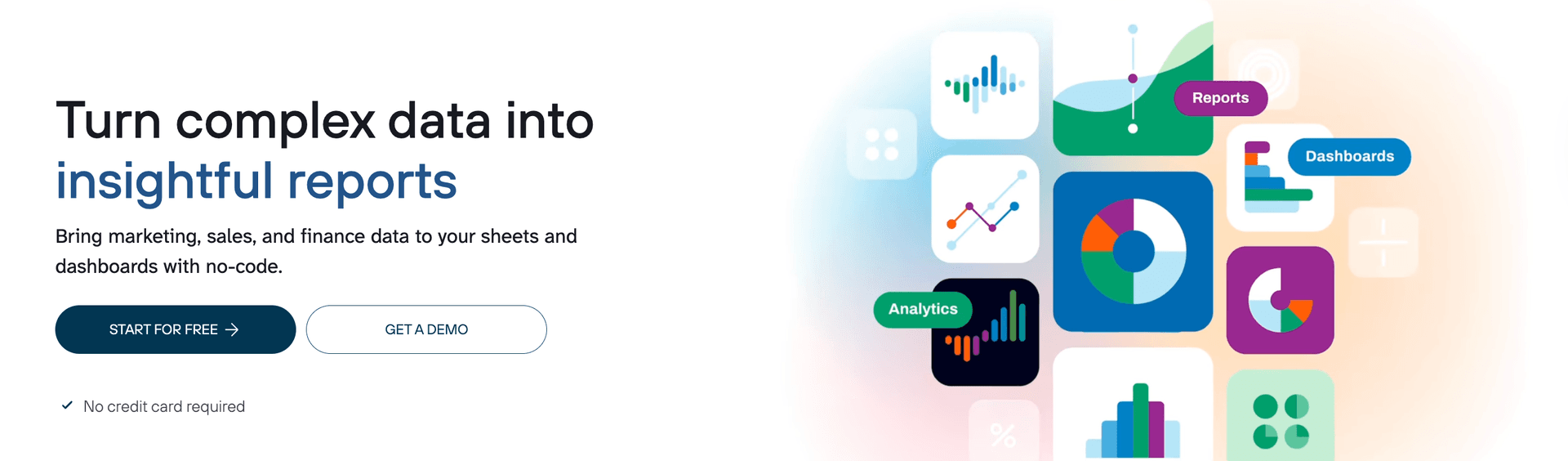
Supported platforms:
Supports integration with 300+ data sources across a wide range of categories such as CRM, ecommerce, email, marketing, social media, etc.
Key features
- Data blending: Consolidate and streamline key advertising channels in a single dashboard.
- Data transformation: Apply advanced filters and sorting options to clearly visualize actionable insights.
- Custom formula fields: Create formula fields and perform calculations using the Transform module.
- AI-insights: Get instant insights from your dashboard data powered by AI.
- AI Agent: Ask questions related to your campaign performance and act on the insights to make informed decisions.
- SQL-powered data transformation: Combine, reshape, rank and compare datasets using custom DuckDB SQL queries for flexible control over data preparation.
- Automatically launch data imports.
- Responsive support team.
- Customize data flows to your specific business needs.
Norman D
"I’ve found Coupler to be an invaluable tool for our operations. We are using it to create a single view across multiple QuickBooks Online (QBO) and Stripe instances, giving our organization unified reporting that was previously very difficult to achieve. "
- Must upgrade to higher plans for daily refreshes and unlimited data volume limits.
- Some users find it difficult to set up complex integrations.
- Lacks advanced data transformation capabilities.
First-Hand Experience
Coupler.io feels like a tool built for people who want full control of their data. You can pull in information from different platforms, clean it up, apply formulas, and shape your dashboard the way you want. Once you understand its workflow, the customization options are strong. It rewards users who like deeper analysis and hands-on data handling.
However, the learning curve is definitely there. It takes time for beginners or busy marketers to get comfortable with the setup. And if you rely heavily on visual dashboards for clients, Coupler.io might feel more technical than creative. It shines behind the scenes, not necessarily in how you present insights.
Pricing and Value
Coupler offers a free plan with 1 data source, 1 user, 1 destination and 100 rows/run. The paid plans are as follows:
- Starter: $24/month – 3 accounts, 1 destination, daily data refresh, 5000 rows/run, transformations, AI Agent (900 credits) and AI insights (5 credits)
- Active: $99/month – 15 accounts, 3 data destinations, daily data refresh, AI analysis (AI Agent (1500 credits) and AI insights (25 credits))
- Pro: $199/month – 50 accounts, hourly data refresh, AI analysis (AI Agent (3000 credits) and AI insights (100 credits))
- Custom: Custom Pricing – Custom accounts and destinations
Final Verdict
If your top priority is precision data control with room for advanced transformation, Coupler.io is a solid choice. It works best for teams that want data mastery. If you need speed, flexibility, and easier client delivery, you might want to look further down this list.
6. Adverity


Supported platforms:
Access to 600+ connectors across a wide range of categories, such as ad server, affiliate, attribution, CRM, database, social analytics, marketing automation, SEO, etc.
Key features:
- Data Harmonization: Standardize metrics and dimensions across platforms using data mapping, so fields such as cost and spend can be compared consistently.
- AI-powered transformation assistance: Use Transformation Copilot to identify suitable transformations and help configure custom scripts, including Python and RegEx expressions.
- AI-ready marketing data: Adverity Atlas adds a marketing knowledge layer to an existing data warehouse, so that AI tools can better interpret metrics and KPIs to help you make better decisions.
- Data quality monitoring: Detect data issues and anomalies before they affect your reporting and analysis.
- Robust data management capabilities.
- Efficient pipeline management.
- Automated data monitoring helps fix issues quickly.
- Manages historical data for long-term analysis and data warehousing.
Nicolas C
"We run thousands of pipelines on Adverity and it handles them very well. Performance is strong and the platform is highly flexible , we can customize pipelines to fit our exact needs, which makes managing lots of different data sources much easier."
- Some data streams take time to fetch.
- Steep learning curve for non-tech users.
- Visualization and customization options can be improved.
- Limited white-labelling options.
Beatriz M
"The complexity of the platform regarding the rules that you can add and the technical part. When you need to create a Bundle in order to have several datastreams connected. "
First-Hand Experience
Adverity feels like the smart choice for teams who live in data. It pulls everything into one place, cleans it up, and gives you a clearer picture of what is actually working. No more jumping between channels or manually fixing spreadsheet chaos.
Once the setup is done, the system keeps scaling with you. New clients, more data sources, bigger campaigns… it handles the workload without slowing down. And because you have more control over how data is transformed and organized, insights feel sharper and more reliable.
But this power comes with a learning curve. If you are used to quick plug-and-play dashboards, you will need some time to get comfortable. Smaller teams with lightweight reporting needs may not take full advantage of everything it offers.
Pricing and Value
Since Adverity is focused towards large-scale enterprise reporting, they have custom plans. You must contact their team to enquire about plans.
Final Verdict
DashThis does a good job when reporting is simple. But as soon as your data mix expands or you want to blend, model, or unify channels, walls start appearing fast. Adverity removes those walls.
If your priority is:
• Deeper insights
• More data control
• More flexibility as you grow
Adverity is built with those goals in mind. It delivers what DashThis often struggles with once reporting complexity increases.
7. Dataslayer
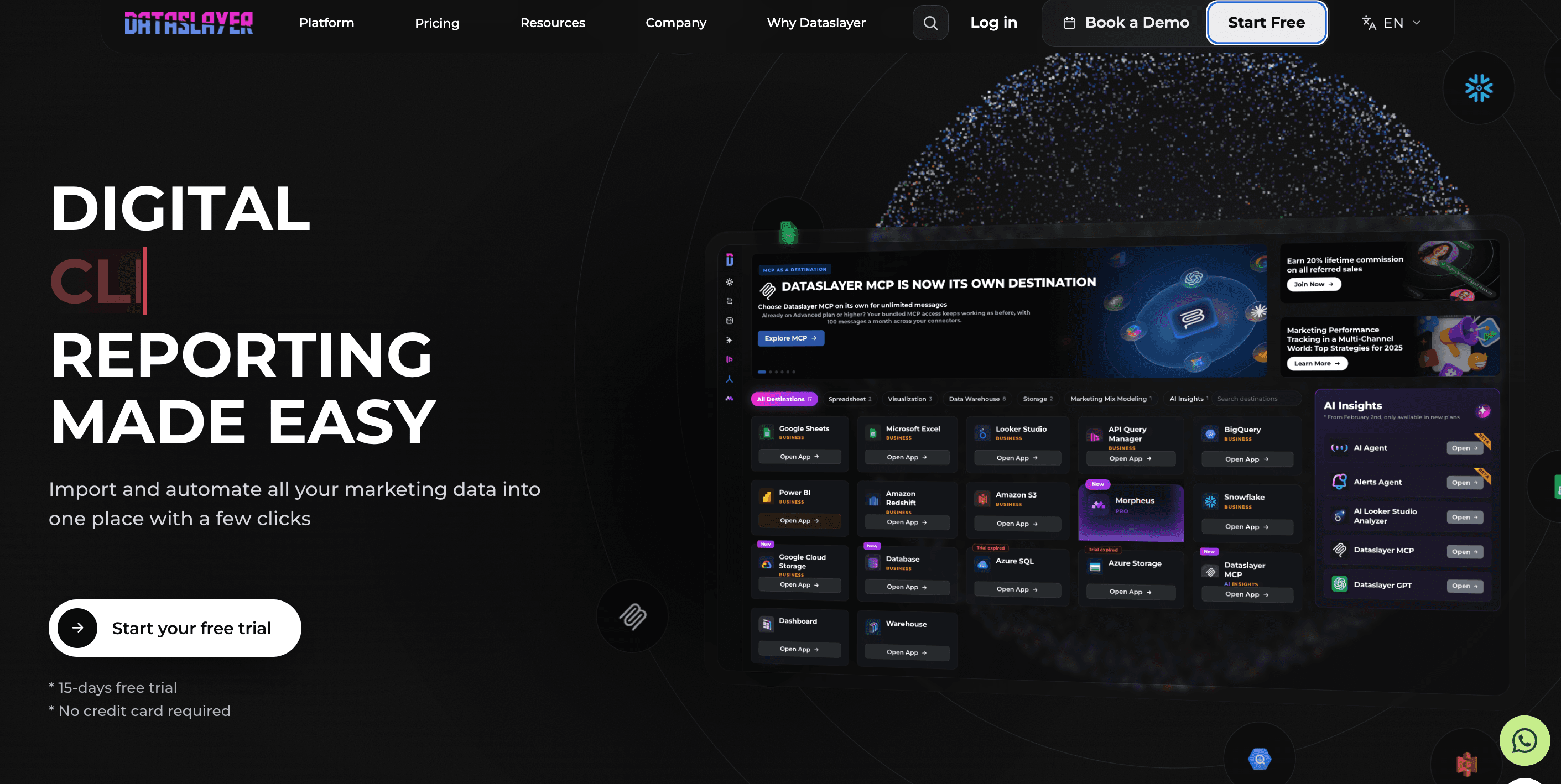
Supported platforms:
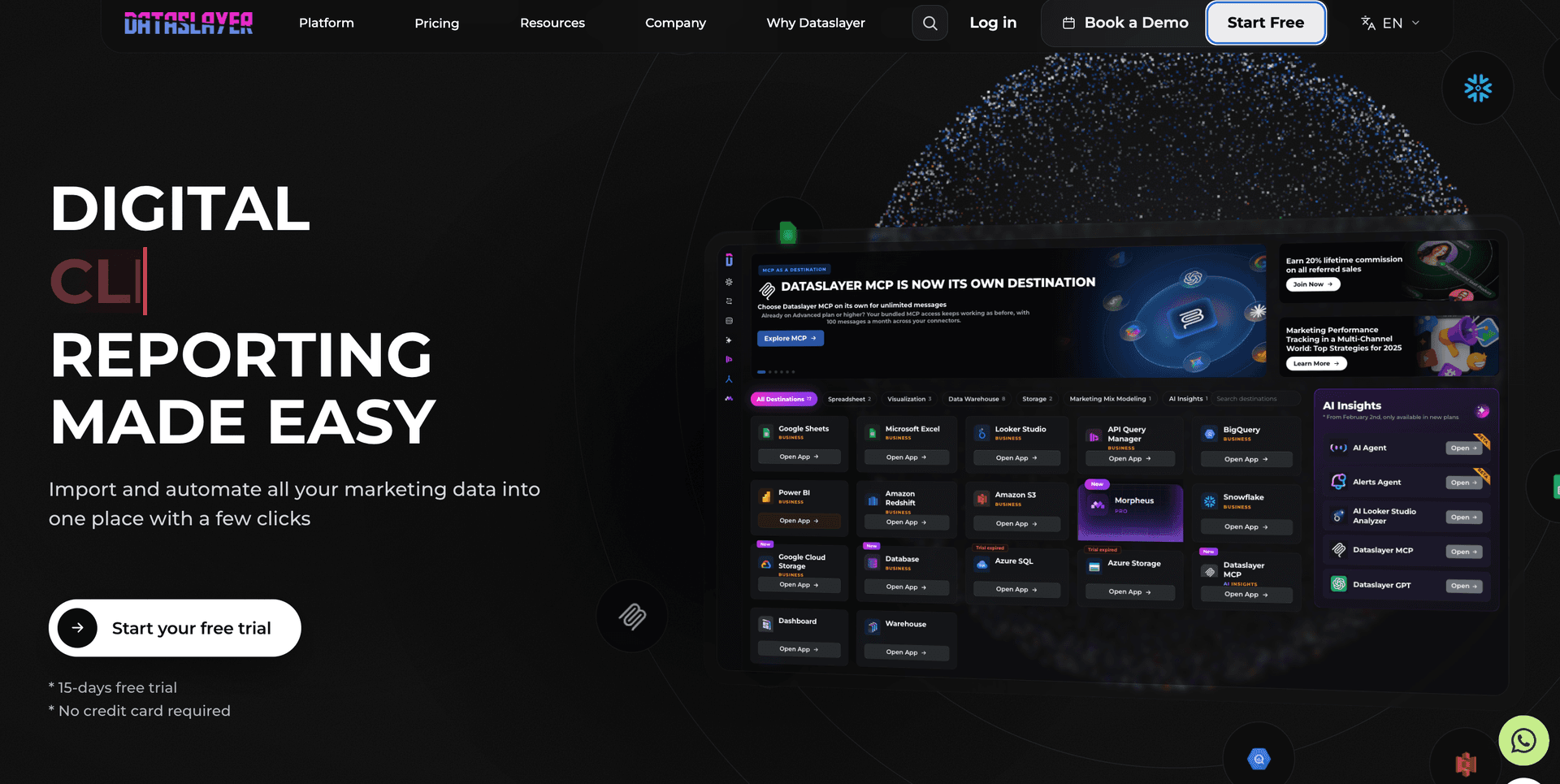
Supports 50+ platforms such as Facebook Ads, Google Ads, GA4, YouTube, Snapchat, MariaDB, Stripe, WooCommerce, etc.
Key features:
- Data integrations: Connect data from different advertising, CRM, analytics, and ecommerce platforms.
- Dataslayer GPT: Access to Dataslayer AI for smarter and easier workflows.
- Automated report delivery: Schedule automatic refreshes to deliver live, real-time updates to clients.
- Data destinations: Export data to warehouses like BigQuery and Snowflake for sophisticated analysis.
- Marketing Mix Modeling: Optimize your advertising campaigns by forecasting data with Morpheus.
- Intuitive dashboard to streamline PPC reporting.
- Responsive customer support.
- Stable connections ensure smooth data analysis and reporting.
Rony D
"Dataslayer is an efficient, accessible, and easy-to-implement tool. It allows marketing teams to focus on analyzing and optimizing campaigns, instead of wasting time on repetitive data export tasks. "
- Certain metrics and dimensions may require manual adjustments.
- Must upgrade to higher plans for flexibility in API calls and daily refresh.
Daniel P
"Scalability: As user needs grow, enhancing scalability options for larger datasets and more complex queries could be beneficial."
First-Hand Experience
Dataslayer feels like a helpful booster when you want to get campaign data into a report fast. It plugs into Google Data Studio and Google Sheets without friction, so you can skip the technical setup and get straight to performance numbers. For teams that live inside Google’s ecosystem, this simplicity makes reporting much faster.
It is clearly built for marketers who care about exporting clean metrics to one place, not configuring complex analytics systems. That means advanced transformation and cross-channel modeling can feel limited. If your reporting needs remain straightforward, the tool does its job well. If you start adding more channels and deeper analysis, you may find the limits sooner than expected.
Pricing and Value
Dataslayer offers freemium plans. Its free plan includes 1 connector, 1 user, 1 account and manual data refresh. The paid plans are as follows:
- Starter – $35/month – 3 connectors, 1 user, 1 destination, 3 accounts per connector, daily schedule
- Advanced – $115/month – 7 connectors, 10 users, 50 accounts per connector, 1 destination, hourly schedule. data blending, AI insights (100 messages for AI insights and 100 calls for other AI features)
- Pro – $345/month – 10 connectors, 1 destination, unlimited users, 100 accounts per connector
- Business – Custom – Custom connectors of your choice, hourly refresh and custom hours
You can choose from Core, Enterprise, and MCP destinations. The Enterprise destinations include a monthly row limit.
Final Verdict
Dataslayer offers more flexibility if your goal is to control and organize your raw marketing data directly in Google Data Studio or Sheets. It works best for fast access to ad data that you can shape and analyze your way.
8. Power My Analytics
Supported platforms:
Supports 40+ platforms such as Google, Facebook, Instagram, Shopify, HubSpot, Campaign Monitor, Outbrain, etc.
Key features:
- Marketing Data Hub: Connect your marketing platforms to your preferred destination, warehouse or spreadsheet tools.
- Data Warehousing: Automatically collect and store marketing data in PMA’s data warehouse, helping you centralize your data for maximum efficiency.
- AI-insights: Generate AI-summaries of datasets to identify performance trends, anomalies, top-performing campaigns, etc. AI insights uses monthly credits which is based on your plan.
- MCP Integration: Connect marketing data to AI tools such as Claude, ChatGPT through MCP to act on your insights instantly.
- Easy-to-use interface with the ability to consolidate multiple data sources.
- Flexible warehousing solutions to store and secure your data.
Jens O
"Power My Analytics offer an easy integration with our data source(s) and was quickly deployed via predefined templates that gave a nice overview of most important KPIs."
- You can build unlimited reports in Google Sheets only on higher plans.
- Pricing feels expensive for SMBs, especially with increasing add-on costs.
Rebecca
"The connectors do seem to need some work--they can sometimes be slow, or the metrics are not always obvious for the various connectors. "
First-Hand Experience
Power My Analytics feels like a clean, mid-budget data hub for marketers who just want their numbers flowing, no fuss, no complex setup. Data from ads, social, web analytics, ecommerce, and CRM all funnel into one place. When you connect it to a destination like Google Sheets or Google Data Studio, setting up reports is quicker and cheaper than many premium options.
If you care about automating data collection, not manually pulling reports every week, PMA makes that painless. You get scheduled data fetches, automated updates, and a central hub that handles all your connectors.
That said, it doesn’t feel like an enterprise-level powerhouse. For heavy data blending, complex multi-channel modelling, or high-volume transformations, it shows its limits. The flexibility around metrics and deep customization isn’t the same as a top-tier analytic stack.
Pricing and Value
PMA offers 4 pricing plans. All plans include access to Data Studio, Tableau, Claude, ChatGPT, and Power BI. Here they are:
- Business: $41.63/month – 5 sources, 5 total accounts, 50 AI Insights credits
- Grow: $83.29/month – Unlimited sources, 7 accounts/source, 100 AI insights credits
- Pro: $166.63/month – Unlimited sources, 20 accounts/source, 100 AI insights credits, Sheets/Excel integration
- Custom: Contact Sales – Export to BigQuery, SQL, FTP, unlimited sources/accounts
Final Verdict
If you prioritise automation, affordability, and ownership of raw data over flashy dashboards, PMA is a smart pick. For agencies handling many clients with varied data sources, who need clean, flexible data, it’s worth serious consideration.
9. Funnel.io
Apps:
Available as a Google Sheets add-on, Google Data Studio connector, and includes destinations by use cases.
Supported platforms:
Supports 100+ platforms such as Facebook Ads, Instagram insights, Bing Ads, Amazon Ad Server, Taboola, Shopify, WooCommerce, etc.
Key features:
- Data explorer: Choose your desired fields and generate a table for instant data insights.
- White-labelling: Customize logos, fonts, and other interactive elements to match your client’s branding and requirements.
- Advanced data hub: Manage and share dashboards with clients and teammates who don’t have access to the Funnel app.
- Optimize ad spend: Includes advanced measurement models such as MMM, MTM, Incrementality testing and triangulation to streamline ad spend.
- Data source templates: Allows you to save data source configurations for a particular connector.
- Integrated data hub to access high-quality data for analysis.
- Numerous connectors are available for various platforms.
Muhammad Abdullah S
"Funnel makes it very easy to connect all our relevant marketing and analytics data sources in one place and keep them synced automatically. "
- Pricing can be expensive for SMBs due to the connectors being classified into different pricing tiers, limiting accessibility.
- Some connectors and transformations might be slow to process large data volumes.
Ya Hui Debbie K
"They have time zone issues with their support. At the core, they are just an ETL tool, so you can’t do much beyond that. They charge fees even for basic connectors like Power BI. "
First-Hand Experience
Funnel is an excellent choice for teams that require advanced data integration, transformation, and customizable workflows. I’ve found it useful for visualizing data through tailored dashboards to fasten decision-making. While the onboarding process can be a bit challenging for non-technical users, once you get the hang of the platform, it helps streamline your reporting workflows and makes everything efficient.
Pricing and Value
Funnel offers two separate plans for Brands and Agencies. Here they are:
- Brands: Starter ($300/month), Business ($600/month) and Enterprise (Custom pricing).
- Agencies: Agency Standard ($300/month) and Agency Advanced ($600/month)
Final Verdict
Funnel shines when you need serious marketing data management. It centralizes, standardizes, and automates reporting for brands who have outgrown basic dashboards. Teams dealing with multiple ad platforms, advanced metrics, or long-term analytics will get major value from Funnel’s data engine approach. If your business is growing, and accuracy matters more than convenience, Funnel.io offers a more future-proof reporting workflow.
10. Swydo
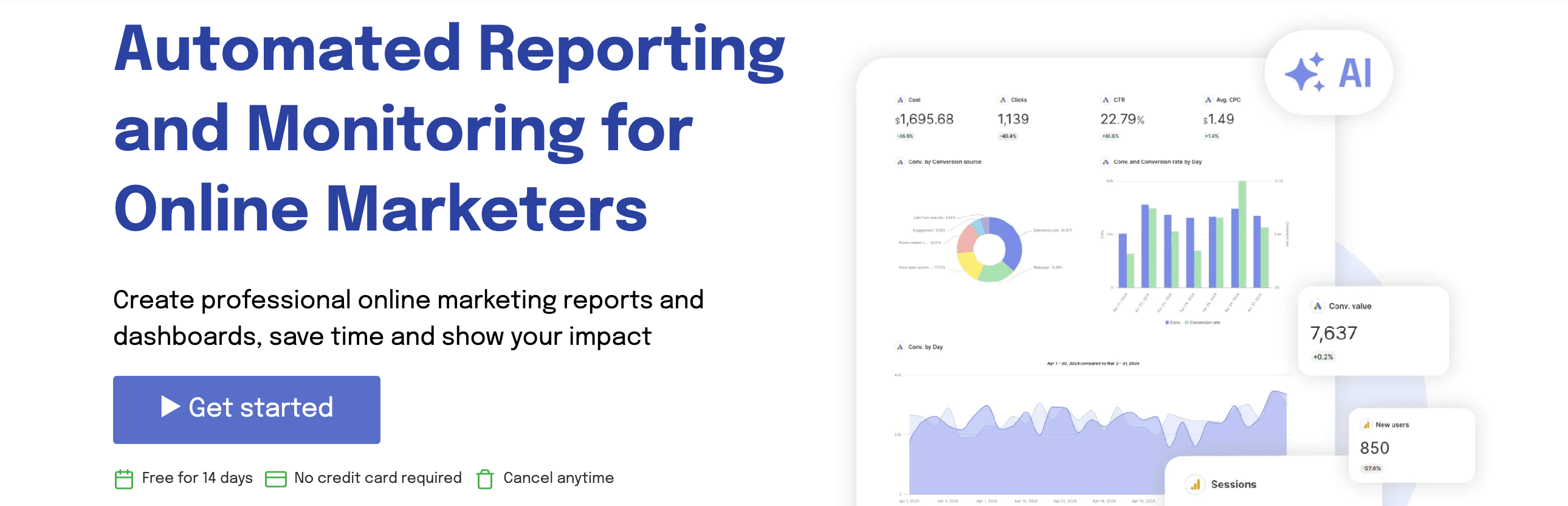
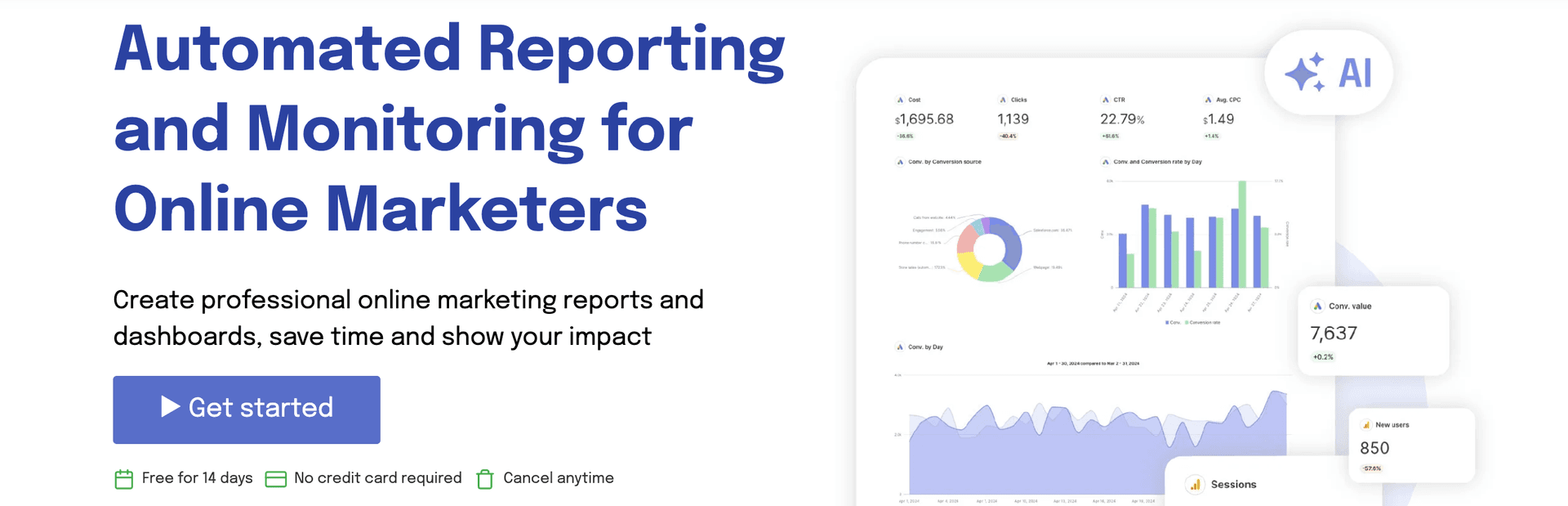
Apps:
Available on Google Sheets
Supported platforms:
Supports 30+ platforms such as Google Ads, Google Analytics 4, Facebook Ads, Google Search Console, HubSpot, etc.
Key Features:
- Custom KPI tracking: Track and measure custom metrics with built-in goal tracking.
- Data blending: Combine and evaluate campaign performance data from different advertising platforms in a single dashboard.
- Timely alerts: Get instant email notifications when your KPIs spike or fall below targets.
- Access to live dashboards: Share real-time, interactive dashboards via secure, custom links.
- Team collaboration: Assign user roles, manage permissions, and streamline team workflows.
- Simple and easy-to-use interface.
- Time-saving automation capabilities.
- Design re-usable templates tailored to your branding workflows.
Lance E
"I like how easy it is to set up reports and customize them. The white labeling is solid - I can add logos and format things the way I want which makes reports look clean and professional."
- The pricing structure could be more flexible for users who may not require all the features.
- No integration with Google Data Studio.
Razvan
"The fact that they will charge you extra, without any notice if you go above the data connections in your plan "
First-Hand Experience
Swydo delivers what small or mid-sized marketing teams need: quick setup, clean dashboards, and fewer headaches. Hook up a few ad or analytics accounts, and you get a neatly packaged report fast. Users often say it cuts down weekly reporting time significantly.
Exports look sharp. Reports are easy to brand, automate, and send to clients without chasing spreadsheets or doing manual exports.
Where it shows its limits is when you try to go beyond basic campaign data. Complex data blending, custom analytics across multiple platforms, or heavy multi-client scaling can feel constrained. Some metrics or cross-channel needs may require workarounds or compromise.
So for ads, social, or basic web tracking, Swydo works. For full-scale agency reporting power, this might not be enough.
Pricing and Value
Swydo offers a single pricing plan that includes all features, but the cost varies depending on the number of data sources you integrate.
The plan starts at $62/month for up to 10 data sources. However, I feel the pricing is rigid – if you need fewer than 10 data sources, Swydo sounds expensive than other alternatives.
Final Verdict
Swydo stands out when you want clean, automated reports without fuss. It handles common ad and analytics data smoothly, lets you brand reports, and removes manual chores. That makes it a smart fit for small to mid agencies, freelancers, or teams focused on ad-driven campaigns.
Compared with DashThis the difference becomes clear: dashboards and sources are easier to manage with Swydo’s per-data-source pricing. DashThis can quickly get expensive as you add dashboards. Its preset widget templates and rigid dashboards limit customization and flexibility, a real issue for agencies handling many clients or needing detailed reporting.
If you run straightforward ad campaigns and value clean visuals with minimal setup, Swydo does the job well.
11. Whatagraph
Supported platforms:
Supports 50+ native integrations across different categories such as PPC, social media, SEO, analytics, email, etc.
Key Features:
- Drag-and-drop editor: Easy-to-use editor with cross-channel widgets and flexible customization options.
- Automated reporting: Share live, real-time updates to clients via Slack, Notion, BigQuery or Google Data Studio.
- AI-powered insights: Whatagraph IQ helps you easily build reports with custom prompts.
- Custom transformations: Create custom metrics, dimensions, source tags and aggregate source blends.
- Excellent customer support.
- Intuitive client reporting interface
- Pre-made templates & data transformations.
Bruhith I
"The dashboards are clean, easy to build, and perfect for client reporting. It pulls in data from Google Ads, Meta, LinkedIn, and even TikTok without any hassle. "
- Widgets can break if multiple people edit the report simultaneously.
- Pricing feels expensive for SMBs.
- White-label customization is available only on the Boost plan, which costs $579/month.
Muhammad Umar A
"I was not able to fetch the key matrices in the campaign(s), such as purchases, adds to cart, etc. For this, I had to add a custom box, and fill out the entires manually."
First-Hand Experience
Whatagraph feels like a relief when you’re juggling multiple ad accounts and marketing channels. Once set up, it pulls in data from ads, analytics, SEO, social and turns it into clean dashboards you can send to clients. Everything from campaign performance to email stats lives in one place.
I liked how it handles report creation: drag and drop widgets, live previews, and nice layout controls. Reports come out polished without wrestling with pieces or manual fixes. Automation works smoothly — so weekly or monthly reporting becomes “set and forget.”
But it’s not perfect. When campaigns get complex, and you need advanced data blending or custom formulas, Whatagraph can feel a bit surface-level. Sometimes you have to compromise or run extra checks to make sure metrics align across sources.
So, for standard marketing reports and neat presentation, Whatagraph works great. For deep data work, it can start showing cracks.
Pricing and Value
Whatagraph offers two pricing plans.
- Max: $1118/month – IQ Agents, Advanced integrations, Data groups, blends, white-label reports, KPI overview with alerts.
- Prime: Custom – IQ Agents, Premium integrations, Custom report domain, Public API access, Transfer to BigQuery or Looker Studio.
Final Verdict
Whatagraph is a strong reporting platform when you value ease of use, visual polish, and reliable multi‑channel dashboards. It turns scattered data into shareable reports fast. If your agency handles multiple platforms and you care about clean dashboards, reasonable automation, and predictable scalability, Whatagraph is worth serious consideration.
Conclusion
When exploring DashThis alternatives, pay attention to how each tool handles core reporting features, flexibility, and pricing. A solution should not only fit your current workflow but also grow with your agency and clients.
If you want a reporting platform that is both simple and powerful, Two Minute Reports is worth considering. Setup is instant and no-code, reports are unlimited, and Speedboost technology ensures even large dashboards load in seconds. It’s built to help agencies scale reporting without getting bogged down in templates, limitations, or hidden costs.
Try Two Minute Reports free for 14 days and see how smarter, faster reporting can transform your workflow.
Frequently Asked Questions
Look at the connectors you need, where you want to export data, and how much dashboard customization you require. Choose a tool that scales with your clients and workflow.
DashThis can get expensive with per-dashboard pricing. Branding is limited, dashboards are rigid, and collaboration is restricted. A better tool offers flexibility, automation, and predictable costs.
Unlimited or scalable dashboards, multi-platform connectors, cross-channel data blending, automation, client-ready templates, and easy collaboration.
Extra fees for dashboards, users, connectors, refresh frequency, or scaling across multiple clients. Hidden costs can add up quickly as your agency grows.

Meet the Author
Shabika VenkidachalamShabika, at her core, is a storyteller who believes even data-heavy topics can be infused with heart. At Two Minute Reports, she blends creative writing with user intent to create clear, purposeful content that is deeply human. Away from her desk, she finds inspiration in nature, where creativity flourishes without distractions.


More Alternatives to Explore
See how Two Minute Reports compares to other reporting tools.

Take back your time. Wow clients.
Get Two Minute Reports.
Start your free trial todayBuilt by marketers. Built for marketers.