11 Best Supermetrics Alternatives for 2026
Find your best Supermetrics alternative by comparing features, pricing, and functionalities of the top 10 reporting solutions.
Looking for top Supermetrics alternatives? Smart budgeting always wins.
Supermetrics is a powerful and widely trusted reporting solution, but it comes with a higher price tag. For many marketers and agencies working within tight budgets, the cost can feel restrictive. And when key features are locked behind higher-tier plans, it becomes necessary to look for alternatives that offer more flexibility without compromising on performance.
It’s not just about pricing. Key capabilities, such as white-label reporting, which Supermetrics does not offer, are crucial for building client trust and delivering professional reports. When you’re planning long-term, you need a solution that removes obstacles and scales with your growth. The right alternative lets you analyze performance in real time and make informed decisions faster.
You’re in the right place. Here are the 10 best Supermetrics alternatives to help you streamline multi-client reporting with speed, accuracy, and better value.
Why do you need a Supermetrics Alternative?
You are here to switch from Supermetrics to a better alternative, and you’re definitely not alone. We’ve spoken to dozens of Supermetrics users, from agencies to fast-growing in-house teams, and one thing is clear: marketers want reporting that’s simpler, faster, and more aligned with how they actually work. Here are the top reasons they decide to cancel and switch:
Expensive with limited flexibility
Pricing remains the biggest concern. Supermetrics uses a pay-per-destination model that quickly adds up and restricts feature access. While the $29/month starter plan looks attractive, it supports only three data sources. As you scale, you’re pushed into higher-priced plans just to unlock essential capabilities.
No white-label or client branding options
Agencies rely on branded reporting to build trust. But Supermetrics doesn’t allow custom branding such as logos, color palettes, or layout personalization. This makes reports feel generic and less client-ready.
Slower data refresh on lower plans
Data refresh frequency is tied to your subscription tier. Faster and more reliable updates are reserved for premium plans, which means timely insights become a luxury rather than a standard feature.
Steep learning curve
Supermetrics often feels overwhelming for new users. The setup and onboarding can be lengthy, and creating your first reports isn’t as intuitive as expected. Teams end up spending valuable time figuring out the tool instead of analyzing data.
Comparison of Top Supermetrics Alternatives
Evaluate pricing, best-fit use cases, and automation features for each tool.
 |  |  | |
|---|---|---|---|
| Starting price (annual, per month) | $81/mo | $12.50/mo per account (billed annually) | $41.63/mo |
| Pricing model | Number of accounts per connector | Per data source account | Account-based pricing (+$14.95 per additional account in the Business Plan) |
| AI features | Dash AI (AI assistant), AI dashboard, MCP access (ChatGPT, Claude, Manus) | AI Query Builder to build custom fields | Auto-generated AI insights capped by plan limits (50 credits on Business - $41.63/month; 100 on Pro - $166.63/month) |
| AI dashboard creation | Yes - AI Dashboards on all plans. Not limited to credit based usage. | Unavailable | Unavailable |
| MCP support | Claude, ChatGPT and Manus integrations free across all plans | Yes - included on all plans (Claude & ChatGPT) | Yes - Business ($49.95) and up |
| Goals & budget tracking | Campaign goals and budget pacing available on all plans | Unavailable | Unavailable |
| Data sources | 30+ (core agency essentials) | 20+ (limited breadth) | 40+ |
| Destinations on entry plan | Report anywhere - Google Sheets, Looker Studio, or built-in dashboards | All destinations supported - however per account billing will cost more | Looker Studio only; Sheets + Excel need Pro ($166.63/mo) |
| Data refresh frequency | Daily / weekly / monthly, 5 schedules (on starting plan, unlimited on higher plans) | Refresh schedules available across all plans | Daily/weekly/monthly; hourly on enterprise |
| Additional users | Free. Unlimited users on all plans. | Unlimited users on all plans. | $4.95 each for business plan. Unlimited for Pro plan |
| Additional accounts | $8 Lite / $7 Pro / $4 Business (per account/mo) | $15 to $2/account/mo with volume discounts (annual: $12.50 to $1.67). | $14.95/mo (Business). $9.95 to $4.95/mo as per volume (Pro) |
| Best for | Agencies, freelancers, and marketers - fast, branded, automated reports | Small teams using Looker Studio natively | Mid-sized and large enterprises looking for an ETL-focused tool |
| G2 review | 4.8 | 4.6 | 4.5 |
| Report load speed | Exclusive access to Speedboost - 5X faster load | Slows down on high-volume accounts | Built-in data warehousing - but requires manual backfill |
| Try for Free | Learn More | Learn More |


11 best Supermetrics alternatives for marketers
Here are the top-performing Supermetrics alternatives on the market you can switch to today.
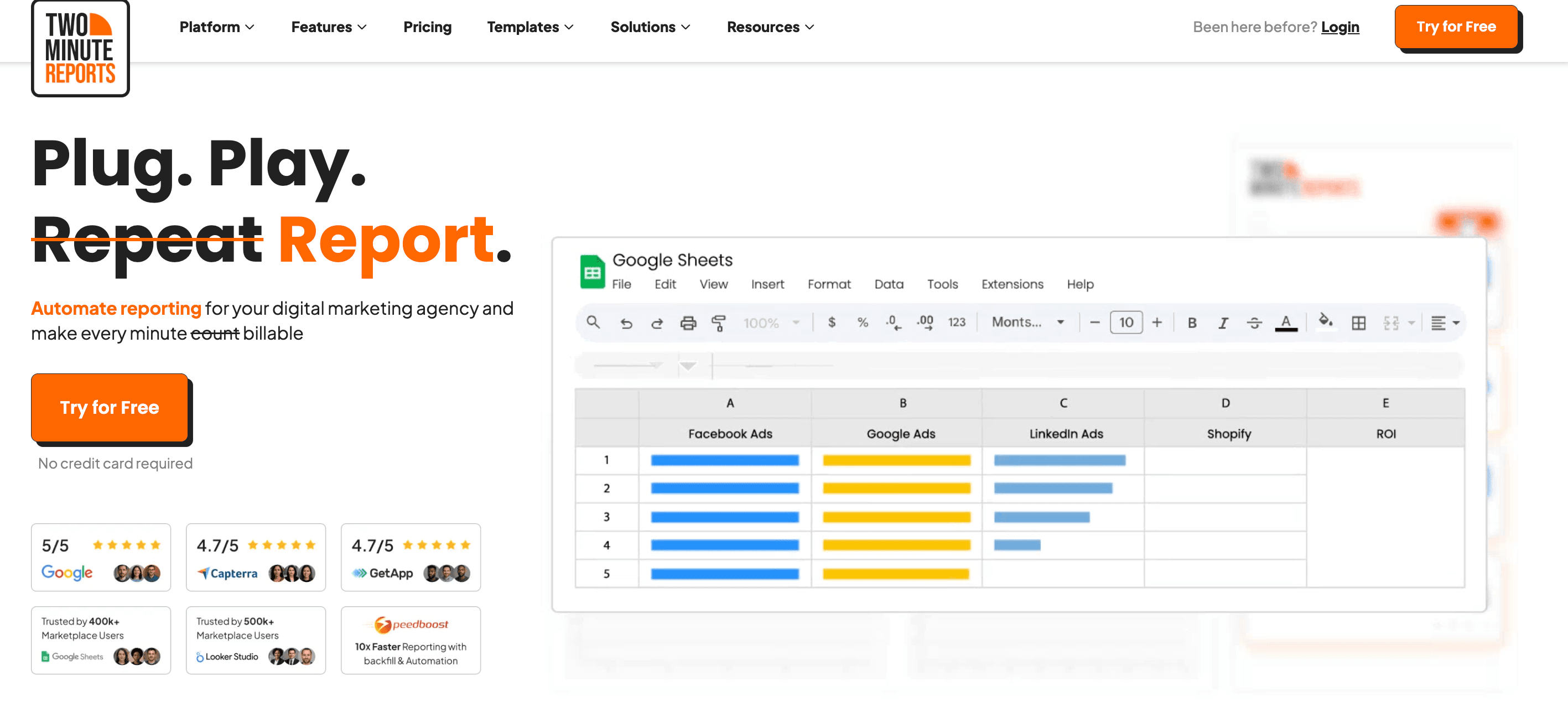
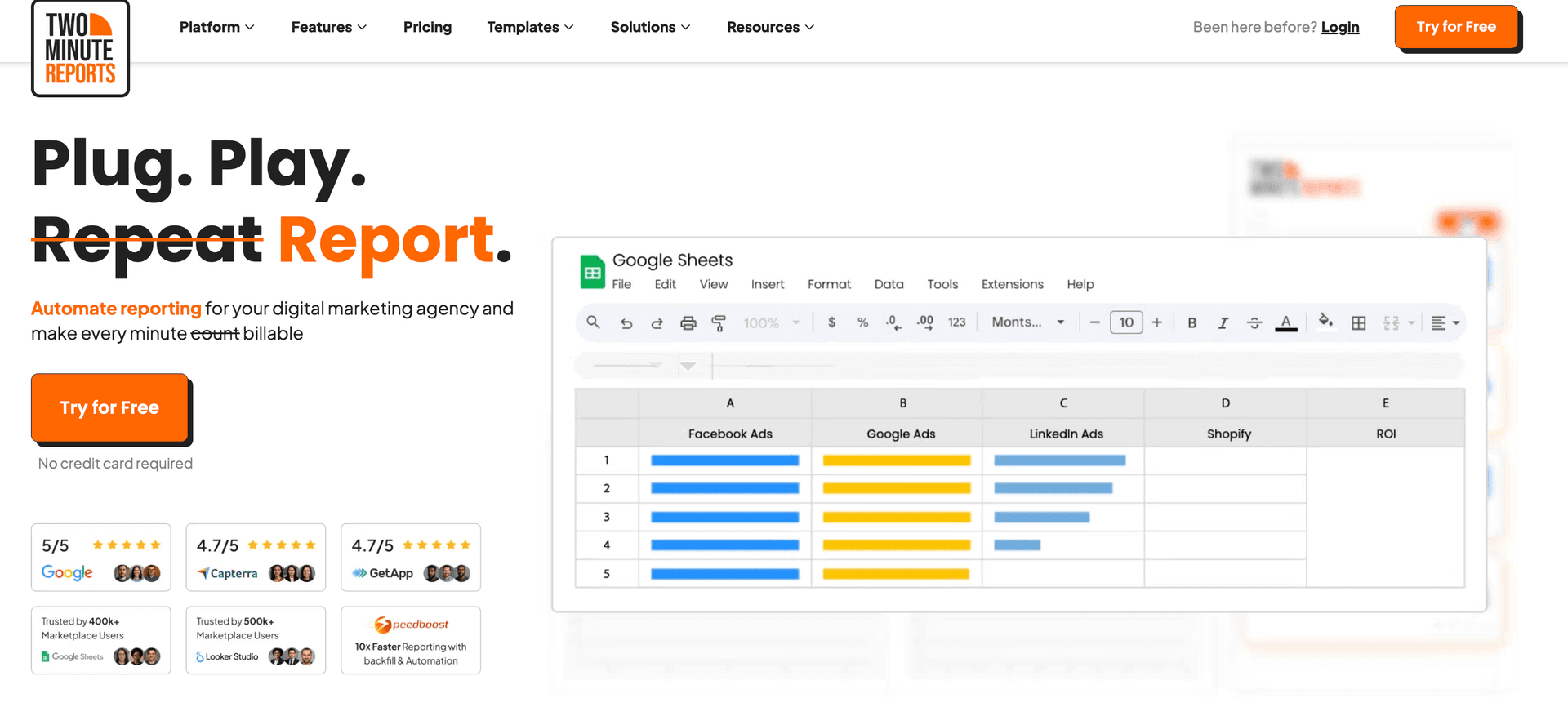
1. Two Minute Reports
Best for:
Marketing agencies, marketing teams, freelancers, and data teams.
Integrations:
Supports 30+ data sources, including Facebook Ads, Shopify, Google Ads, Google Analytics, LinkedIn Ads, Amazon, etc.
Apps:
Available as a native dashboard platform, a Google Sheets add-on, and a Looker Studio connector.
Key features:
- AI Dashboards - describe the report you want and get a live dashboard for any connected data source.
- Dash AI - A marketing assistant that lets you chat directly with your campaign data.
- 100+ free pre-built templates - ready-made, client-ready dashboards for every major channel
- White-label marketing reports - your logo, your colors, your branding, on every plan.
- Automated scheduled reports - scheduled report delivery across multiple clients via email.
- Speedboost technology - large dashboards load faster, so you spend less time waiting on refreshes.
- Data blending - blend data across PPC platforms into one, clear ROI-focused view.
- Custom fields - build metrics and dimensions that match your own business logic.
- Goals and budget tracking - set targets, pace spend, and flag overspend before the month closes.
- Client management & account mapping - group ad accounts by client so multi-client reporting stays tidy.
- MCP Access - connect your marketing data straight into Claude, ChatGPT, and other AI platforms
- Claude Skills - download ready-made audit skills and run a full account review in minutes.
- Easy learning curve.
- No-code, automated reporting with transparent, scalable pricing.
- Faster data syncs to streamline reporting workflow.
- Responsive customer support
- Zero row limits across all plans.
Jakub
"Its ease of use, coupled with its ability to integrate with popular platforms like Google Analytics and Facebook Ads, makes it an attractive option for businesses and agencies that need a reliable reporting solution without a steep learning curve."
- No freemium plan.
David
"There are some integrations that could be added to make it more robust."
First-Hand Experience
Two Minute Reports feels much more intuitive and quicker to set up when compared to Supermetrics. You can connect your data sources and start pulling essential KPIs in just a few clicks, without navigating complex onboarding steps. With Speedboost, even large reports load faster, helping you spend less time waiting and more time analyzing insights that matter.
While Supermetrics limits branded reporting and faster refresh rates to higher plans, TMR gives you 100+ fully white-label templates and quick data syncs without forcing costly upgrades. For marketers and agencies who want automation, scalability, and client-ready reporting at a fair price, Two Minute Reports stands out as the smarter choice.
Pricing and Value
Lite
Save 17% annually
Pro
Save 17% annually
Business
Save 17% annually
Automate your reporting — start free today!
No Credit Card Required
Final Verdict
Two Minute Reports clearly outshines Supermetrics where it matters most: speed, affordability, and real client-ready reporting. With unlimited reports, Speedboost performance, and white-label customization included on every plan, TMR gives marketers and agencies the freedom to automate reporting without limits or hidden upgrades.
It delivers the power to scale fast, the flexibility to support multi-client reporting, and pricing that makes long-term adoption a no-brainer. In short, Two Minute Reports is the better reporting experience.
2. Portermetrics
Apps:
Google Sheets add-on, Looker Studio connector.
Supported platforms:
Offers 20 marketing-focused integrations across ads, social media, CRM, ecommerce, email, etc.
Key features:
- Data source integration: Syncs marketing data from 18+ platforms, including Google Ads, Meta Ads, LinkedIn, Shopify, HubSpot, and Mailchimp in one place.
- Build client reports: Let's non-technical users build visual reports using drag-and-drop elements like charts, scorecards, and tables.
- Automated reporting: Automates report refresh and delivery on a daily, weekly, or monthly basis to keep teams updated.
- Cross-channel reporting: Blends data from multiple sources to measure performance metrics like ROI and ROAS across channels.
- Custom marketing dashboards: Builds shareable dashboards in Looker Studio and Google Sheets for easy access across teams.
- Offers 100+ ready-to-use templates for Looker Studio and Google Sheets.
- Known for its beginner-friendly interface that makes reporting simple even for non-technical teams.
- Supports cross-channel reporting to give a complete picture of marketing performance.
- Flexible pricing lets you pay only for the accounts you actually connect to and use.
- Great for teams who want powerful analytics with no-code or complicated setup.
Walter F
"Without a doubt, the quick and easy connection allowed me to create a dashboard in minutes, taking advantage of the available themes, replicating charts and tables according to my needs, without worrying too much about the design."
- Dashboards can take longer to load, which may slow down reporting workflows.
- A limited number of integrations makes it less scalable for multi-channel teams.
- Pricing isn’t the most competitive, especially given the smaller connector library and no free plan option.
- Advanced capabilities like data blending require an additional paid add-on.
- Better suited for Looker Studio; Google Sheets users may find the functionality restrictive.
George R
"The connectors are always broken and it is always an error on the Porter Metrics end. It makes it extremely frustrating when I make reports for senior management and in the middle of their presentation Porter's connectors break and it looks bad on everyone. "
First-Hand Experience
Porter Metrics feels like a stripped-down connector that gets the job done when you want data flowing fast. Hook up your ad accounts, analytics tools, or ecommerce platforms, and within minutes, you’re feeding dashboards or spreadsheets with unified data. It is convenient for small to mid-size marketing teams that value simplicity over heavy tooling. Users report that the setup is quick and manageable even without technical skills.
Working with multiple clients becomes easier because pricing is per connected account, not per dashboard or data source. That means you don’t end up paying more just because you added a new client. Billing feels predictable, which helps manage budgets when you run several campaigns.
Still, there are trade-offs. Porter Metrics doesn’t offer the richest feature set for heavy data manipulation or deep BI-grade blending. If you need advanced transformations, complex multi-channel modeling, or large-scale integrations, you might find yourself pushing against its limits sooner than later. The simplicity that makes it accessible also makes it shallow for power users.
Pricing and Value
Let's have a look at the Portermetrics pricing plans:
- Free plan: Includes 3 accounts, all data sources, data blending, basic storage, and 30-day data history.
- Pay-per-account: Starts at $12.5/month per account. Pricing becomes expensive as you add more accounts.
- Data blending add-on: Starts at $41.5/month for 2 accounts.
Final Verdict
Porter Metrics wins when you want a no-frills, cost-effective tool that gets marketing data into spreadsheets or Looker Studio without fuss. It fits well for small-to-medium agencies, freelance marketers, or teams managing a handful of clients with straightforward reporting needs.
If ease of use, predictable pricing, and simple client data pipelines matter most, Porter Metrics is a smart pick. If you expect to scale or need robust data capabilities, Supermetrics is the safer bet.
3. AgencyAnalytics
Apps:
Google Sheets add-on and API
Supported platforms:
Supports 80+ integrations such as ActiveCampaign, Ahrefs, BigCommerce, Google Ads, GA4, WooCommerce, etc.
Key features:
- Client-focused dashboards: Create personalized dashboards for clients with a drag-and-drop interface.
- White-labelling: Offer clients branded, professional dashboards, enhancing your agency’s reputation.
- AI-powered insights: Generate report summaries and spot growth opportunities using AI insights.
- Improve client ROI: Track custom metrics, set alerts and goals to streamline reporting workflow.
- Client Portal: Dedicated client portal for self-service access.
- Easy-to-use reporting interface.
- A broad range of integrations for agencies to consolidate marketing data.
- Fast and responsive customer support.
Oren M
"The platform gives you complete visibility into performance across multiple channels, with advanced filtering options and fully customizable dashboards."
- Some users face issues with the rank tracker.
- Pricing scales as you onboard new clients.
Sarfaraz
"The platform had limited capacity when it came to configuring report dimensions and tracking custom dimensions, which severely limited my ability to gain the insights I wanted from our performance reports. Furthermore, there were quite a few occasions where I encountered bugs in their software or had difficulty getting technical support for my issues."
First-Hand Experience
AgencyAnalytics feels like a tool built for agencies that want to deliver neat client-ready reports without spending hours on spreadsheets. From setup to dashboard, it’s mostly drag-and-drop. Connect a few ad accounts or analytics sources, and you get clear, branded dashboards, quick and clean.
For regular campaigns, monthly reports, or clients who just need to see metrics without fuss, AgencyAnalytics works well. It handles common platforms smoothly, and generating reports becomes a routine task instead of a time drain.
That said, if you need highly customized data blending or deep analytics, combining many data sources, custom dimensions, or very specific metrics, the tool starts to feel limited. Users report constraints around data transformation and flexibility when you try to go beyond basic dashboards.
Pricing and Value
AgencyAnalytics pricing depends on the number of clients. The freelancer plan costs $41/month for 5 clients. Here are the other plans:
- Agency - $125/month – 10 clients
- Agency Pro – $244/month – 15 clients
- Enterprise – Custom – Enterprise reporting
For each additional client, it costs $20/month. As your client base grows, it's important to assess whether the tool scales with your needs.
Final Verdict
AgencyAnalytics earns strong marks when you want speed, clarity, and polished reporting. It helps agencies deliver professional dashboards fast, with minimal setup, and solid automation for recurring reports. It’s ideal for small-to-medium clients, regular campaign tracking, and agencies that value simplicity over complexity.
If your agency needs quick reports and ease of use, AgencyAnalytics makes sense. If you expect growth, complex data needs, or want full control over your analytics pipeline, Supermetrics is the smarter long-term bet.
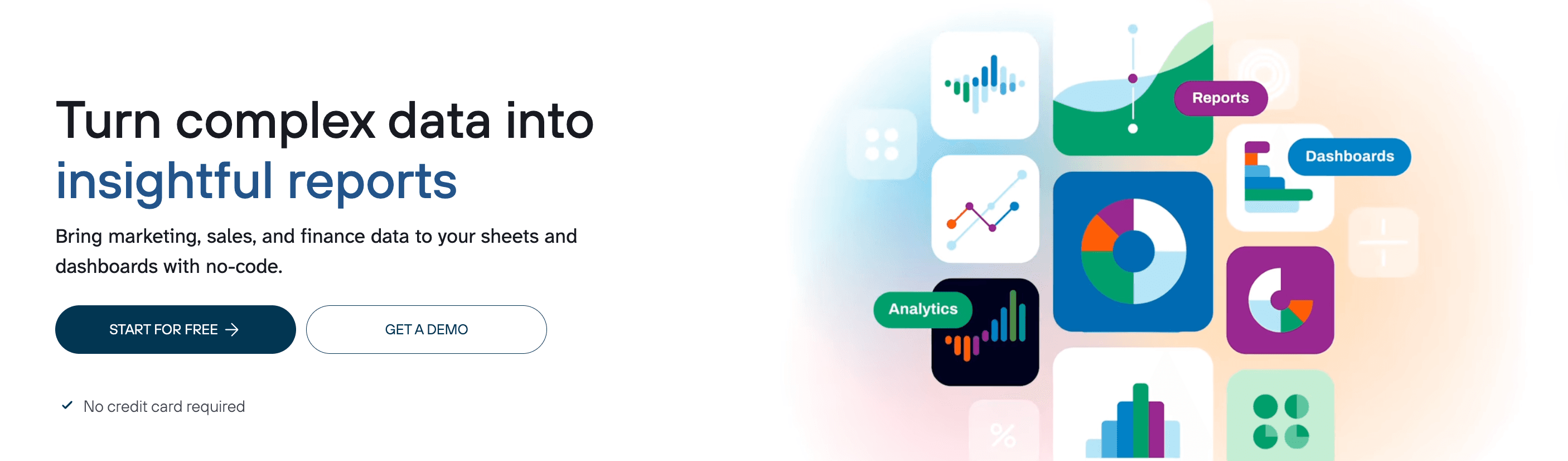
4. Coupler.io
Apps:
Google Sheets add-on, Looker Studio connector, and API
Supported platforms:
Supports integration with 300+ data sources across a wide range of categories such as CRM, ecommerce, email, marketing, social media, etc.
Key features
- Data blending: Consolidate and streamline key advertising channels in a single dashboard.
- Data transformation: Apply advanced filters and sorting options to clearly visualize actionable insights.
- Custom formula fields: Create formula fields and perform calculations using the Transform module.
- AI-insights: Get instant insights from your dashboard data powered by AI.
- Automatically launch data imports.
- Responsive support team.
- Customize data flows to your specific business needs.
Norman D
"I’ve found Coupler to be an invaluable tool for our operations. We are using it to create a single view across multiple QuickBooks Online (QBO) and Stripe instances, giving our organization unified reporting that was previously very difficult to achieve. "
- Must upgrade to higher plans for daily refreshes and unlimited data volume limits.
- Some users find it difficult to set up complex integrations.
- Lacks advanced data transformation capabilities.
First-Hand Experience
Using Coupler.io felt straightforward from day one. I hooked up a few ad accounts and analytics platforms, and data started flowing into Google Sheets and BI tools with minimal setup. The interface stays clean and user-friendly, which makes it easy for non-technical teammates to join in without hand-holding.
When I set up regular exports, automation worked reliably, no constant manual downloads, no overdue reports. Refreshes run on schedule, and multiple data sources stay synced.
Still, I noticed limitations when reporting needs grew. For heavy cross-platform analysis or complex data models, data manipulation inside Coupler.io felt a bit shallow. Some advanced metrics or highly-custom data setups simply required external work once data landed in Sheets or BI.
Pricing and Value
Coupler.io offers a free plan with 1 data source, destination and 100 rows/run. The paid plans are as follows:
- Starter – $24/month – 3 accounts, 1 destination, 5000 rows/run, daily refresh, data transformation.
- Active – $99/plan – 15 accounts, 3 data destinations, unlimited data volume, daily refresh.
- Pro - $199/plan – 50 accounts, dedicated account manager, unlimited data sources, hourly refresh.
- Custom – Custom – Custom accounts and full unlimited access, account manager
Overall, the real value in Coupler.io pricing lies in higher-tier plans, as the Starter plan limits data volume to 5000 rows/run.
Final Verdict
Coupler.io earns serious points when you need solid data flow, predictable pricing, and simple reporting automation. It is especially good for small to mid-sized teams who want reliable exports without steep learning curves or complex pipelines.
If you care most about ease, simplicity, and getting usable data flowing quickly, choose Coupler.io. If you expect a growing stack and need the ability to handle complicated analytics demands, Supermetrics is worth the investment.
5. Adverity
Apps:
Available on Google Sheets, Looker Studio, and includes other popular destinations.
Supported platforms:
Access to 600+ connectors across a wide range of categories, such as ad server, affiliate, attribution, CRM, database, social analytics, marketing automation, SEO, etc.
Key features:
- Unlock actionable ROI: Streamline common metrics and dimensions to create a single marketing data model with Adverity’s Intelligent Data Mapping.
- Streamlined reporting: Move your data to multiple destinations, ensuring real-time sync to fasten data-driven decision-making.
- Optimize data quality: Get an instant overview of data quality by setting up and monitoring quality in one place.
- Data transformation: Preview changes on your dataset without having to re-fetch them.
- Advanced AI-insights: Gen AI-powered Co-pilot helps in making your transformation live via custom prompts.
- Robust data management capabilities.
- Efficient pipeline management.
- Automated data monitoring helps fix issues quickly.
- Manages historical data for long-term analysis and data warehousing.
Nicolas C
"We run thousands of pipelines on Adverity and it handles them very well. Performance is strong and the platform is highly flexible , we can customize pipelines to fit our exact needs, which makes managing lots of different data sources much easier."
- Some data streams take time to fetch.
- Steep learning curve for non-tech users.
- Visualization and customization options can be improved.
- Limited white-labelling options.
Beatriz M
"The complexity of the platform regarding the rules that you can add and the technical part. When you need to create a Bundle in order to have several datastreams connected. "
First-Hand Experience
Adverity feels like stepping up from a simple data connector to a full-on data platform. Once you plug in multiple sources, it starts cleaning, harmonizing, and organizing data on its own. That means less time fixing mismatched metrics and more time analyzing results. Data from ads, sales, ecommerce, and CRM, it ends up looking consistent and trustworthy.
What stands out is how it handles scale. I threw a mix of marketing, sales, and analytics data at it, and it held up without choking. For agencies or teams juggling many clients and data streams, that stability feels like a relief. Users often mention automation and solid data governance as big wins.
That said, it’s not instant setup-friendly. The onboarding takes work. You need some technical skill or support to get the pipelines right. Teams that just want quick, plug-and-play reporting may find the setup effort heavy.
Pricing and Value
Since Adverity is focused towards large-scale enterprise reporting, they have custom plans. You must contact their team to enquire about plans.
Final Verdict
Adverity earns its stripes when you need a data platform that can scale — not just a simple reporting tool. It handles big mixed datasets, automates data hygiene, and keeps dashboards clean no matter how many channels you run. If your team manages many clients or demands high data reliability, Adverity gives you the foundation you need.
If you run ambitious campaigns, handle multiple data sources, or need clean, unified data for complex reporting, go with Adverity. If simplicity and low overhead matter more than deep data control, Supermetrics still gets the job done.
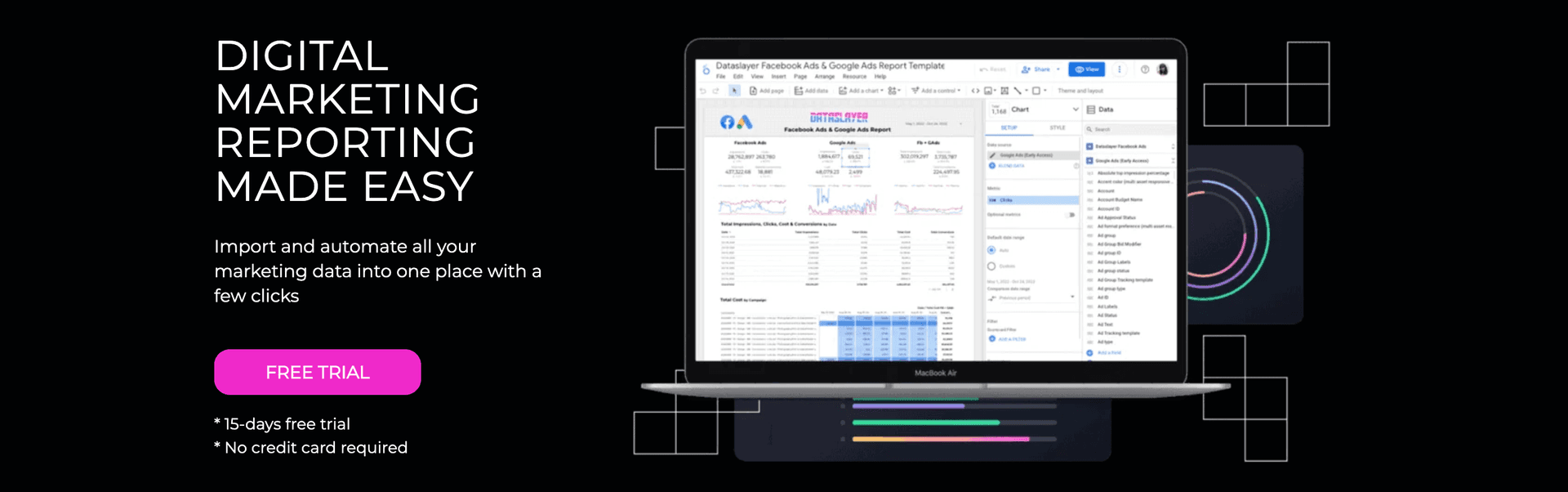
6. Dataslayer
Apps:
Available as a Google Sheets add-on, Looker Studio connector, and includes other popular destinations, such as BigQuery, Power BI, etc.
Supported platforms:
Supports 50+ platforms such as Facebook Ads, Google Ads, GA4, YouTube, Snapchat, MariaDB, Stripe, WooCommerce, etc.
Key features:
- Data integrations: Connect data from different advertising, CRM, analytics, and ecommerce platforms.
- Dataslayer GPT: Access to Dataslayer AI for smarter and easier workflows.
- Automated report delivery: Schedule automatic refreshes to deliver live, real-time updates to clients.
- Data destinations: Export data to warehouses like BigQuery and Snowflake for sophisticated analysis.
- Marketing Mix Modeling: Optimize your advertising campaigns by forecasting data with Morpheus.
- Intuitive dashboard to streamline PPC reporting.
- Responsive customer support.
- Stable connections ensure smooth data analysis and reporting.
Rony D
"Dataslayer is an efficient, accessible, and easy-to-implement tool. It allows marketing teams to focus on analyzing and optimizing campaigns, instead of wasting time on repetitive data export tasks. "
- Certain metrics and dimensions may require manual adjustments.
- Must upgrade to higher plans for flexibility in API calls and daily refresh.
Daniel P
"Scalability: As user needs grow, enhancing scalability options for larger datasets and more complex queries could be beneficial."
First-Hand Experience
Dataslayer feels like a breath of fresh air when you need simple, fast access to ad and analytics data. Once set up, it pulls data from major ad platforms and analytics tools straight into Google Sheets or Looker Studio. For a marketing team juggling a few clients, this simplicity makes reports easy to build without wrestling with spreadsheets.
What stands out is price predictability. Their pricing model doesn’t force you to pay extra per dashboard or per user. That means adding a new client or campaign doesn’t hit your wallet again. For smaller agencies or lean teams, that makes a big difference.
At the same time, Dataslayer isn’t built for heavy-duty data warehouses or complex data modeling. If you have many sources, need deep transformation, or custom data workflows, you may outgrow it. Export destinations beyond the core offerings are limited compared to larger platforms.
Pricing and Value
DataSlayer offers freemium plans. The free plan allows for 1 account per data source, unlimited reports, 5 API calls/day, and 1000 rows. The paid plans are as follows:
- Freelance – $39.90/month – 5 accounts per data source, unlimited users, 30 API calls per day, weekly/monthly refresh.
- Small Agency – $79.90/month – 50 accounts per data source, unlimited users, 100 API calls per day, weekly/monthly refresh.
- Medium Agency – $124.90/month – 100 accounts per data source, unlimited users, 250 API calls per day, hourly/daily/weekly/monthly refresh.
- Large Agency – $364.90/month – unlimited accounts per data source, 1000 API calls per day, unlimited users, hourly/daily/weekly/monthly refresh.
As your reporting needs grow, you might have to upgrade to higher plans for additional API calls.
Final Verdict
Dataslayer delivers a solid balance of simplicity, affordability, and enough power for small to mid-size marketing teams. If you need a tool that pulls data reliably, keeps costs predictable, and avoids the overhead of big enterprise platforms, this one is worth serious consideration.
If your focus is clean, straightforward reporting for ads and small-to-medium campaigns, go with Dataslayer. If you expect to scale or handle complex, multi-channel data flows, Supermetrics remains the more powerful choice.
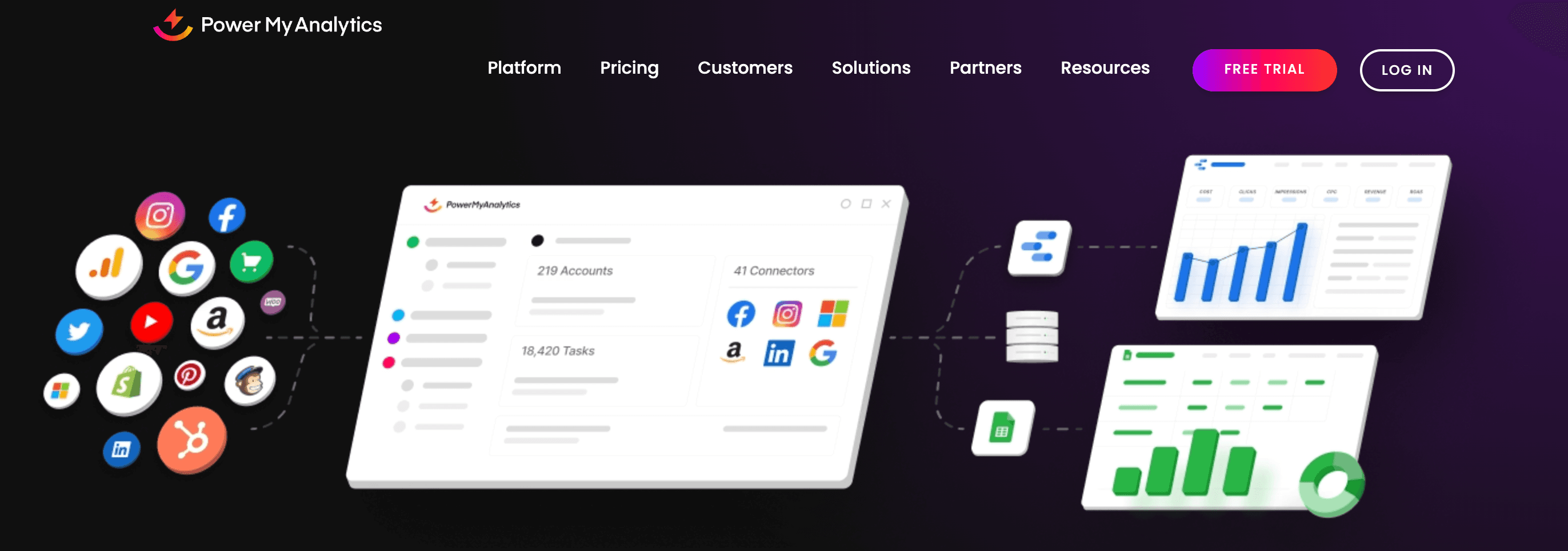
7. Power My Analytics
Apps:
Available as a Google Sheets add-on, Looker Studio Connector, and includes other data warehousing, visualization platforms and API.
Supported platforms:
Supports 40+ platforms such as Google, Facebook, Instagram, Shopify, HubSpot, Campaign Monitor, Outbrain, etc.
Key features:
- Marketing data hub: Connect key metrics into your preferred data destination, warehouse, or spreadsheet tools.
- Automated reporting: Automate data collection by setting custom refresh schedules from your chosen marketing and advertising platforms.
- Data warehousing: Automatically store and backfill data to load reports faster and prevent API outages.
- Custom API: Build tailored queries, export historical data, and run unlimited queries.
- Easy-to-use interface with the ability to consolidate multiple data sources.
- Flexible warehousing solutions to store and secure your data.
Jens O
"Power My Analytics offer an easy integration with our data source(s) and was quickly deployed via predefined templates that gave a nice overview of most important KPIs."
- You can build unlimited reports in Google Sheets only on higher plans.
- Pricing feels expensive for SMBs, especially with increasing add-on costs.
Rebecca
"The connectors do seem to need some work--they can sometimes be slow, or the metrics are not always obvious for the various connectors. "
First-Hand Experience
Power My Analytics grabs attention when you want to keep reporting simple and cost-effective. After connecting a few ad accounts or analytics tools, data starts flowing into spreadsheets or warehouse destinations straight away. No complicated setup, no heavy learning curve — easy enough for small or mid-size teams.
I found scheduled data pulls and auto-warehousing especially helpful. Data updates automatically, and you don’t have to babysit API refreshes or manual exports each week. For agencies or freelancers managing multiple clients, this keeps reporting manageable without extra hours.
That said, Power My Analytics does feel limited when you push for advanced analytics. It supports fewer data sources compared to larger platforms, which means if a campaign uses niche tools, you might need to work around or supplement data manually.
So if your workload involves straightforward advertising and analytics data and you want automation with minimal hassle, Power My Analytics gets the job done cleanly. If your reporting grows complex, you may find that it reaches its ceiling.
Pricing and Value
Power My Analytics offers 4 pricing plans. They are as follows:
- Single – $12.46/month – 1 data source, 1 admin and 1 account/source.
- Business –$33.29/month – 5 sources, 2 admins and 1 account/source.
- Pro – $83.29/month – Unlimited data sources, unlimited admins and 20 accounts/source.
- Custom: Contact sales – Unlimited data sources and accounts/source.
All plans include access to data warehousing and guided onboarding. However, you need to pay extra for the different types of add-ons available.
Final Verdict
Power My Analytics is a strong fit when you want to automate reporting, keep costs low, and avoid the headache of manual data collection. For small to medium agencies, independent marketers, or lean teams, it offers the essentials you need without overwhelming complexity.
If your priority is ease, automation, and predictable pricing over everything else, choose Power My Analytics. If you expect to scale, handle diverse data sources, or demand full flexibility, Supermetrics is the safer long-term bet.
8. Funnel.io


Apps:
Available as a Google Sheets add-on, Looker Studio connector, and includes destinations by use cases.
Supported platforms:
Supports 100+ platforms such as Facebook Ads, Instagram insights, Bing Ads, Amazon Ad Server, Taboola, Shopify, WooCommerce, etc.
Key features:
- Data explorer: Choose your desired fields and generate a table for instant data insights.
- White-labelling: Customize logos, fonts, and other interactive elements to match your client’s branding and requirements.
- Advanced data hub: Manage and share dashboards with clients and teammates who don’t have access to the Funnel app.
- Optimize ad spend: Includes advanced measurement models such as MMM, MTM, Incrementality testing and triangulation to streamline ad spend.
- Data source templates: Allows you to save data source configurations for a particular connector.
- Integrated data hub to access high-quality data for analysis.
- Numerous connectors are available for various platforms.
Muhammad Abdullah S
"Funnel makes it very easy to connect all our relevant marketing and analytics data sources in one place and keep them synced automatically. "
- Pricing can be expensive for SMBs due to the connectors being classified into different pricing tiers, limiting accessibility.
- Some connectors and transformations might be slow to process large data volumes.
Ya Hui Debbie K
"They have time zone issues with their support. At the core, they are just an ETL tool, so you can’t do much beyond that. They charge fees even for basic connectors like Power BI. "
First-Hand Experience
Funnel feels like the central command for marketing data. Once I connected multiple ad, analytics, and CRM platforms, data started flowing into a unified hub. Everything looked consistent: conversions, spend, traffic, channel metrics, all aligned even when sources were different. That removes a lot of manual cleanup that happens when data lives in separate tools.
When you push heavy data to many clients, multiple channels, Funnel still handles it. The data stays organized, syncs reliably, and you avoid the typical “spreadsheet spaghetti.” For agencies juggling campaigns, this means less time merging exports and more time analyzing performance.
It is not perfect. The initial setup takes a bit of focus. Mapping fields across channels and organizing naming conventions takes effort. And for smaller campaigns or solo-client work, it might feel like using an S-class tool for a scooter ride — more power than needed.
Pricing and Value
Funnel’s pricing depends on two factors: your chosen plan and flexpoint capacity. Your plan determines the functionality, while the flexpoints determine the usage. Here’s the breakdown:
- Free plan: 400 flexpoints
- Starter plan: 500 flexpoints
- Business plan: 500 flexpoints
- Enterprise: Custom
However, note that the connectors and destinations are classified based on the plan level.
Final Verdict
Funnel earns its place when you need robust, scalable, multi-channel reporting that doesn’t break under load. It cleans, unifies, and delivers reliable data from dozens of platforms into one manageable pipeline. If your agency runs varied clients across channels and wants clean, unified insights after scale, Funnel delivers.
If you foresee growth, multiple data channels, and scale, Funnel is the better bet. For lean, simple workflows, Supermetrics can still hold ground.
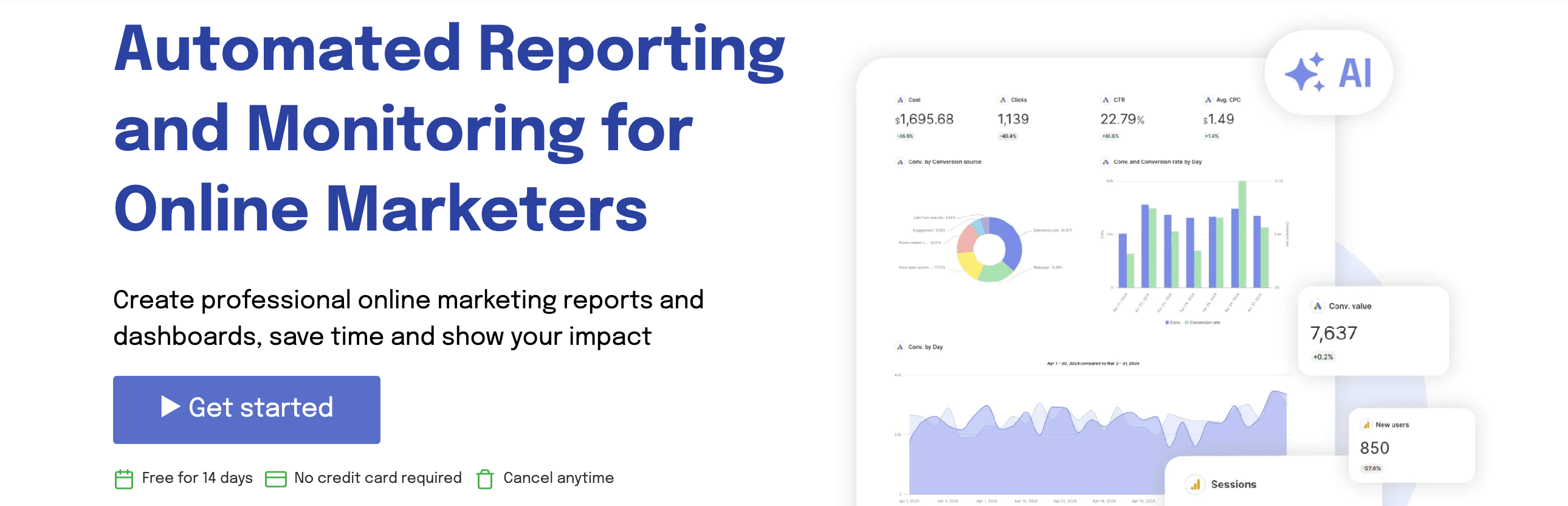
9. Swydo
Apps:
Available on Google Sheets
Supported platforms:
Supports 30+ platforms such as Google Ads, Google Analytics 4, Facebook Ads, Google Search Console, HubSpot, etc.
Key Features:
- Custom KPI tracking: Track and measure custom metrics with built-in goal tracking.
- Data blending: Combine and evaluate campaign performance data from different advertising platforms in a single dashboard.
- Timely alerts: Get instant email notifications when your KPIs spike or fall below targets.
- Access to live dashboards: Share real-time, interactive dashboards via secure, custom links.
- Team collaboration: Assign user roles, manage permissions, and streamline team workflows.
- Simple and easy-to-use interface.
- Time-saving automation capabilities.
- Design re-usable templates tailored to your branding workflows.
Lance E
"I like how easy it is to set up reports and customize them. The white labeling is solid - I can add logos and format things the way I want which makes reports look clean and professional."
- The pricing structure could be more flexible for users who may not require all the features.
- No integration with Looker Studio.
Razvan
"The fact that they will charge you extra, without any notice if you go above the data connections in your plan "
First-Hand Experience
Swydo shines when you want quick, clean reports without overcomplicating things. Once I hooked up a few ad and analytics accounts, I was able to run branded dashboards and deliver client reports within minutes. The setup was easy, even for team members who don’t live in spreadsheets.
I liked how it handles recurring reports: schedule once, forget manual exports, get reliability. The templates stay consistent, and clients receive clean PDFs or dashboard links on time. For small-to-medium campaigns or agencies handling a handful of clients, this saves serious hours.
That said, Swydo isn’t built for deep data wrangling or complex multi-channel analysis. If you try to blend data across many platforms or need advanced custom metrics and high-level data modeling, the tool begins to show limits. Some metrics may need manual fixes, and advanced analytics workflows may feel constrained.
Pricing and Value
Swydo offers a single pricing plan that includes all features, but the cost varies depending on the number of data sources you integrate.
The plan starts at $69/month for up to 10 data sources. However, I feel the pricing to be rigid – if you need fewer than 10 data sources, Swydo might sound expensive than other alternatives.
Final Verdict
Swydo earns serious consideration if you value speed, simplicity, and reliable client reporting. It gives you clean dashboards, easy onboarding, and predictable monthly reporting without fuss. For small to mid-sized campaigns or lean teams, it hits a sweet spot.
Choose Swydo if you want a no-frills reporting engine that delivers fast results and keeps things simple. Choose Supermetrics if you need heavy data engineering, full control, and flexibility that can scale with growing data demands.
10. Whatagraph


Apps:
Available on Google Sheets, Looker Studio, and BigQuery
Supported platforms:
Supports 50+ native integrations across different categories such as PPC, social media, SEO, analytics, email, etc.
Key Features:
- Drag-and-drop editor: Easy-to-use editor with cross-channel widgets and flexible customization options.
- Automated reporting: Share live, real-time updates to clients via Slack, Notion, BigQuery or Looker Studio.
- AI-powered insights: Whatagraph IQ helps you easily build reports with custom prompts.
- Custom transformations: Create custom metrics, dimensions, source tags and aggregate source blends.
- Excellent customer support.
- Intuitive client reporting interface
- Pre-made templates & data transformations.
Bruhith I
"The dashboards are clean, easy to build, and perfect for client reporting. It pulls in data from Google Ads, Meta, LinkedIn, and even TikTok without any hassle. "
- Widgets can break if multiple people edit the report simultaneously.
- Pricing feels expensive for SMBs.
- White-label customization is available only on the Boost plan, which costs $579/month.
Muhammad Umar A
"I was not able to fetch the key matrices in the campaign(s), such as purchases, adds to cart, etc. For this, I had to add a custom box, and fill out the entires manually."
First-Hand Experience
Whatagraph shines when you need to spin up client-ready dashboards fast and keep reporting simple. Once you connect a few sources such as ads, social, and analytics, you get clean reports without wrestling with spreadsheets or separate BI tools. Its drag-and-drop layout plus brandable templates make reports look professional in minutes.
Scheduling regular reports feels easy. Weekly or monthly dashboards, automated exports, or client links — you set them once and forget them. For agencies handling multiple clients with standard needs, this saves time and noise.
That said, this simplicity comes with trade-offs. When you need deep data blending or complex multi-source analysis across platforms, Whatagraph’s blending logic starts to feel basic. Custom metrics or advanced transformations may not meet power-user needs.
Pricing and Value
Whatagraph’s pricing depends on the source credits (1 source credit = 1 connected account (Google Ads account)). Here’s the breakdown:
- Free plan – 5 source credits – essential integrations, pre-made transformations, Whatagraph IQ, pre-made themes
- Starter plan – $229/month – 20 source credits – features included in the free plan, automated emails with PDF.
- Boost plan – $579/month – 60 source credits – Advanced integrations, custom data transformations, white-label, performance overview, dedicated customer success manager.
- Max – Custom – 100+ source credits – Premium integrations, custom data aggregations, Whatagraph IQ+, SSO, tailored onboarding and priority support.
Final Verdict
Whatagraph stands out when your priority is speed, simplicity, and polished client-facing reports. It brings together multiple ad and analytics sources into unified dashboards without complicated setup. Agencies and marketing teams that value reliable, easy-to-share reports will appreciate how quickly it delivers.
If you handle standard campaigns and prioritize ease over complexity, go for Whatagraph. If you expect to scale data sources, need deeper analytics, or custom reporting pipelines, Supermetrics is to be yours.
Conclusion
Choosing the right Supermetrics alternative comes down to what drives your reporting work every day. Look closely at the connectors you rely on, how you want data delivered, and whether the tool can scale effortlessly as clients and campaigns grow. Your reporting solution should make things easier, not introduce more limits, add-ons, or extra costs over time.
If you want a platform that keeps reporting simple while still offering advanced flexibility, Two Minute Reports is a strong choice. It connects to major marketing platforms, automates everything from data pulls to report sharing, and works perfectly in Google Sheets and Looker Studio without technical setup. Plus, its Speedboost technology loads large volume datasets in under 5 seconds without errors.
Try Two Minute Reports free for 14 days and experience reporting that is built for performance and built for growth.
Frequently Asked Questions
Start with your core data needs. Make sure the tool covers the connectors you rely on, fits your preferred reporting platforms, and offers automation features that save time as your reporting load grows.
Supermetrics can become costly as you add more connectors and destinations. If you want simpler pricing, easier setup, or bundled dashboards instead of just data pipelines, switching could deliver more value.
Integrated dashboards, predictable pricing, client-ready reporting templates, real-time refreshes, and better scalability for agencies managing multiple accounts.
Pay attention to charges for additional connectors, Looker Studio quotas, data refresh limits, and seat-based pricing. Costs can increase quickly as your client base expands.

Meet the Author
Shabika VenkidachalamShabika, at her core, is a storyteller who believes even data-heavy topics can be infused with heart. At Two Minute Reports, she blends creative writing with user intent to create clear, purposeful content that is deeply human. Away from her desk, she finds inspiration in nature, where creativity flourishes without distractions.

More Alternatives to Explore
See how Two Minute Reports compares to other reporting tools.


Take back your time. Wow clients.
Get Two Minute Reports.
Start your free trial todayBuilt by marketers. Built for marketers.