How can we help?
Guides for dashboards, client reports, briefings, Dash, MCP, and the API, plus Google Sheets and Google Data Studio.
What's new
November 2026Reports
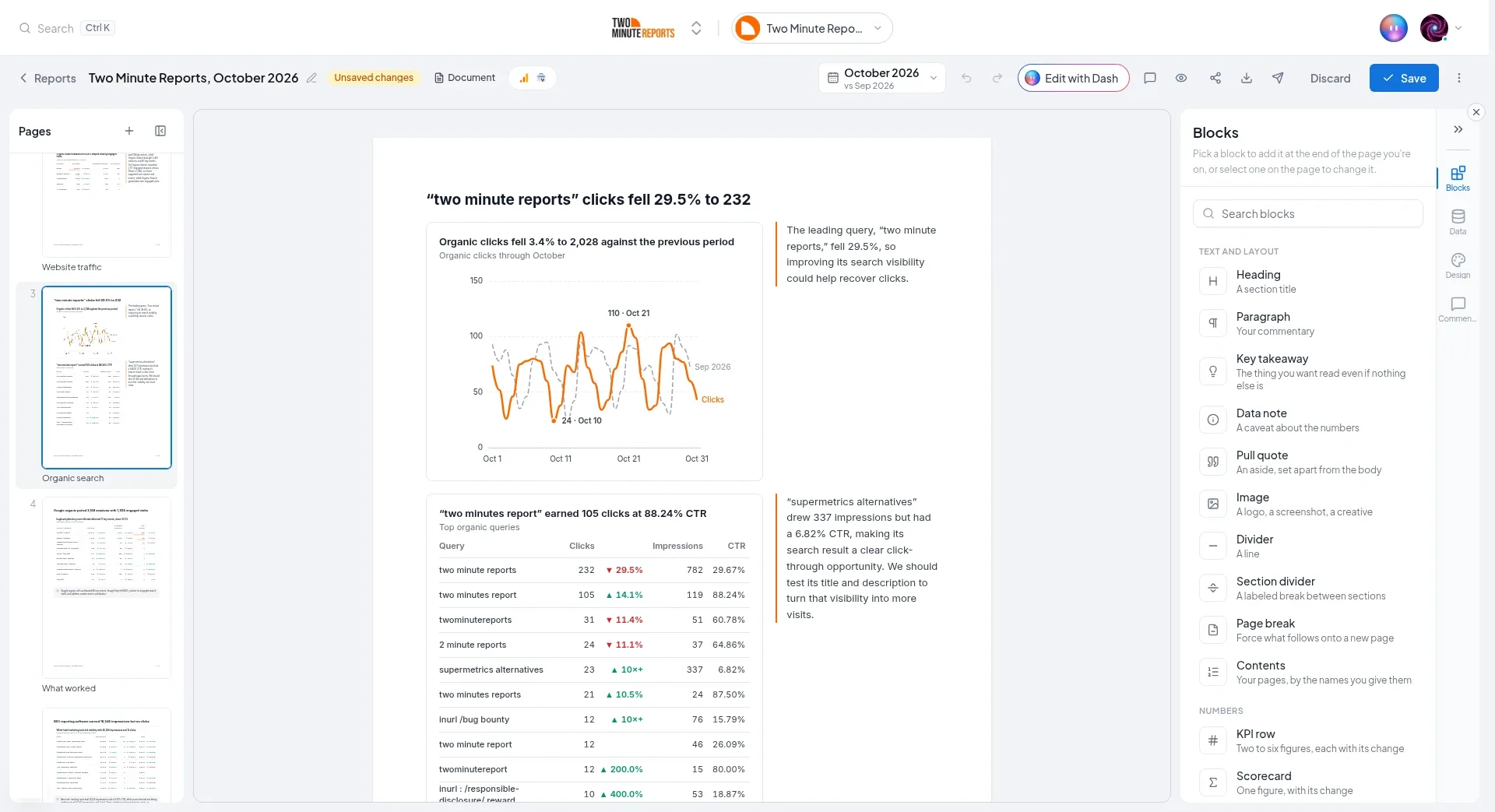
A report is the document or Slides you send a client for one period. Dash writes it from the client's data, or you start from one of 28 templates. Its figures freeze the first time you save it, so your client reads the numbers you checked.
Fix a problem
Most problems have a short fix. Start with the one that matches what you see.
- A connection needs reconnecting
- An account is missing
- A briefing didn't send
- An AI tool can't reach your data
- Can't sign in with Google or Microsoft
- Can't sign in with two-factor authentication
- Permission denied errors
- A chart or query shows no data
- Connection blocked by a firewall
- The add-on says "Service unavailable"
Still stuck?
Email our support team. Tell us what you did, what you saw, and the name of the connection, dashboard, or report.
[email protected]Start here
New to Two Minute Reports? Start with these four steps.
- 1Connect a platform
Create a connection to Google Ads, Facebook Ads, GA4, or another platform. Then enable the accounts you report on.
- 2Add your clients
Create a client for each business. Assign its accounts and add its contacts.
- 3Build a dashboard
Ask Dash, start from a template, or start from an empty dashboard. Share the link with your client.
- 4Send a report
Dash or a template builds it from your client's data. Check it, save it, and email it with a PDF and a link.
Browse by topic
Every part of Two Minute Reports, with the main guides for each.
Build and send
Charts and tables for each client, on pages you can share.
The document or Slides you send a client for one period.
Every email to a client, sent now, later, or on a schedule.
Organize, brand, and manage
Assign each client its accounts and its contacts.
Set targets, track pacing, and manage client budgets.
Your brand's look on dashboards, documents, and slides.
Your own metrics and dimensions, from formulas and rules.
Your plan, add-ons, team members, roles, and security.
Compare the Lite, Pro, and Business plans.
AI and developers
Ask Dash, Claude, ChatGPT, and other AI tools about your data.
Connect any MCP client to your Two Minute Reports data.
Manage teams, connections, and clients, and run data queries.
Google Sheets, Google Data Studio, and automations
Get your data into spreadsheets, and refresh it on a schedule.
Build Google Data Studio reports from your connections.
Use your data in n8n, Make, and Zapier workflows.
Connectors
Connect your ad, analytics, social, e-commerce, email, and CRM platforms. Each guide shows how to connect and the fields you get.