

Share and export dashboards
When a dashboard is ready, share it with the people who need it, or export a snapshot to PDF or PNG.
What you can do
- Choose who can open a dashboard: only people you add, your client's contacts, or anyone with the link
- Add people by name or email, picked from the client's contacts
- Email them the link from your own Gmail, with a message you can change
- See when each person last opened it, and remove anyone's access
- Export the whole dashboard to PDF or PNG
Share a dashboard
In the dashboard header, select the share icon (Share dashboard).
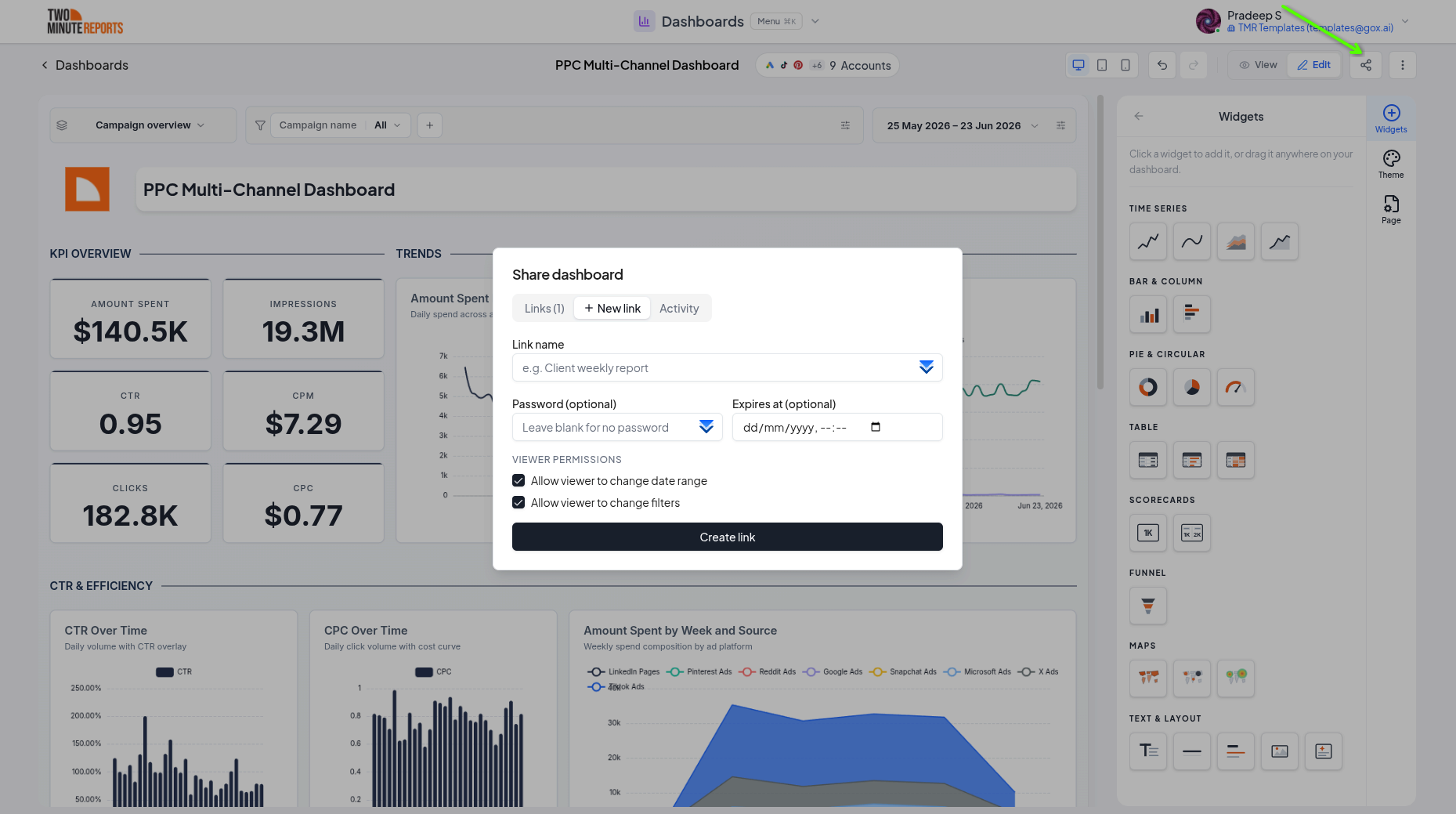
The dialog has two parts.
People with access
Your team is always listed first and always has access: everyone on your team can open the dashboard, and you can't change that here.
Below it are the people you've added. Each shows their email and when they last opened the dashboard, or not opened yet. To take someone off, select Can view next to them, then Remove access. They can't open it from their next refresh on.
General access
General access decides who else can open the dashboard:
| Option | Who can open it |
|---|---|
| Restricted (the default) | Your team and the people you've added |
| Client contacts, named after the client (for example Acme Corp contacts) | Also everyone saved as a contact on that client. Adding a contact gives them access, and deleting one takes it away. Only on a client's dashboard. |
| Anyone with the link | Anyone who has the link, without confirming their email |
People who open a Restricted or Client contacts dashboard confirm their email first, with a 6-digit code. What viewers see.
Viewers can change the dashboard's date range. They can't change its filters.
Add people
- Start typing a name or email in Add people by name or email. The client's contacts are suggested; on an All clients dashboard, every client's contacts are, each with their client. Team members already have access, so they can't be added. Press Enter to add any other address.
- With Notify by email selected, they get an email from your Gmail with a View dashboard button. Select Preview email to see it, or Customize email to change the subject and message. The button is always included, and so is a line about the email code when the dashboard asks for one.
- Select Send. To give access without an email, clear Notify by email and select Share, then send them the link yourself with Copy link.
Briefings work the same way: when a briefing sends, its recipients are added to the dashboard's people with access, so its View dashboard link opens for them.
What viewers see
On a Restricted or Client contacts dashboard, the viewer is asked for their email, then a 6-digit code:
- The code email comes in your team's name.
- It's sent only if that email has access. The page says the same either way, so it can't be used to find out who has access.
- It works for 30 minutes, with 5 tries. Send a new code unlocks after a minute and cancels the old code.
- After a correct code, the dashboard stays open until the viewer closes their browser, or for 12 hours at most. Next time, they'll need a new code.
If someone confirms an email that doesn't have access, they're told so and can try a different email.
Older links
Links made before people with access and general access existed:
- A dashboard with a link that had no password or expiry date became Anyone with the link. All its links still work. Viewer settings on them, like a locked date range, no longer apply.
- A dashboard whose links all had a password or an expiry date became Restricted, so nothing that was protected became public. Its viewers can't open it until you add them: open Share and add their email addresses, or change General access.
- A link past its expiry date stays off.
Export a dashboard
- In the dashboard header, open the menu (⋮).
- Select Download as PDF or Download as PNG.
- Keep the tab open until the download starts.
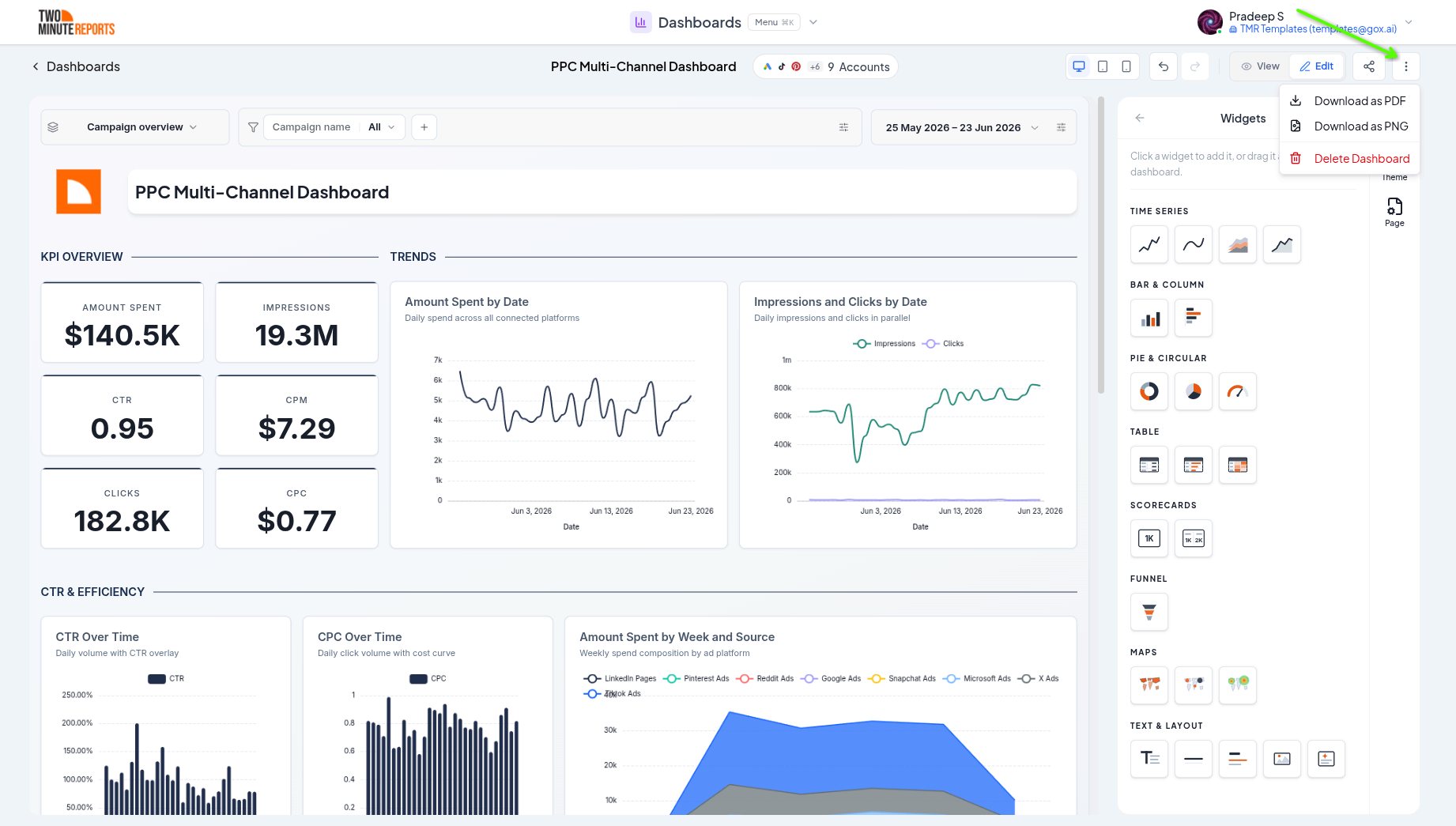
Exports capture every page of a multi-page dashboard:
- PDF: one document, with one dashboard page per PDF page. Good for email and archiving.
- PNG: one image per dashboard page. A multi-page dashboard downloads as a ZIP file of images.
If you're in edit mode, the export switches to view mode first, so the files show what viewers see. It also waits for chart animations to finish, so every chart is complete.
Best practices
- Keep client dashboards Restricted or on Client contacts, so a forwarded link doesn't open for anyone else
- Keep each client's Contacts tab up to date: with Client contacts, it's the access list
- Use Anyone with the link for dashboards that are fine to be public, like a dashboard for a wall screen
Next steps
- Theming - Style the dashboard before you share it
- Data, dates, and filters - Decide what viewers can change
- Clients - Organize dashboards and branding per client