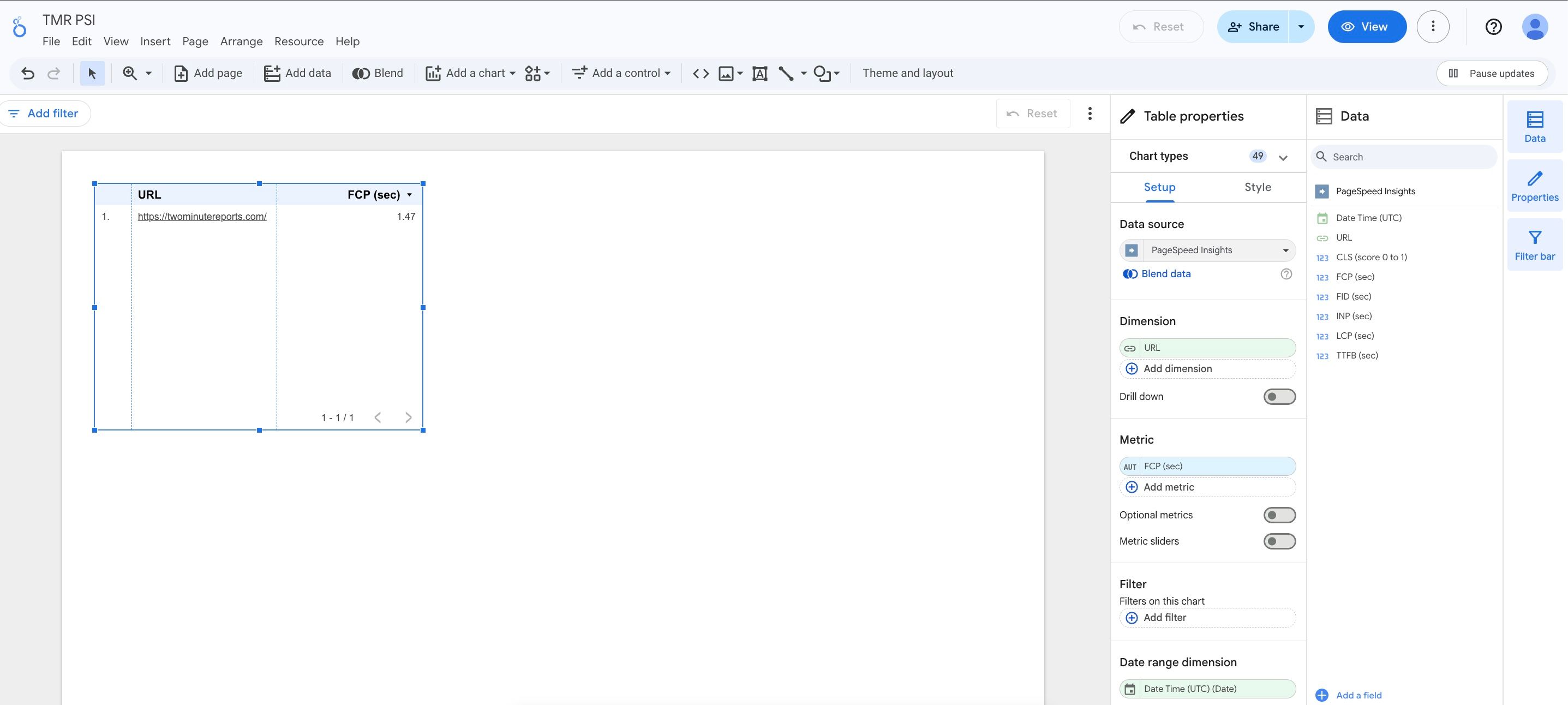
Connectors
Page Speed Insights
Connect Page Speed Insights to Google Sheets or Google Data Studio

Two Minute Reports' Page Speed Insights connector lets you access and analyze your data directly in Google Sheets or Google Data Studio. Build custom reports, monitor key metrics, and make data-driven decisions - all without writing any code.
What you can report on
- Core Web Vitals: LCP, FID/INP, and CLS scores
- Performance, Accessibility, Best Practices, and SEO scores
- Mobile vs. desktop performance comparison
- Time to First Byte (TTFB) and First Contentful Paint (FCP)
- Page-level performance trends over time
Prerequisites
- No account required — Page Speed Insights uses public Google APIs
- Optionally, a Google API key to increase rate limits
How to create a connection
- Go to https://hub.twominutereports.com/connections
- Select New Connection
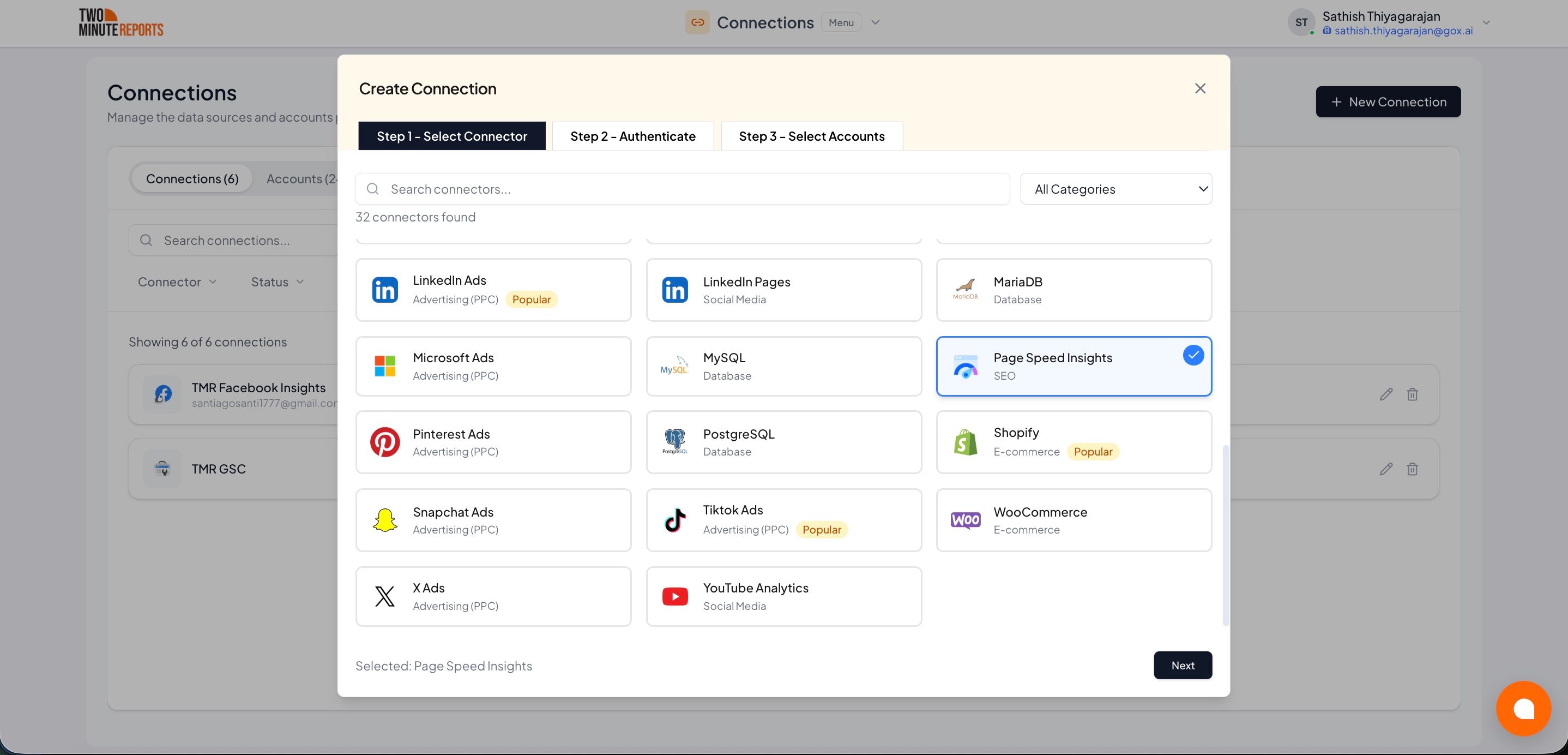
- Select Page Speed Insights from the list of connectors
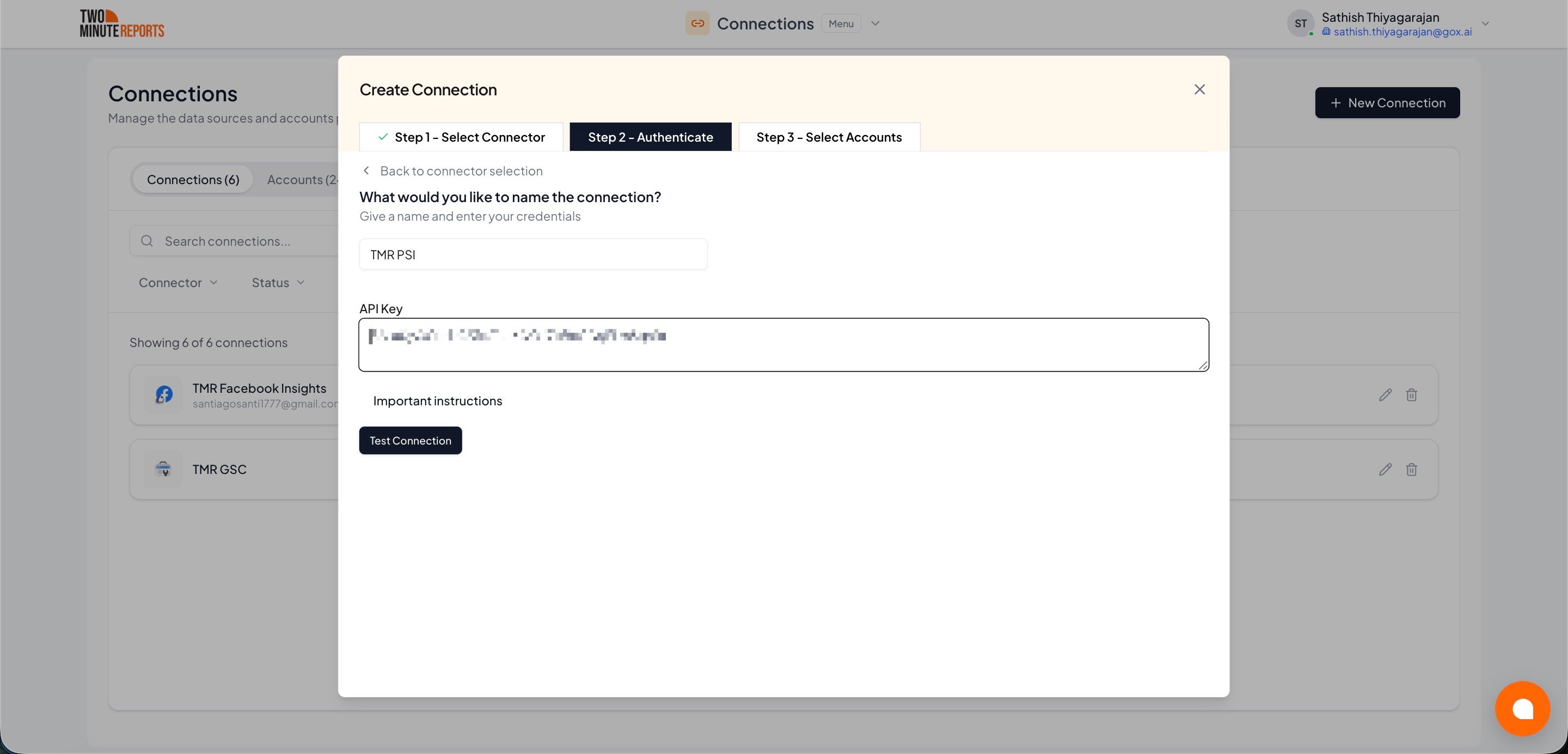
- Name the connection and authorize with your account credentials
- Enable the accounts you want to report on
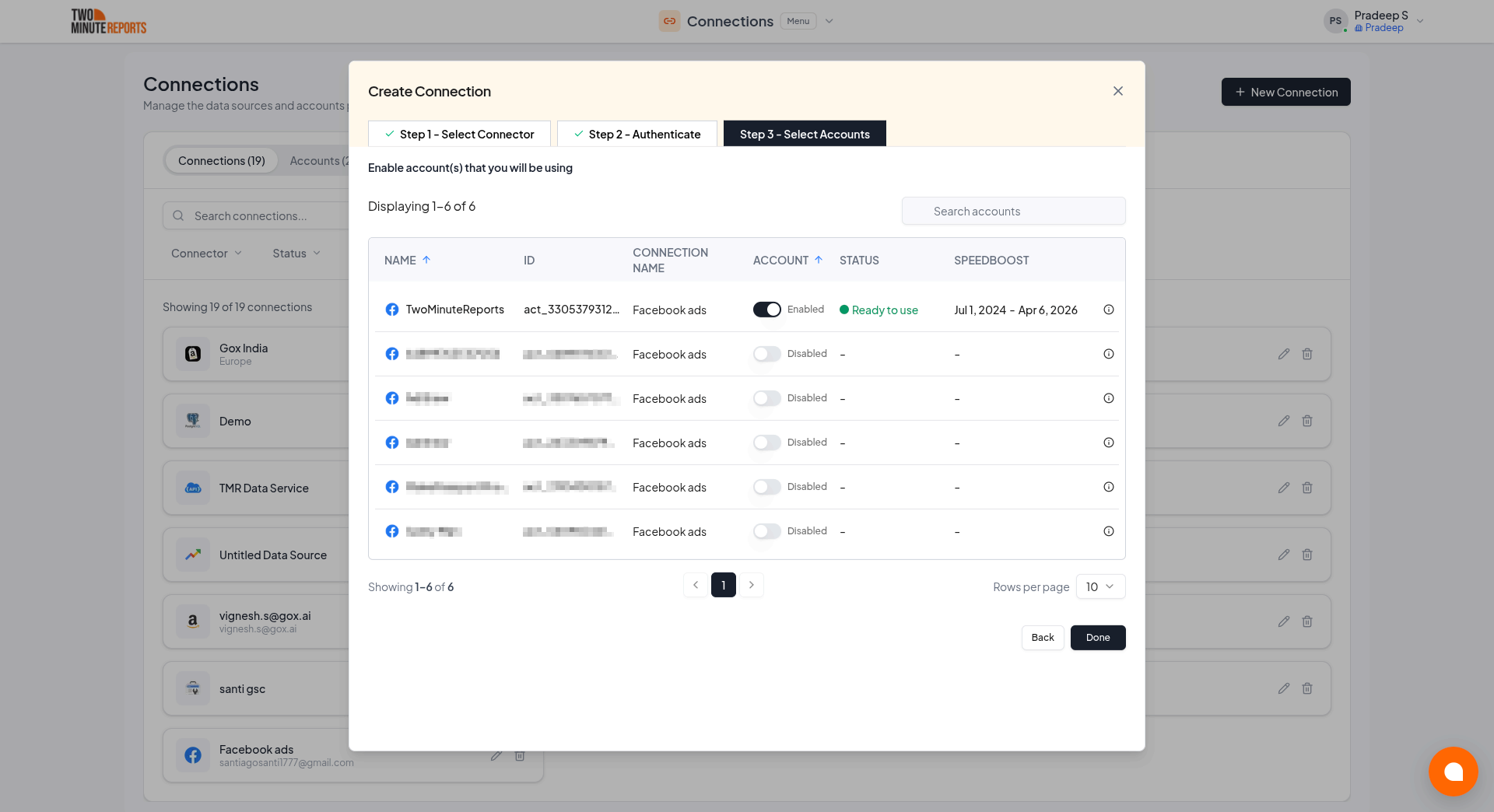
Only enabled accounts fetch data, and only enabled accounts count toward your plan. You can enable or disable accounts at any time on the Connections page.
How to get Page Speed Insights data into your reports
To pull Page Speed Insights data into Google Sheets:
- In the TMR sidebar, go to Data Queries and select Add
- Select the accounts you want to analyze (can select multiple)
- Choose your metrics and dimensions from available options
- Select the date range for your analysis
- Configure sorting and filtering options as needed
- Select Run Query to populate the data into Google Sheets
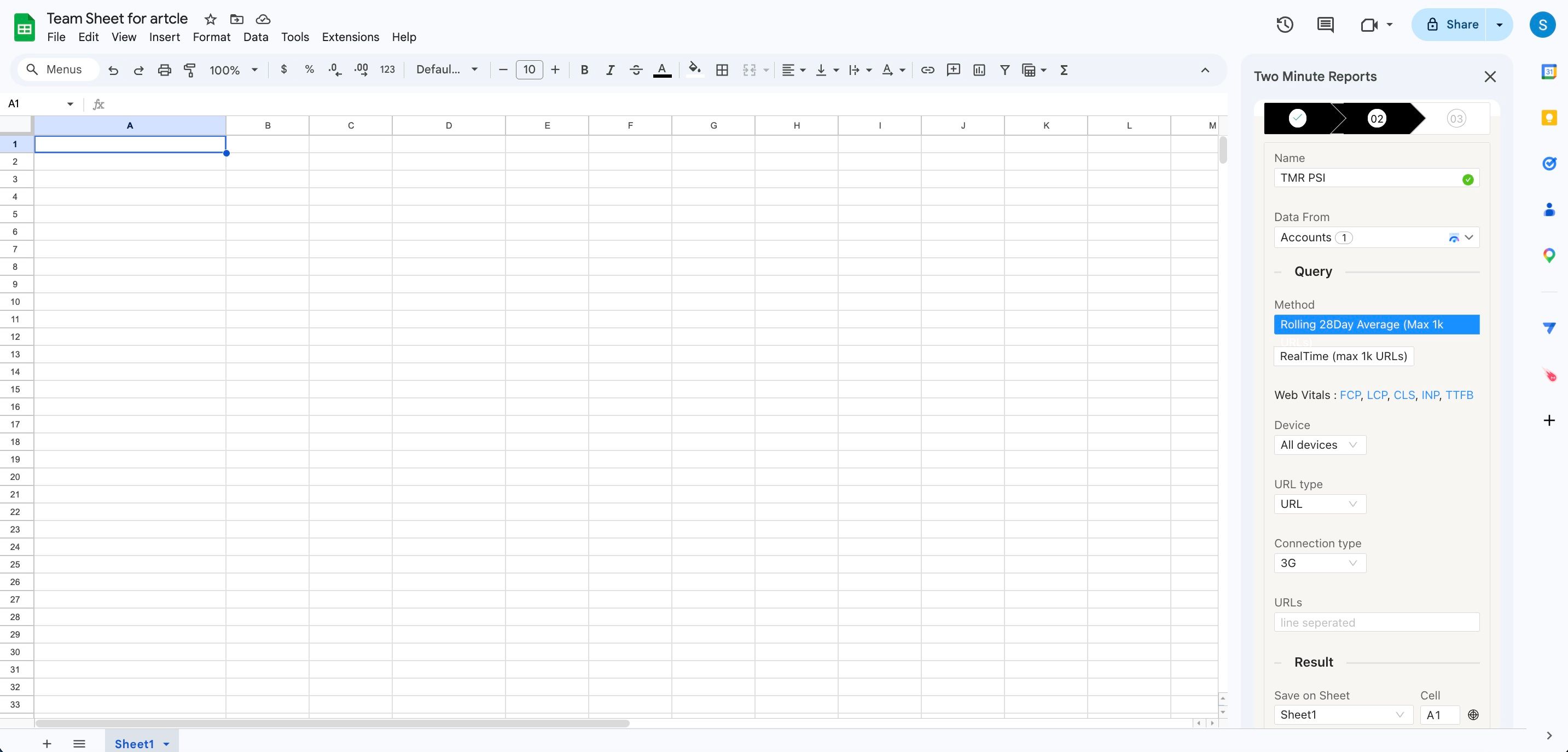
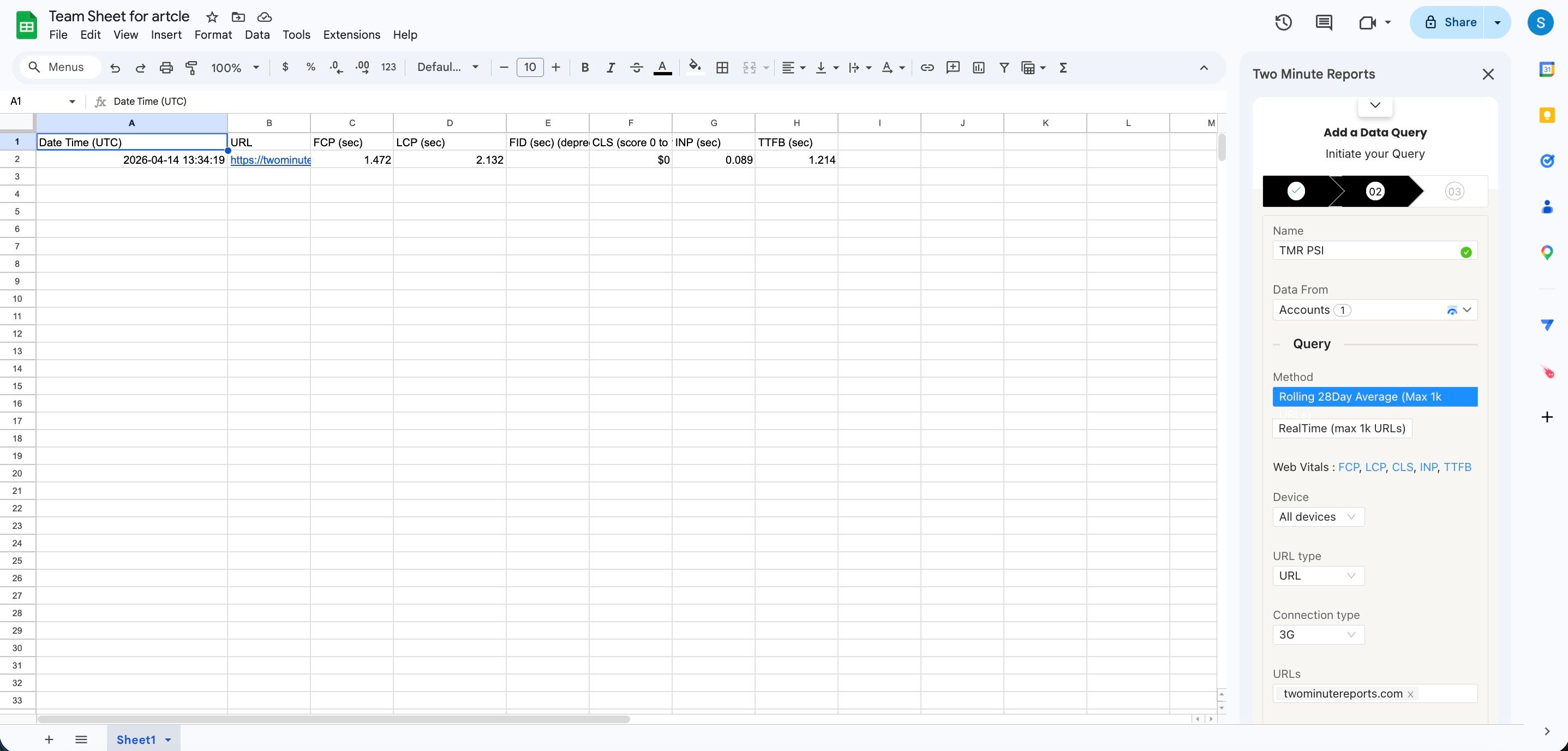
To pull Page Speed Insights data into Google Data Studio:
- Select Open in Google Data Studio, then select + Create Report.
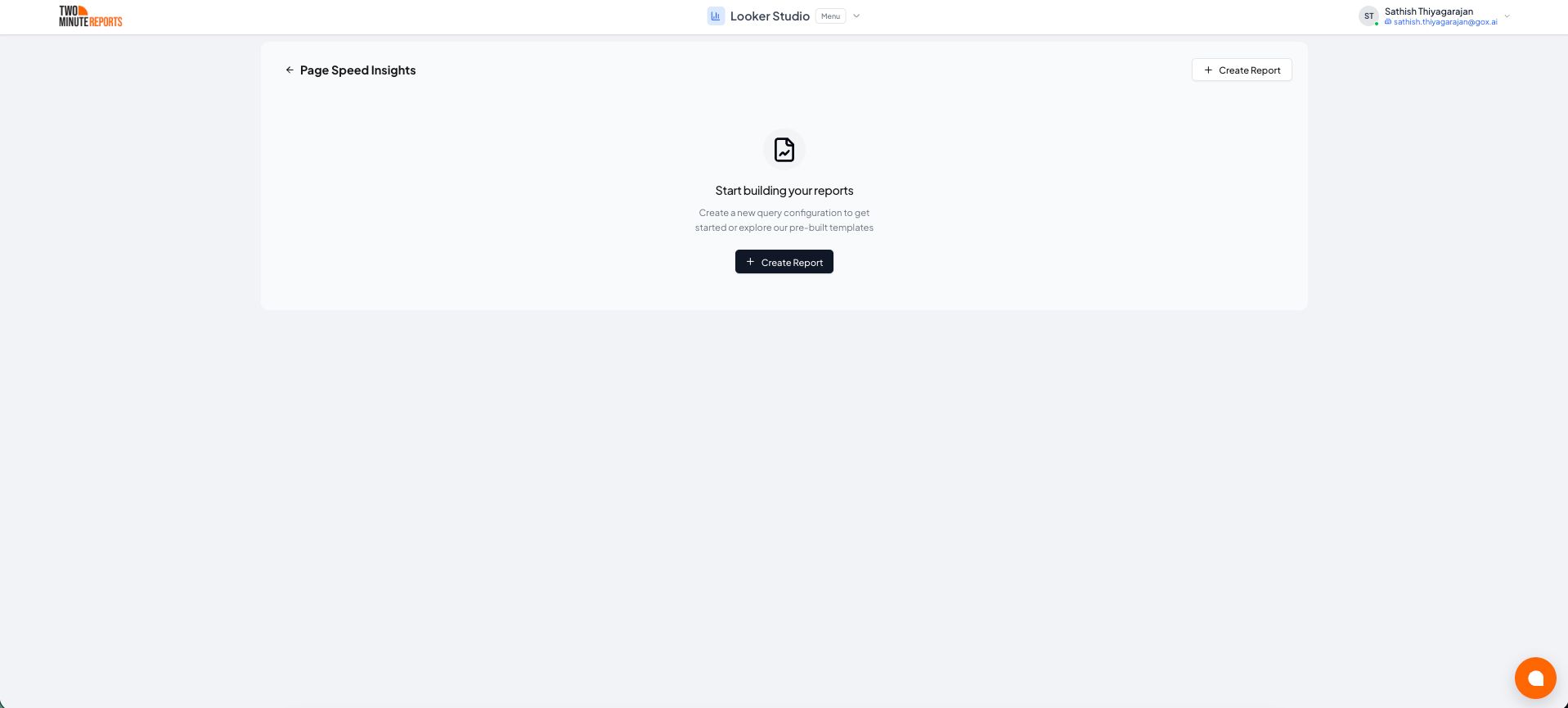
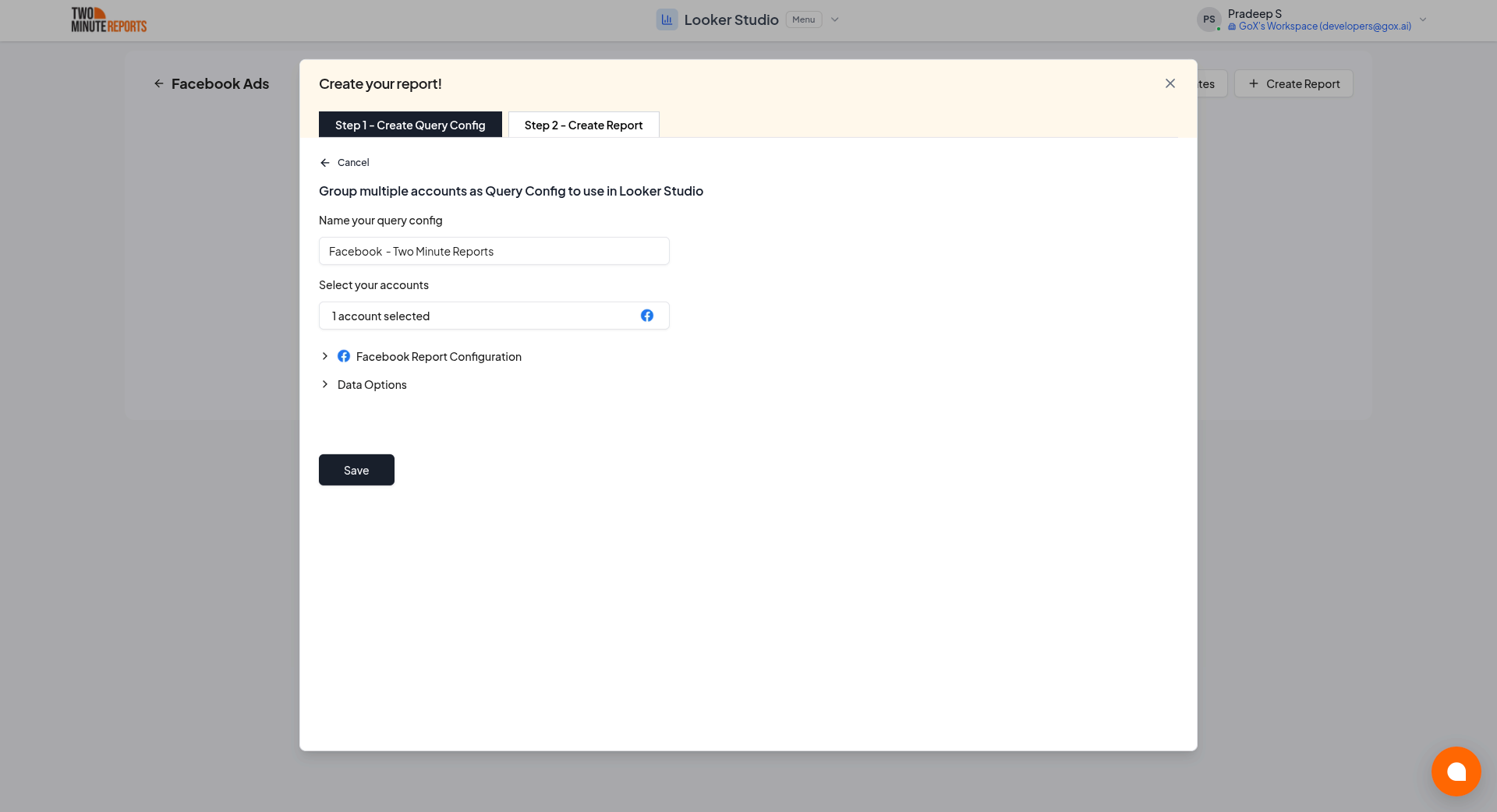
- A query config panel will appear. Do one of the following:
Already have a query config? Select it from the dropdown and skip to step 3.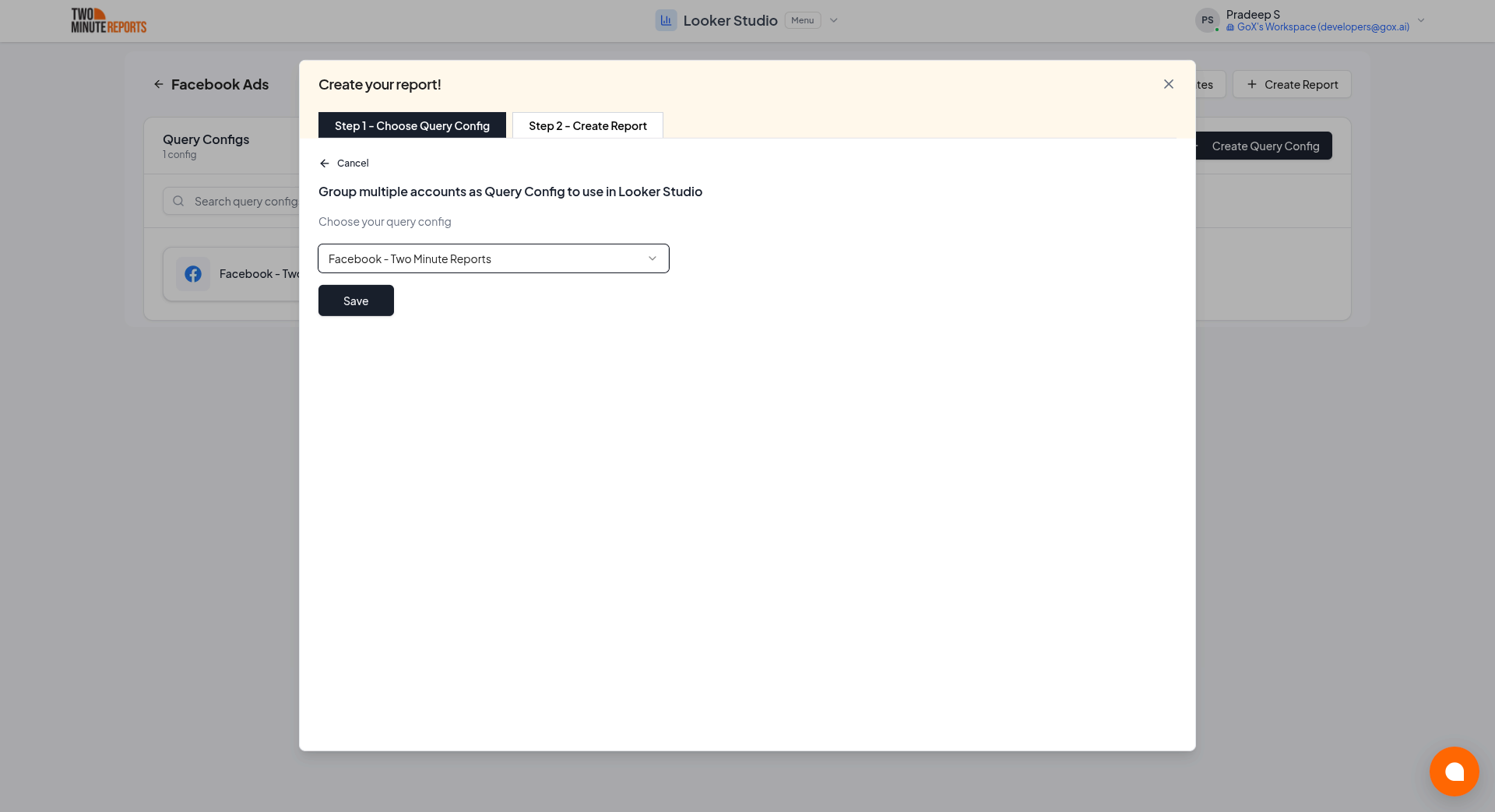
Creating a new query config: Enter a name, select the accounts you want to include from the dropdown, then select Save.
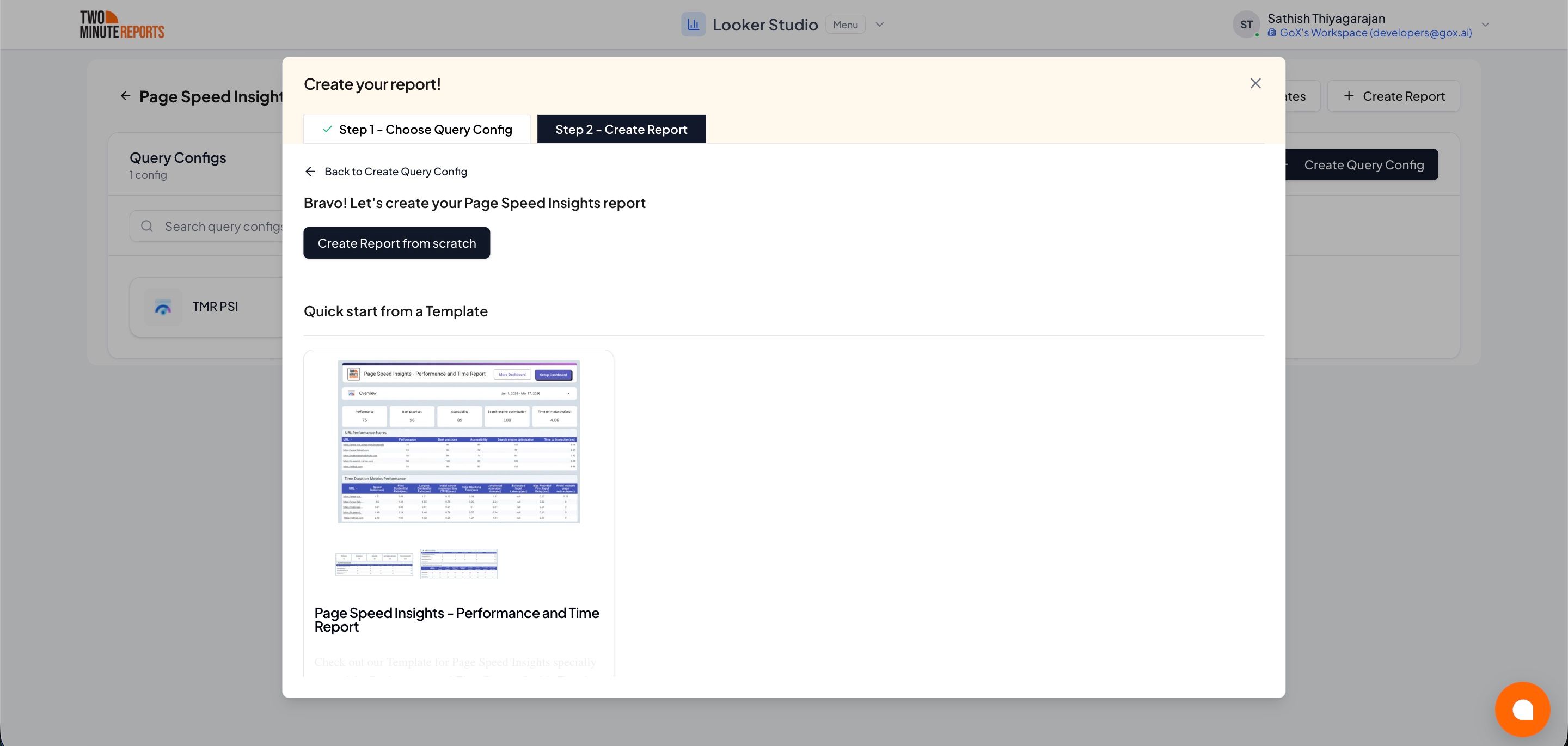
- Choose Create report from scratch to build a custom report, or select one of the pre-built templates to get started quickly.
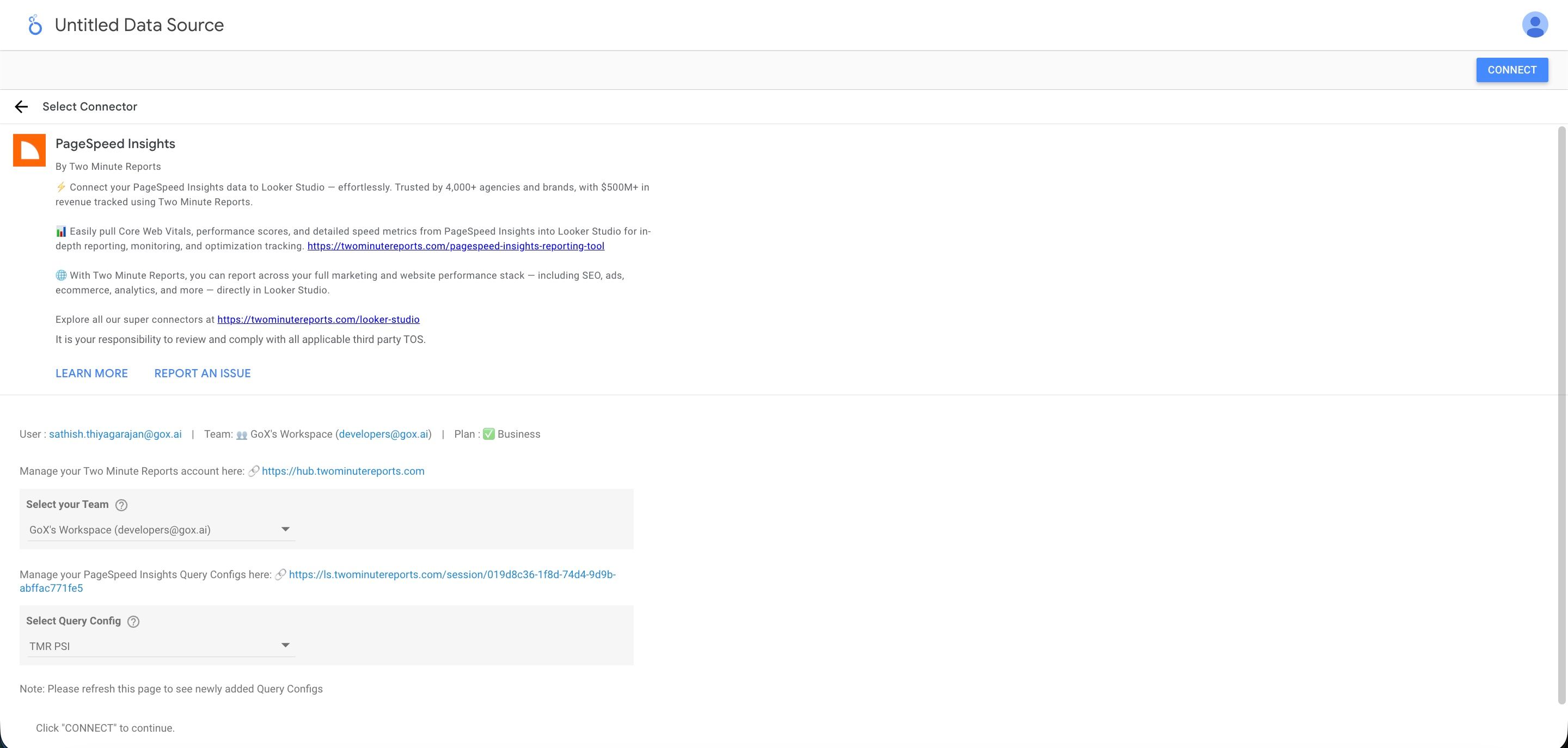
- In the Google Data Studio connector panel, select your team and choose the required query config from the dropdown. Select Connect in the top-right corner.
- You'll land on the Google Data Studio dashboard. Drag and drop the available Page Speed Insights metrics and dimensions onto your canvas to start analyzing your data.