Connectors
ChatGPT
Connect ChatGPT to Google Sheets

Two Minute Reports' ChatGPT connector lets you access and analyze your data directly in Google Sheets. Build custom reports, monitor key metrics, and make data-driven decisions - all without writing any code.
What you can report on
- API usage and token consumption
- Request volume and model usage breakdowns
- Cost tracking across API calls
- Custom AI workflow metrics
Prerequisites
- An OpenAI account
- An OpenAI API key with usage read permissions
How to create a connection
- Go to https://hub.twominutereports.com/connections
- Select New Connection
- Select ChatGPT from the list of connectors
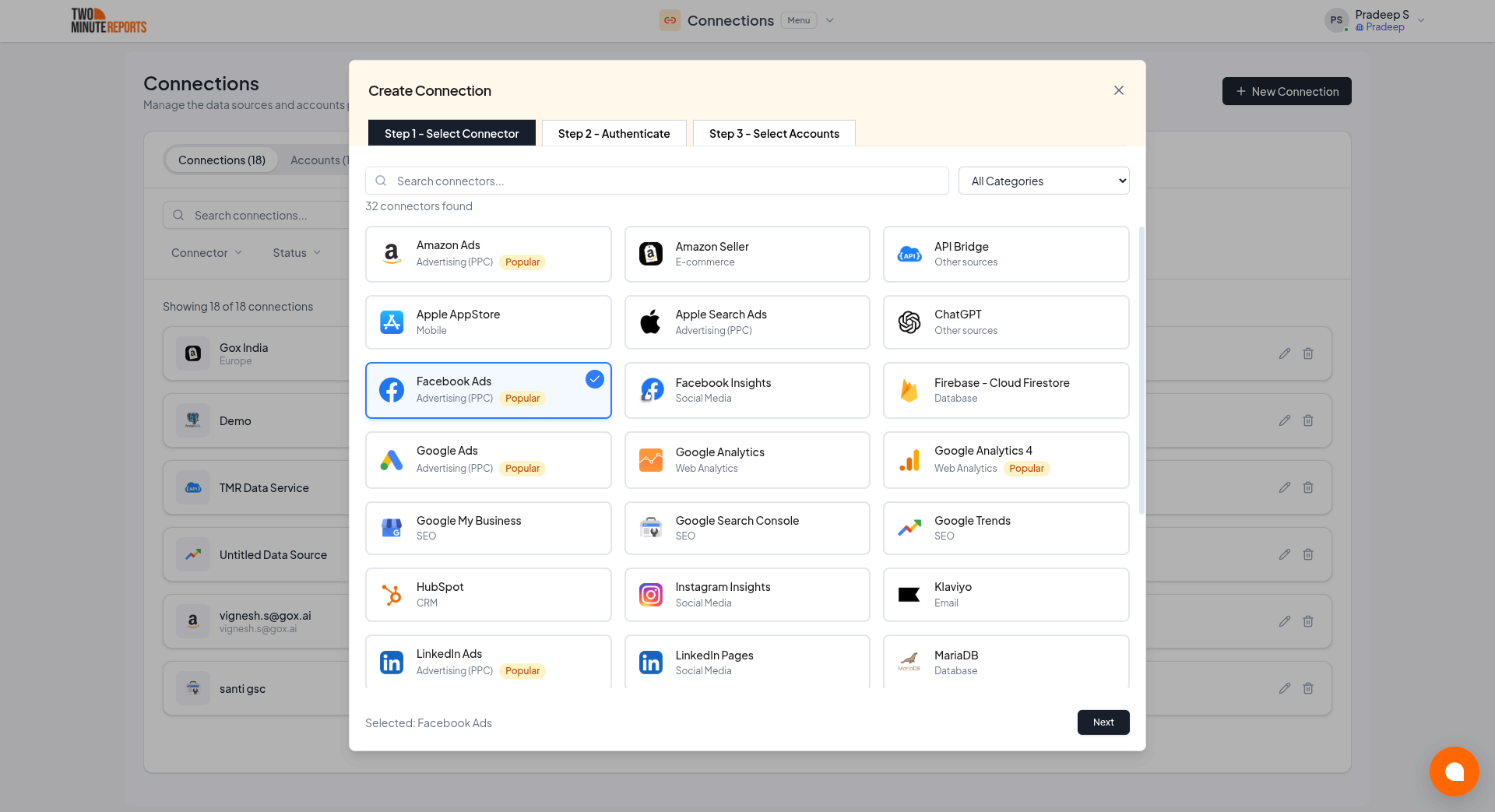
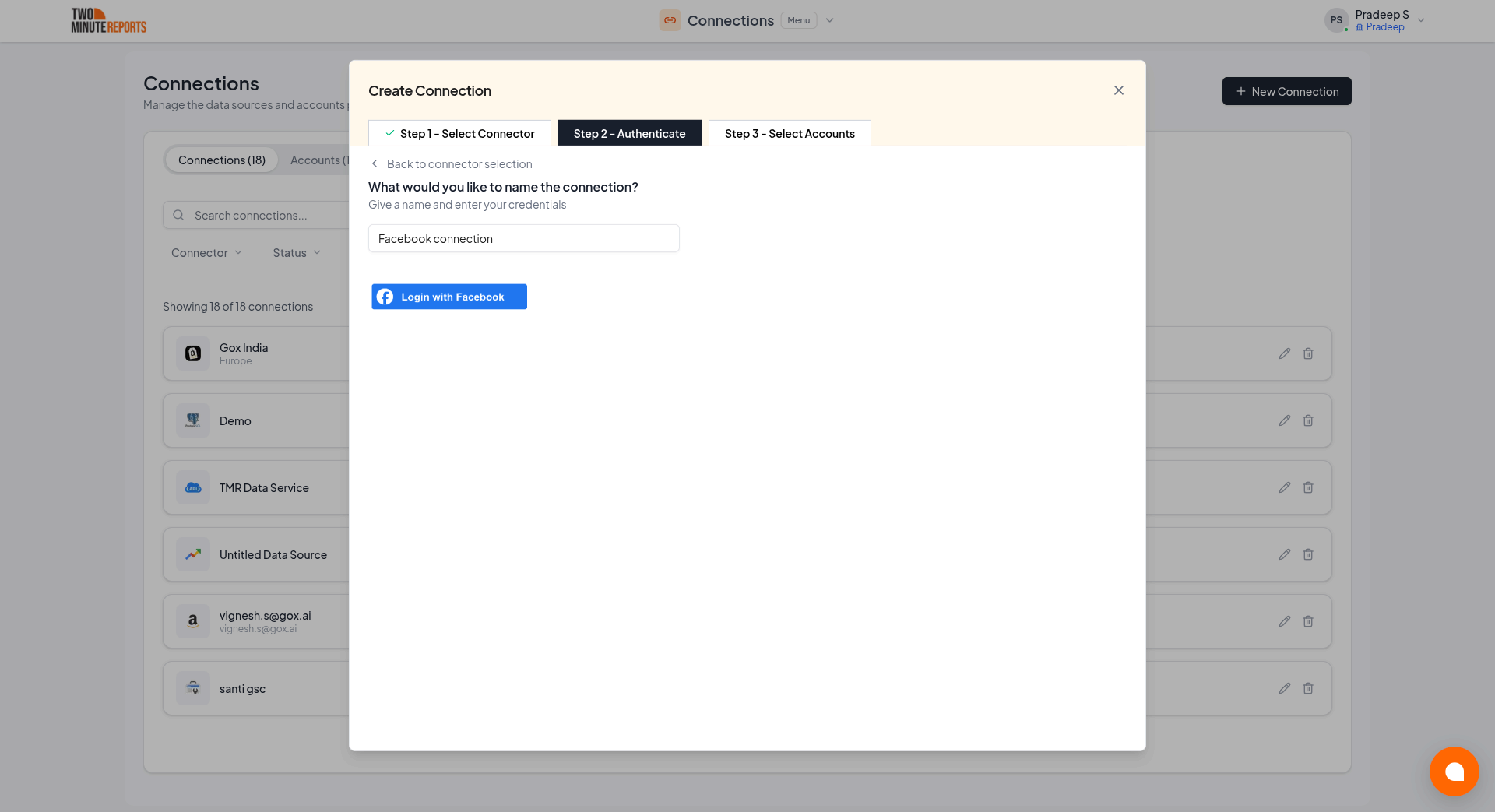
- Name the connection and authorize with your account credentials
- Enable the accounts you want to report on
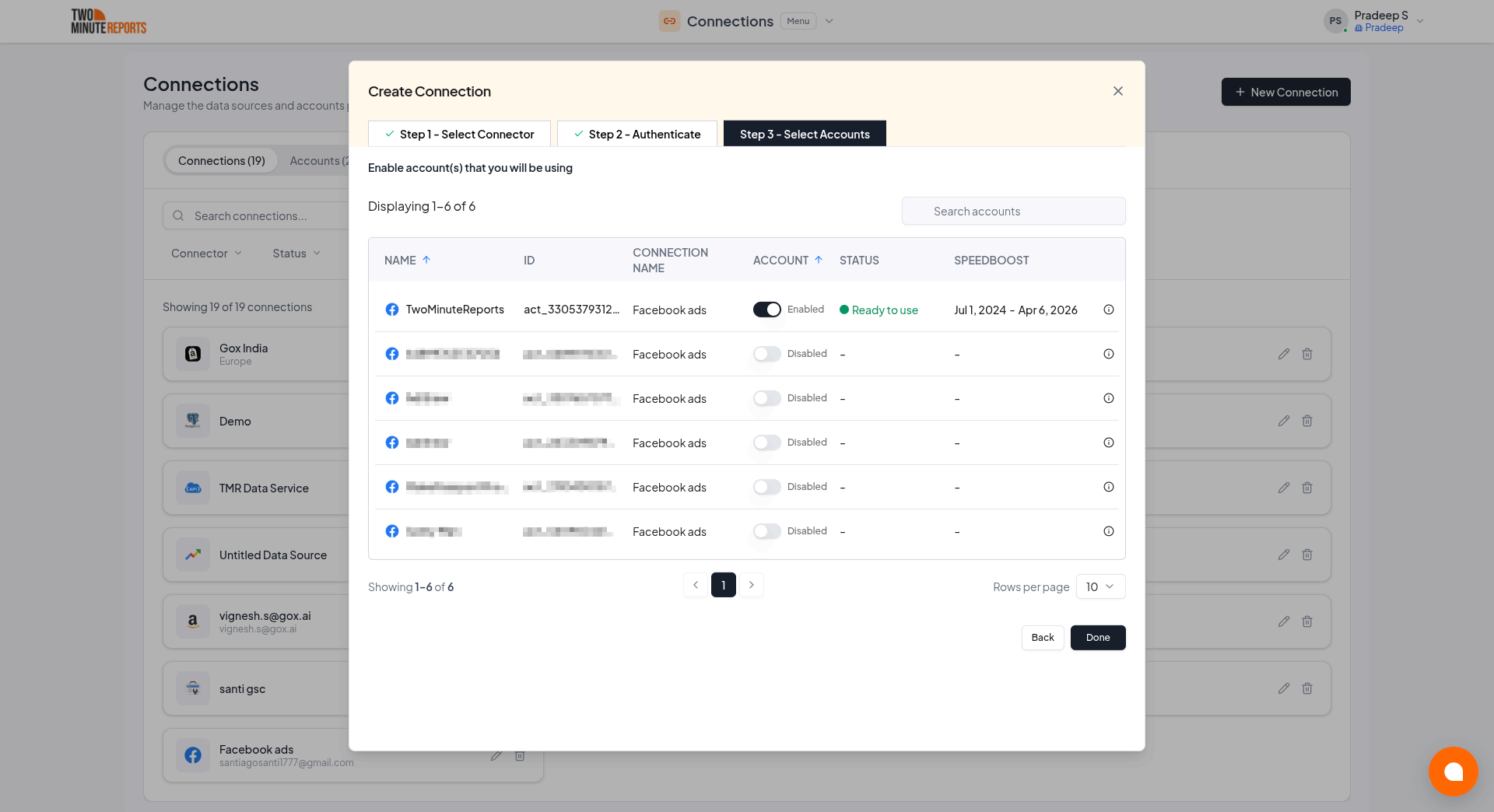
Only enabled accounts fetch data, and only enabled accounts count toward your plan. You can enable or disable accounts at any time on the Connections page.
How to get ChatGPT data into your reports
To pull ChatGPT data into Google Sheets:
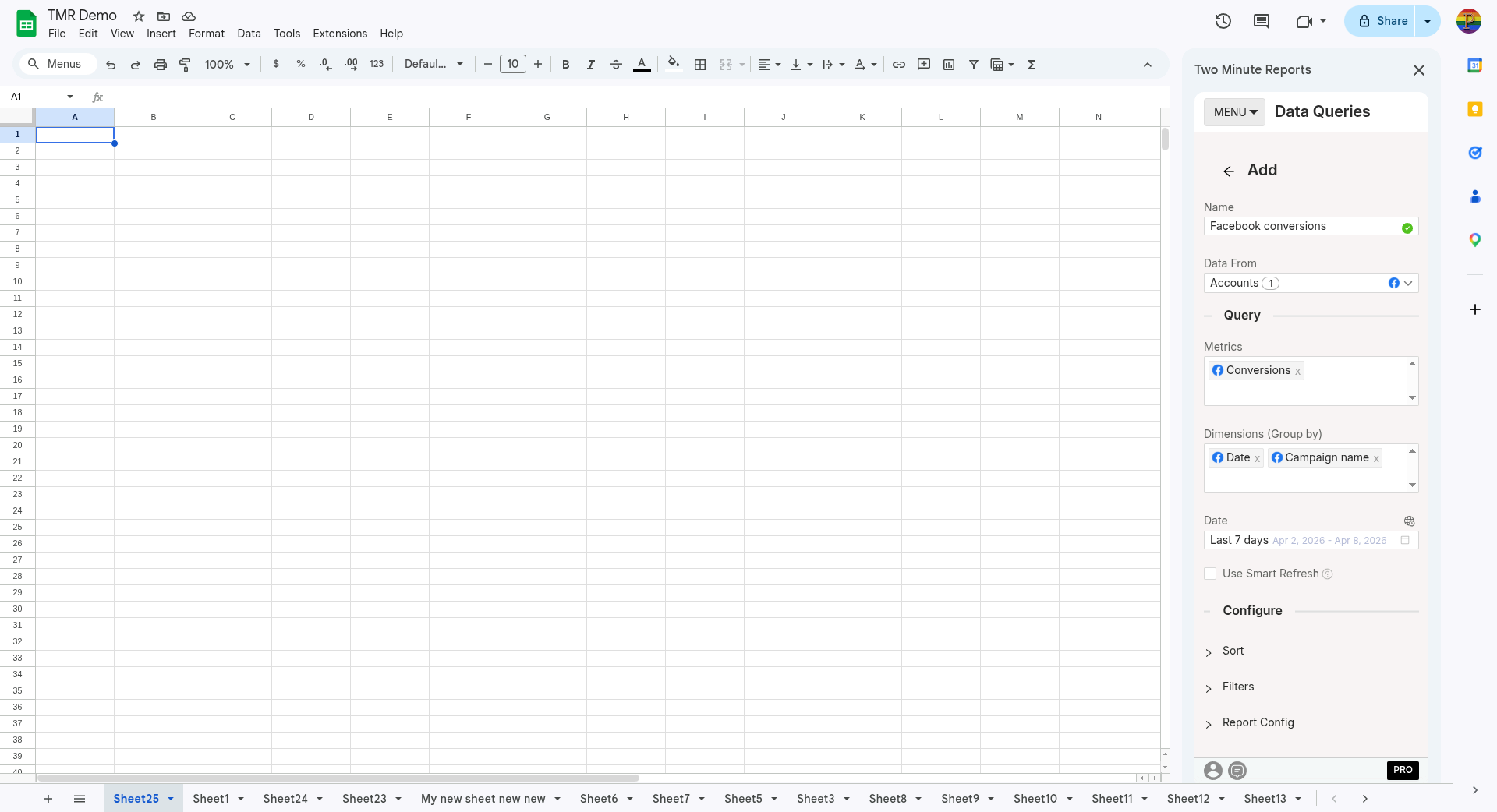
- In the TMR sidebar, go to Data Queries and select Add
- Select the accounts you want to analyze (can select multiple)
- Choose your metrics and dimensions from available options
- Select the date range for your analysis
- Configure sorting and filtering options as needed
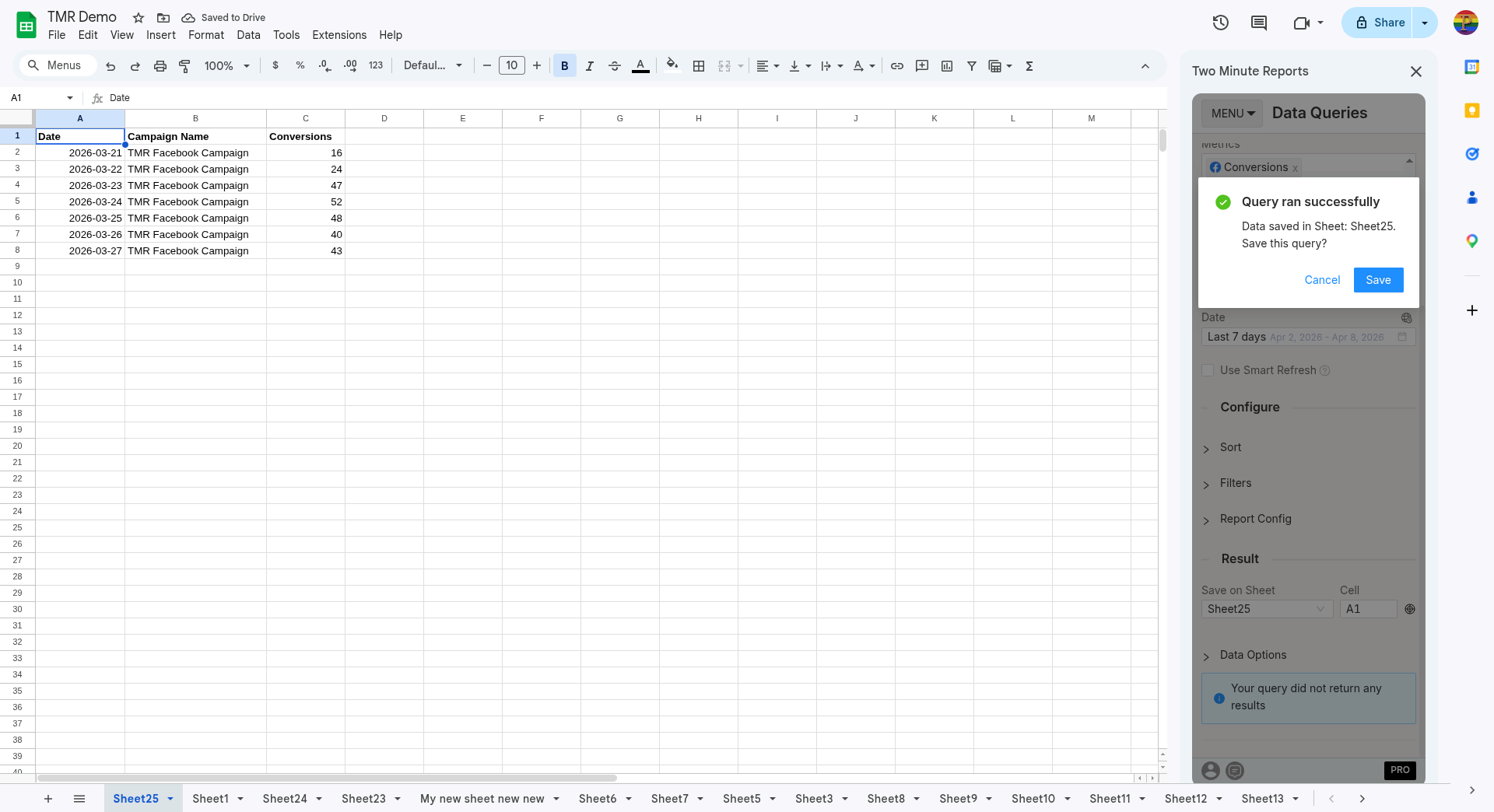
- Select Run Query to populate the data into Google Sheets