Google Trends
Google Trends Reporting Tool

"My weekly report is done in 1 minute rather than 1 hour"
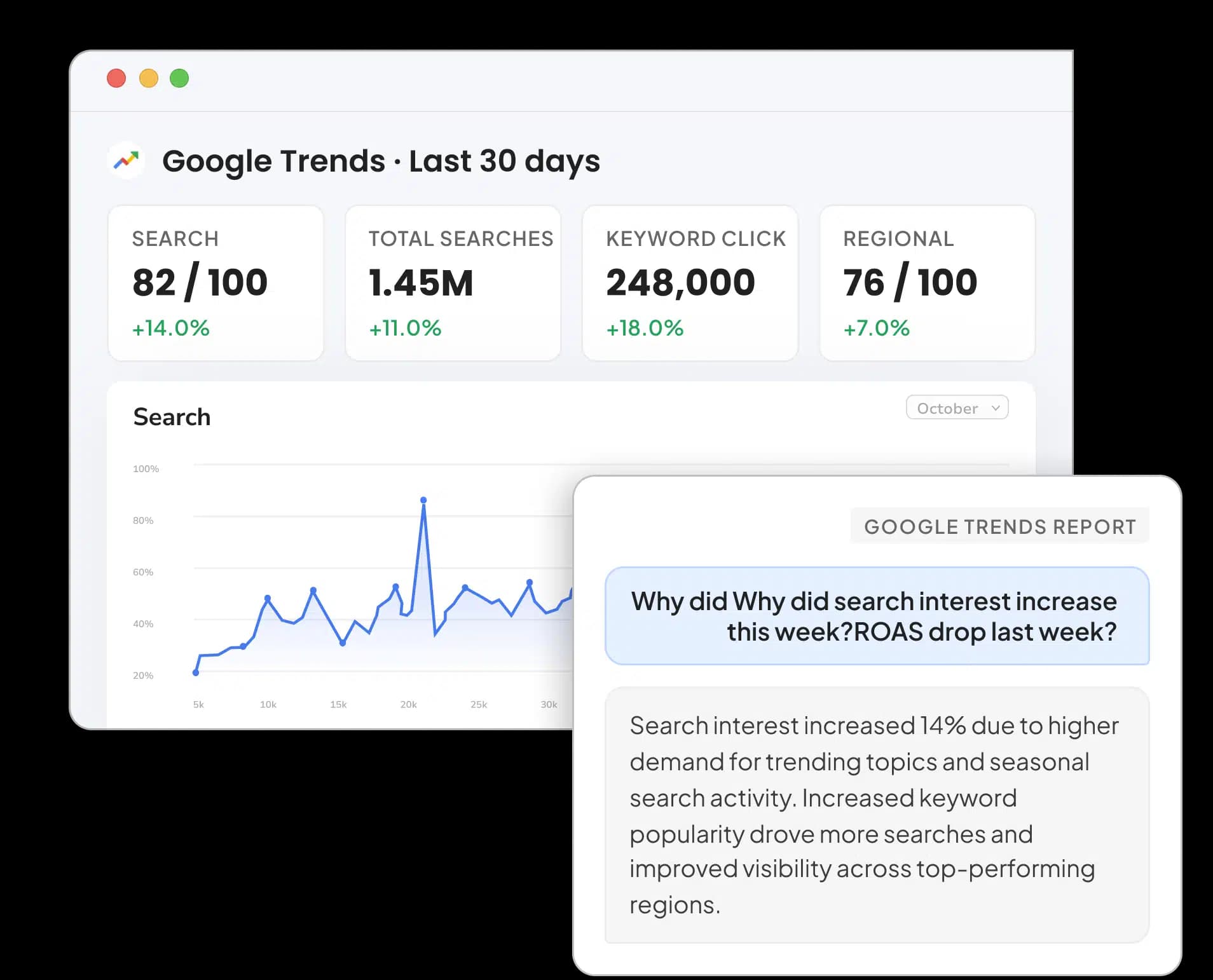





Analyze & Visualize Your Google Trends Data Anywhere
Connect Google Trends with Two Minute Reports once, and then work with fresh data at your preferred destination anytime.

IN THE PRODUCT
AI-Powered Dashboards
Track Search Interest, Rising Percentage, Search Volume, and more, or let AI build a white-label trend dashboard for you within Two Minute Reports.

IN YOUR STACK
Google Sheets & Google Data Studio
Send the latest Google Trends data to Google Sheets & Google Data Studio, the reporting destinations your team is familiar with.

BUILT-IN AI AGENT
Dash AI
An AI agent that works alongside you for analyzing search trends, surfacing insights, and building reports as you go.

MCP
Connect AI Platforms
Connect Claude, ChatGPT, and Manus to your Google Trends data through Two Minute Reports MCP and run expert analysis skills instantly.
Automate, Customize, and Scale Your Google Trends Reporting
Fast, automated reporting
Build it once. Let it auto-refresh and deliver forever. No more manual pulls.
AI-native reporting
Generate dashboards with one click, or analyze performance by chatting with Claude, ChatGPT, or Manus.
Goals & pacing
Set ROAS, spend, and CPA targets — and see at a glance whether every account is on pace to hit them.
Dashboards, your way
Build native dashboards in Two Minute Reports, or use 100+ templates in Google Data Studio and Google Sheets.
Scheduled delivery
Send up-to-date reports to clients or stakeholders automatically — daily, weekly, or monthly.
Data security & no code
Secure authentication and granular permissions. No API setup, dev work, or spreadsheet chaos.
Set Up Google Trends
reporting in Three Simple Steps
Connect your Google Trends account
Link Google Trends in a few clicks, and see search interest data flow into your reports immediately.
Build AI dashboards to track your keywords
Generate a complete dashboard from a prompt or template. Track interest over time, rising queries, and regional demand for every keyword in one place.
Automate & share with your team
Pull the latest data to Google Sheets, Google Data Studio, or dashboards and schedule automated delivery at your preferred interval.
Pick Your Destination for Google Trends Reporting


Ready-to-Use Google Trends Reporting Templates
Explore Google Trends Templates →


Google Trends Reporting That Adapts To Your Workflow
Whether you're an agency owner, a marketer, or an SEO expert, act on your Google Trends data with precision.
Deliver professional, fully branded trend reports at scale
White Label Reports
Present fully branded Google Trends reports that your clients will trust and remember
Client Account Mapping
Map keyword sets to specific clients and manage everyone from one central dashboard
Automated Report Delivery
Schedule recurring Google Trends reports to clients via email
Custom Fields
Add context and track client-specific keywords across platforms in one report.

Explore all Google Trends metrics & dimensions
18+ fields available — easily added to client reports and marketing dashboards.
Frequently Asked Questions
A Google Trends reporting tool helps you automatically extract search interest data and transform it into ready-to-share client reports. Instead of manually downloading CSVs from Google Trends, you can use Two Minute Reports to automate trend tracking and visualize insights in Google Sheets and Google Data Studio. Just plug in and get your report done.
Yes. You can track and compare up to 5 search terms side by side, filtered by country, region, category, and search type (Web, News, Image, or YouTube). This helps you evaluate which keywords are rising or falling and adjust your content or campaign focus accordingly.
Yes, you can easily share Google Trends reports as a Sheet, a branded PDF, or automated emails. Reports are client-ready and white-labeled, making them easy to present without needing extra formatting or design.
You can track metrics like relative Search Interest (on a 0–100 scale), Rising Percentage, and Search Volume, broken down by dimensions such as search term, country, region, trend type (Top or Rising), related queries, and related topics. Select the fields that align with your client goals and spot emerging demand faster.
Yes. Connecting Google Trends to Two Minute Reports is completely secure. We adhere to industry best practices, use various types of firewalls, and employ other essential authentication mechanisms, providing you with full control over user permissions. Your data is never shared or exposed to third parties.
Yes. Native dashboards let you build polished, white-labeled Google Trends dashboards directly inside Two Minute Reports – no Google Data Studio or BI tool needed. Generate one with AI in a click, or assemble it widget by widget, then share it as a live link or branded PDF.
The native Google Trends site only shows static, session-based views that you have to export manually every time. Whereas Two Minute Reports lets you automate recurring trend reports, and track keyword interest historically. Marketing agencies, content teams, and SEO experts can effectively act on search demand insights in real-time.
Start by connecting Google Trends to Two Minute Reports. Then, choose the metrics you want to track, such as Interest, Rising Percentage, or Search Volume, and pick a refresh schedule. Finally, visualize your data using pre-built templates or custom dashboards in Google Data Studio or Google Sheets. Your report is ready in under 2 minutes.
Connect your Google Trends account, then build a query using the Trend Type dimension set to "Rising" alongside Related Queries and Rising Percentage. You'll see which search terms are gaining momentum for any keyword, region, and date range – refreshed automatically on your schedule.
Flexible Pricing, Powerful Reporting
Made for marketers of all sizes.
All-in
Everything includedEvery feature, every connector, unlimited seats. You only choose how many accounts you report on.
100 Facebook Ads, 100 Google Ads, and so on. Need more?
$498/ month$597
Billed annually · 2 months free (save 17%)
That's about $4.98 per account each month.


 4 destinations included: TMR, Sheets, Google Data Studio and AI tools
Everything you get
- AI DashboardsBranded client dashboards that update themselves
- GoalsClient goals and budget pacing, tracked live
- SpeedboostStored data history for near real-time reports
- Dash AI assistantAsk about your data and build in plain English
- 35+ connectorsEvery ad, SEO, social and e-commerce source
- 4 destinationsTMR dashboards, Google Sheets, Google Data Studio and AI tools
- Unlimited seatsInvite your whole team at no extra cost
- Unlimited queriesRefresh as often as you need
- Hourly schedulingHourly, daily, weekly or monthly refreshes
- Report templatesStart from ready-made client reports
- API & MCP accessUse your data in Claude, ChatGPT and Manus


Enterprise
For companies deploying AI agents at scale.
Custom
- Everything in All-in
- Enterprise agent
- Enterprise Backstage and reporting
- Flexible billing options
- Higher limits
- SSO
- HIPAA-eligible
- Audit logs
- Custom roles & permissions
- SLAs
- Priority support
- Custom workflows and integrations
- Dedicated growth and AI consultant


Supercharge Your Workflow with Powerful Integrations
Connect with 20+ popular tools across marketing, analytics, advertising, and eCommerce to automate and streamline your reporting. Build once, report everywhere.
Explore All IntegrationsRecommended Articles


11 Important Amazon Seller Metrics You Need to Track

Take back your time. Wow clients.
Get Two Minute Reports.
Start your free trial todayBuilt by marketers. Built for marketers.