10 Best Coupler.io Alternatives and Competitors to Try in 2026
Explore the top Coupler.io alternatives for seamless data automation and reporting. Compare features, pricing, and integrations to find the best tool for your business.
Coupler.io alternatives at a glance
Looking for the best Coupler.io alternative?
Coupler.io is a comprehensive data management tool to extract, transform, analyze, and store data. It is a popular tool for marketers to manage, build, automate data extraction and streamline reporting.
While Coupler.io has a wide range of integrations, its data transformation capabilities can feel restrictive, especially considering the high cost. Moreover, the pricing feels steep for small business users who want to scale at a budget-friendly cost.
In this guide, I’ve compared and evaluated the top Coupler.io alternatives based on key features, cost, functionality, and other critical factors to make it easier for you to pick the best fit for your analytical and reporting needs.
What is the need for a Coupler.io alternative?
Here’s why users seek a better Coupler.io alternative:
Complex UI
Non-technical users struggle with the platform’s learning curve.
Data refresh restricted at plan-level
Not all frequencies are available on all plans. The Starter plan ($24/month) allows only for a daily refresh. You must upgrade to higher plans to unlock custom refresh schedules. This hinders your flexibility to sync real-time updates.
Expensive pricing
SMBs who wish to upgrade their reporting workflow may find Coupler.io to be steep. Scalability becomes a key struggle with high-end pricing.
Limits on data volume
Has a cap on the number of rows you can export on specific plans. To unlock unlimited access, you must upgrade to the Active plan costing $99/month.
Adel
Since I have a very big database on HubSpot, extractions are almost impossible through Coupler. Very slow and crashes.
Top Coupler.io alternatives: feature comparison
How Two Minute Reports and 4 other Coupler.io alternatives compare on price, AI, client reporting and data, grouped so you can scan what matters to you.
| Compare tools | Two Minute Reports | Supermetrics | Power My Analytics | Dataslayer | Portermetrics |
|---|---|---|---|---|---|
| Starting priceCheck the unit: per month, account or client | $81/mo | $39/mo | $41.63/mo | $35/mo | $12.50/account |
| Best forWho each tool suits most | Multi-client agencies | Enterprises | Data Studio users | Enterprise teams | Freelancers |
| Feature coverageAcross the 15 features below | 15 of 15 included | 2 of 15 included | 3 of 15 included | 2 of 15 included | 5 of 15 included |
| AI & automation | |||||
| AI agentAsk questions about your data in plain English | Included: Dash AI Agent | Partial: Credit-based (Studio) | Not available | Partial: $115+ plan | Not available |
| AI dashboard builderBuild a dashboard from a prompt | Included: No credit caps | Partial: Credit-based | Not available | Not available | Not available |
| MCP (Claude, ChatGPT)Part of your plan, or bought as a separate destination | Included | Partial: Row limits apply | Included: Included, shared API quota | Partial: Separate paid destination | Included |
| Claude SkillsReady-made reporting workflows in Claude | Included | Not available: Not available | Not available | Not available | Not available |
| Client reporting | |||||
| Scheduled briefingsAuto-email clients a summary of their dashboard | Included | Partial: Sheets/Excel email only | Not available | Not available | Not available |
| Goals & budget pacingTrack targets and spend against budget | Included | Included | Not available | Not available | Not available |
| White-label reportsReports under your agency's brand | Included | Partial: Limited. Contact Support for assistance | Not available | Not available | Partial: Via Data Studio |
| Custom domainHost reports on your own URL | Included | Not available: Not available | Not available | Not available | Not available |
| Data speed & reliability | |||||
| Hourly data refreshOn every plan, or only on pricier plans and add-ons | Included: Unlimited refreshes | Partial: Available on Select Plans | Partial: Paid add-on, daily by default | Partial: $115+ plan, daily on Starter | Included: Hourly, daily, weekly |
| Load reports fasterData is pre-loaded, so reports open quickly | Included: 5x faster with Speedboost | Partial: Depends on query size | Partial: Warehousing, manual backfill | Included: Warehouse caching | Not available: Slows on high-volume accounts |
| Data sourcesNumber of built-in connectors | 30+ | 100+ | 40+ | 40+ | 20+ |
| Data tools | |||||
| Data blendingCombine several sources in one report | Included | Included: Enterprise plan only | Included | Partial: $115+ plan | Included |
| Custom fieldsCreate your own metrics and dimensions | Included | Partial: Enterprise plan only | Partial: Beta | Included | Included |
| API accessPull your data into other tools | Included | Partial: Enterprise plan only | Included: Included, with quotas | Partial: Paid destination | Not available |
| Team & switching | |||||
| Team seatsUsers included at no extra cost | Included: Unlimited | Not available: Paid seats | Not available: Paid seats | Not available: 1 user | Included: Unlimited |
| Migrate existing reportsRebuild an old report from a PDF or screenshot | Included: AI rebuild from PDF | Partial: Data Studio reports only | Not available | Partial: Supermetrics queries only | Not available: Setup call only |
| Reviews | |||||
| G2 ratingScore out of 5. Tap a score to read the reviews on G2 | 4.8Read reviews on G2(opens in a new tab) | 4.4Read reviews on G2(opens in a new tab) | 4.5Read reviews on G2(opens in a new tab) | 4.8Read reviews on G2(opens in a new tab) | 4.6Read reviews on G2(opens in a new tab) |
| Try for Free | Learn More | Learn More | Learn More | Learn More |
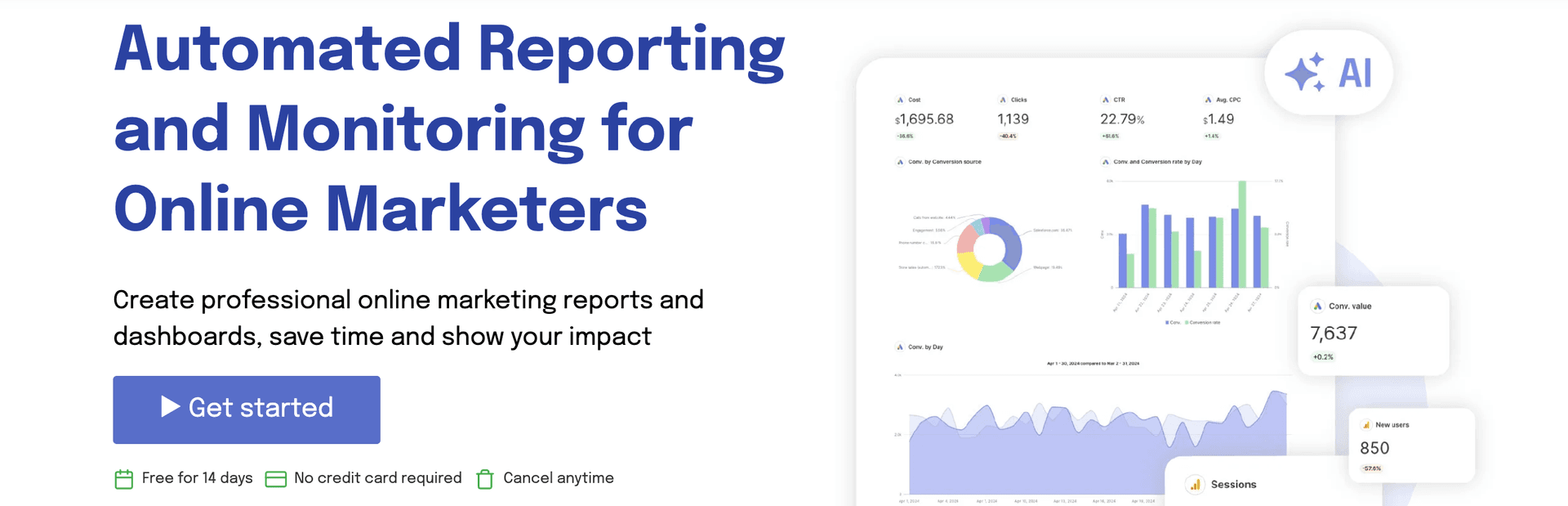
Top 10 Coupler.io Alternatives for Marketers and Agencies
1. Two Minute Reports
Best for:
Multi-client agencies and marketing teams looking for AI-powered marketing intelligence.
Integrations:
Supports 30+ data sources, including Facebook Ads, Shopify, Google Ads, Google Analytics, LinkedIn Ads, Amazon, etc.
Key features:
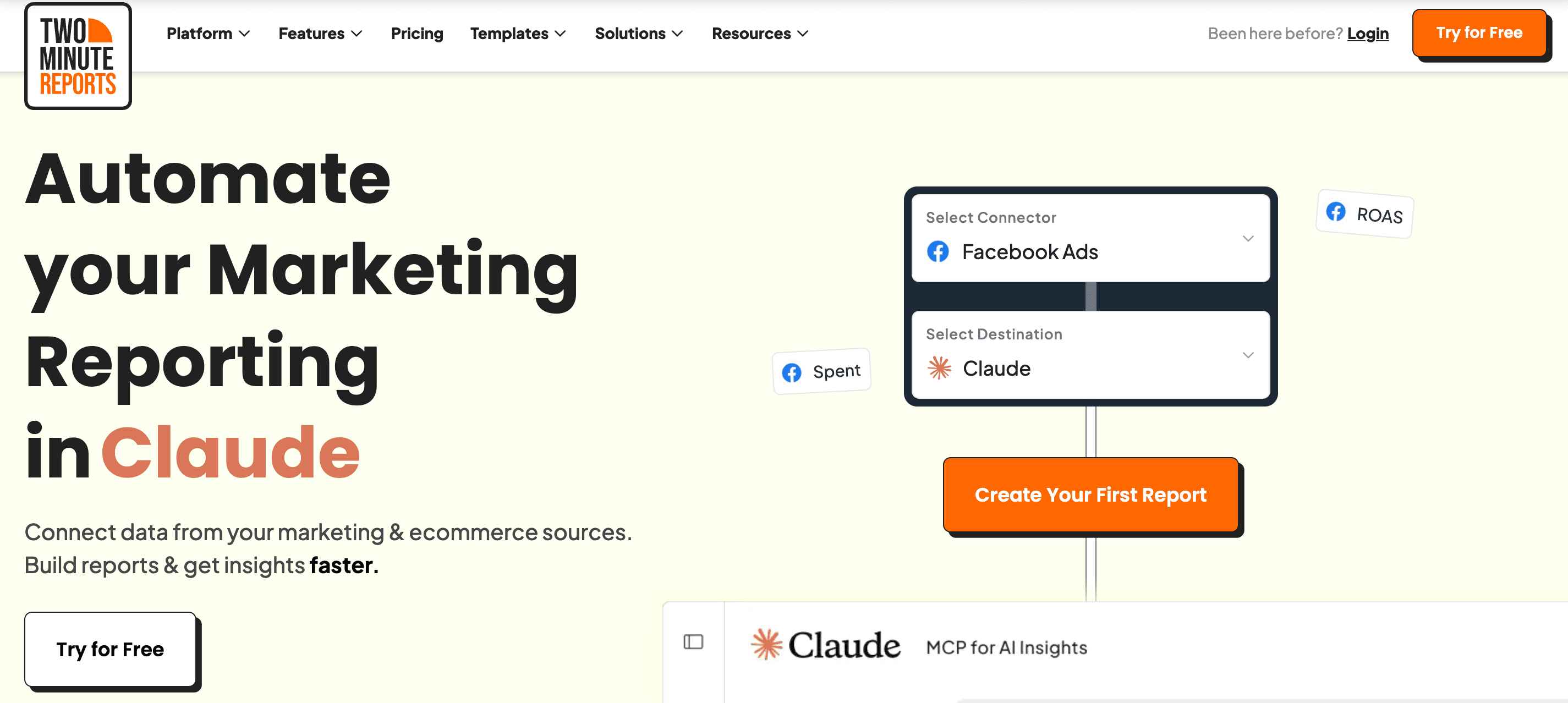
- AI Dashboards - describe the report you want and get a live dashboard for any connected data source.
- Dash AI - An all-in-one AI marketing agent that lets you chat directly with your campaign data.
- 100+ free pre-built templates - ready-made, client-ready dashboards for every major channel
- White-label marketing reports - your logo, your colors, your branding, on every plan.
- Automated scheduled reports - scheduled report delivery across multiple clients via email.
- Speedboost technology - large dashboards load faster, so you spend less time waiting on refreshes.
- Data blending - blend data across PPC platforms into one, clear ROI-focused view.
- Custom fields - build metrics and dimensions that match your own business logic.
- Goals and budget tracking - set targets, pace spend, and flag overspend before the month closes.
- Client management & account mapping - group ad accounts by client so multi-client reporting stays tidy.
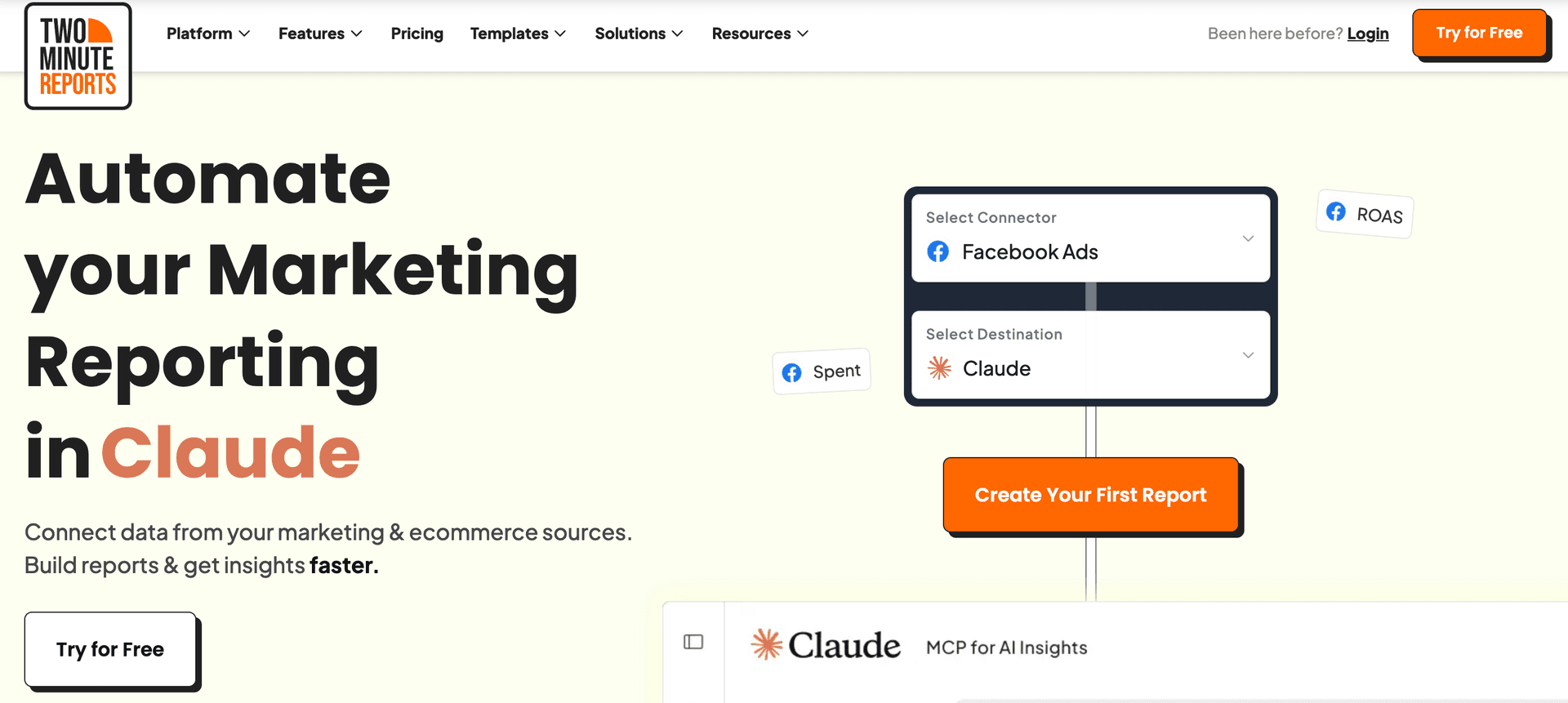
- MCP Access - connect your marketing data straight into Claude, ChatGPT, and other AI platforms
- Claude Skills - download ready-made audit skills and run a full account review in minutes.
- Easy learning curve.
- No-code, automated reporting with transparent, scalable pricing.
- Faster data syncs to streamline reporting workflow.
- Responsive customer support
- Zero row limits across all plans.
- Build AI dashboards faster without any caps or limits
- Automate performance summaries to your clients on set intervals via Dash AI.
- Hourly refresh available across all plans.
Jakub
"Its ease of use, coupled with its ability to integrate with popular platforms like Google Analytics and Facebook Ads, makes it an attractive option for businesses and agencies that need a reliable reporting solution without a steep learning curve."
- No freemium plan.
David
"There are some integrations that could be added to make it more robust."
First-Hand Experience
Two Minute Reports is known for its scalable, no-code, automated reporting. The interface is super intuitive, and you can get started in no time. One of the standout advantages is that your reports load in under 5 seconds in Google Sheets and Google Data Studio, thanks to smart caching. This is beneficial for marketers and agencies who need fast, up-to-date reports without the hassle of setting up complex pipelines. Works well with 100+ white-label templates.
Another aspect worth mentioning is the recommended queries. Within one click, the key metrics and dimensions will be added to your spreadsheet, and you can visualize trending marketing insights within seconds – letting you save time on every report.
Pricing and Value
Annual billing saves 17%.
Final Verdict
If you are looking for a reliable and affordable Coupler.io alternative, Two Minute Reports does it all. With daily, weekly and monthly schedules across all plans, unlimited reporting, access to exclusive Speedboost technology and zero row limits, it is designed to automate multi-client reporting and streamline reporting workflow. Whether you own an agency or a growing business, it offers the flexibility and power you need to scale without hidden costs.
2. Supermetrics


Apps:
Google Sheets add-on, Google Data Studio connector, API and includes other destinations such as Power BI, etc.
Supported platforms:
Around 100+ integrations across PPC, email, SEO, ecommerce, social media, etc.
Key features:
- Data integration capabilities: Connect 100+ data sources, including Facebook Ads, Google, Amazon, TikTok, and Shopify, to your preferred destination.
- Advanced data pipelines: Leverage pre-built and custom data pipelines to move and transform data from source to destination for advanced analysis.
- Streamlined reporting: Get access to granular marketing and performance insights to understand what’s working and what’s not.
- Advanced data transformations: Create advanced data transformations such as dynamic currency conversion, custom metrics, merging ad spend, etc.
- Automated delivery: Enable schedule data refreshes to keep clients informed on real-time updates without having to pull manually.
- Enterprise-level reporting.
- Advanced data storage capabilities.
- Robust data management features for organizing, transforming, and combining data from multiple sources.
- Multiple teams and client collaboration.
Trevor I
"SuperMetrics continues to seek out new platforms to make connections to, and they just created one for a platform that I routinely use for monthly reporting."
- Requires high technical expertise to troubleshoot and resolve issues.
- Highly expensive for SMBs and agencies.
- The cost of integrating additional connectors is high.
- Steep learning curve.
- Upgrade to higher plans to customize refresh schedules.
William T
"Troubleshooting issues with Supermetrics is as far from transparent as I've ever seen - to resolve most issues (caused by bugs within the software rather than human error) requires contacting support directly, rather than being solvable on the user end. "
First-Hand Experience
Supermetrics is known for its robust customization, storage and transformation functionality. It is highly favorable for mid-to-larger-sized businesses due to its advanced analytical capabilities. However, small businesses can find the pricing to be expensive, especially when considering long-term scalability.
Pricing and Value
Supermetrics pricing plan starts at $29/month, supporting 3 data sources, 1 core destination, weekly data refresh, and access to dashboards. The other plans include:
- Growth – $159/month – 7 data sources, 1 core destination, daily refresh, data transformation, SSO.
- Pro – $399/month – 10 data sources, 1 destination, hourly refreshes, Supermetrics storage basic
- Enterprise – Custom – Advanced features for large-scale businesses.
It is clear that for businesses with complex reporting needs, Supermetrics offers good value. However, for small businesses or startups, Supermetrics pricing may sound like a less attractive option.
Final Verdict
Given the pricing, features, functionality and advanced data pipeline management, Supermetrics suits enterprise businesses with bigger budgets and larger data volumes. If you have the technical expertise and the capacity to manage complex reporting workflows, Supermetrics is a powerful choice.
3. Portermetrics
Supported platforms:
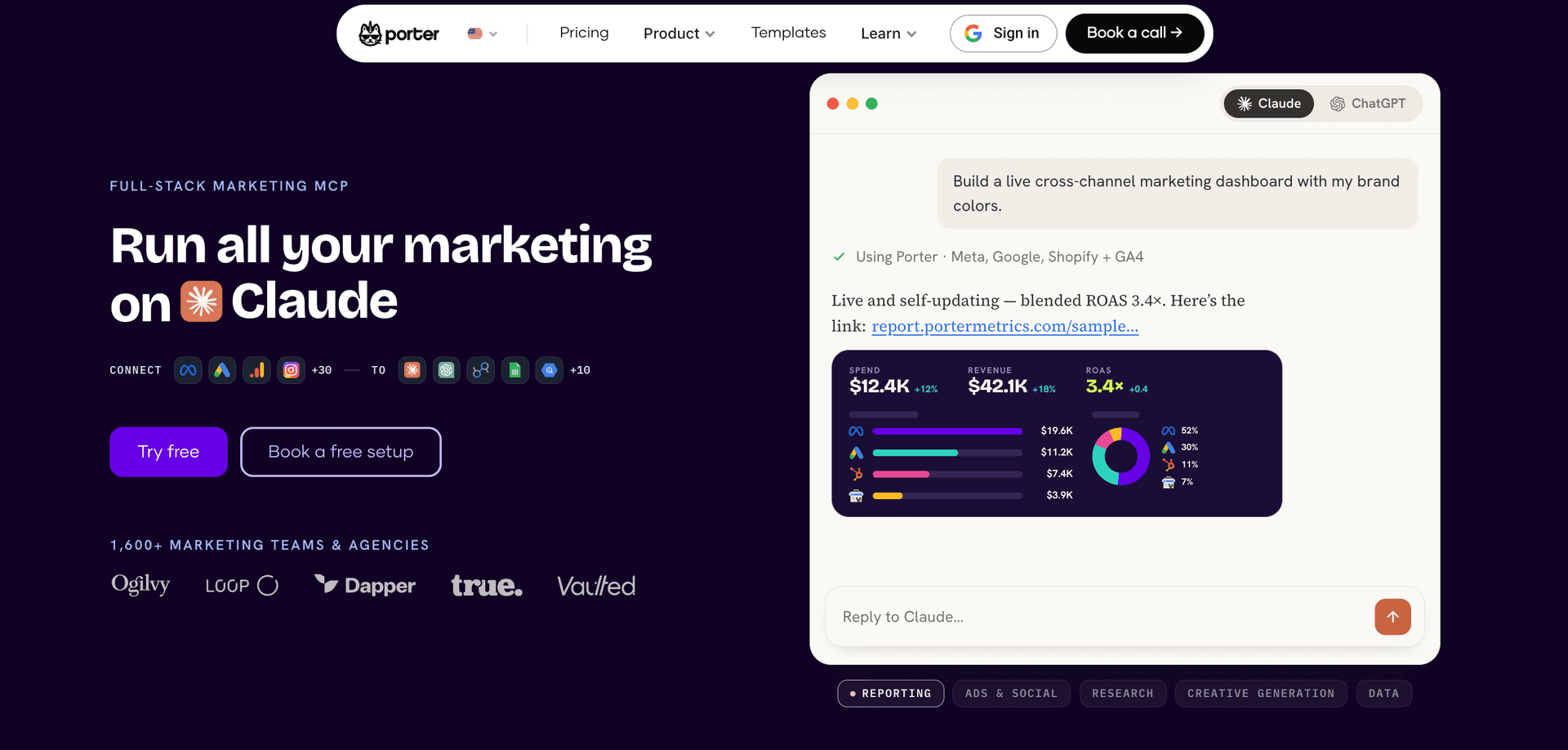
Offers 20 marketing-focused integrations across ads, social media, CRM, ecommerce, email, etc.
Key features:
- Data source integration: Syncs marketing data from 18+ platforms, including Google Ads, Meta Ads, LinkedIn, Shopify, HubSpot, and Mailchimp in one place.
- Build client reports: Let's non-technical users build visual reports using drag-and-drop elements like charts, scorecards, and tables.
- Automated reporting: Automates report refresh and delivery on a daily, weekly, or monthly basis to keep teams updated.
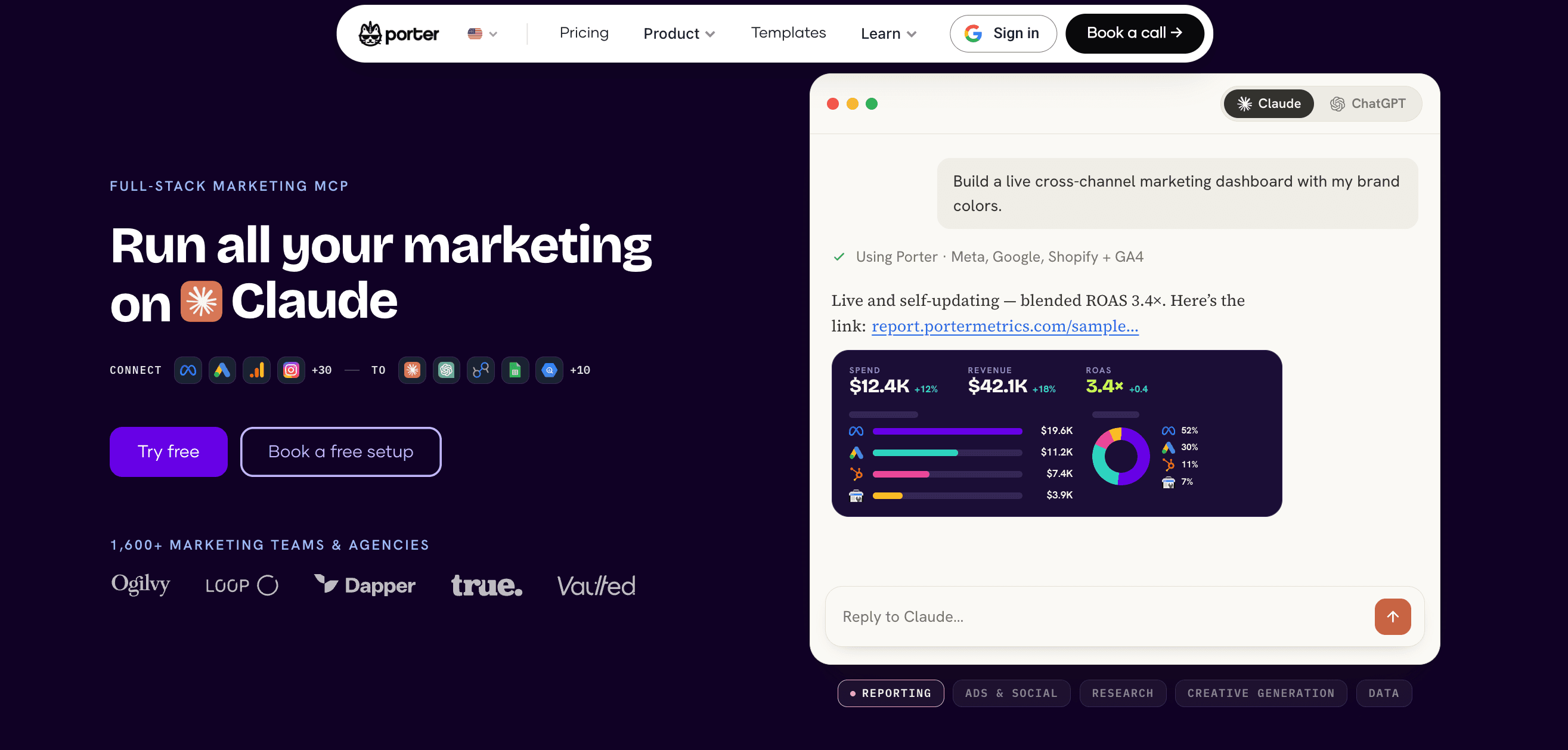
- Cross-channel reporting: Blends data from multiple sources to measure performance metrics like ROI and ROAS across channels.
- Custom marketing dashboards: Builds shareable dashboards in Google Data Studio and Google Sheets for easy access across teams.
- AI creative generation: Generates advertising images, product visuals, videos, etc using AI models through conversational workflows.
- Offers 100+ ready-to-use templates for Google Data Studio and Google Sheets.
- Known for its beginner-friendly interface that makes reporting simple even for non-technical teams.
- Supports cross-channel reporting to give a complete picture of marketing performance.
- Flexible pricing lets you pay only for the accounts you actually connect to and use.
- Great for teams who want powerful analytics with no-code or complicated setup.
Walter F
"Without a doubt, the quick and easy connection allowed me to create a dashboard in minutes, taking advantage of the available themes, replicating charts and tables according to my needs, without worrying too much about the design."
- Dashboards can take longer to load, which may slow down reporting workflows.
- A limited number of integrations makes it less scalable for multi-channel teams.
- Pricing isn’t the most competitive, especially given the smaller connector library and no free plan option.
- Advanced capabilities like data blending require an additional paid add-on.
- Better suited for Google Data Studio; Google Sheets users may find the functionality restrictive.
George R
"The connectors are always broken and it is always an error on the Porter Metrics end. It makes it extremely frustrating when I make reports for senior management and in the middle of their presentation Porter's connectors break and it looks bad on everyone. "
First-Hand Experience
Portermetrics is a no-code marketing reporting tool designed for marketers and agencies. You can easily connect your preferred platforms, extract KPIs, and create custom client reports. It offers a more user-friendly interface and faster setup, making it a great choice for businesses looking for a simple and effective reporting solution.
Pricing and Value
Portermetrics offers two separate pricing plans:
- Reporting: Follows a pay-per-account pricing model. Starts at $12.50/month per account. Pricing becomes expensive as you add more accounts.
- Automation: The free plan offers 100 credits/month. The Build plan starts at $23/month for 500 credits/month and goes up to $208/month, allowing up to 10,000 credits/month.
Final Verdict
Compared to Coupler.io, Portermetrics is a simple and reliable reporting tool that is best known for its ease of use, seamless integration with Google Data Studio and ability to create white-labeled dashboards. While it may lack some of the advanced features of Coupler.io, it remains a solid option worth trying, especially for businesses looking for a more intuitive reporting setup.
4. AgencyAnalytics
Supported platforms:
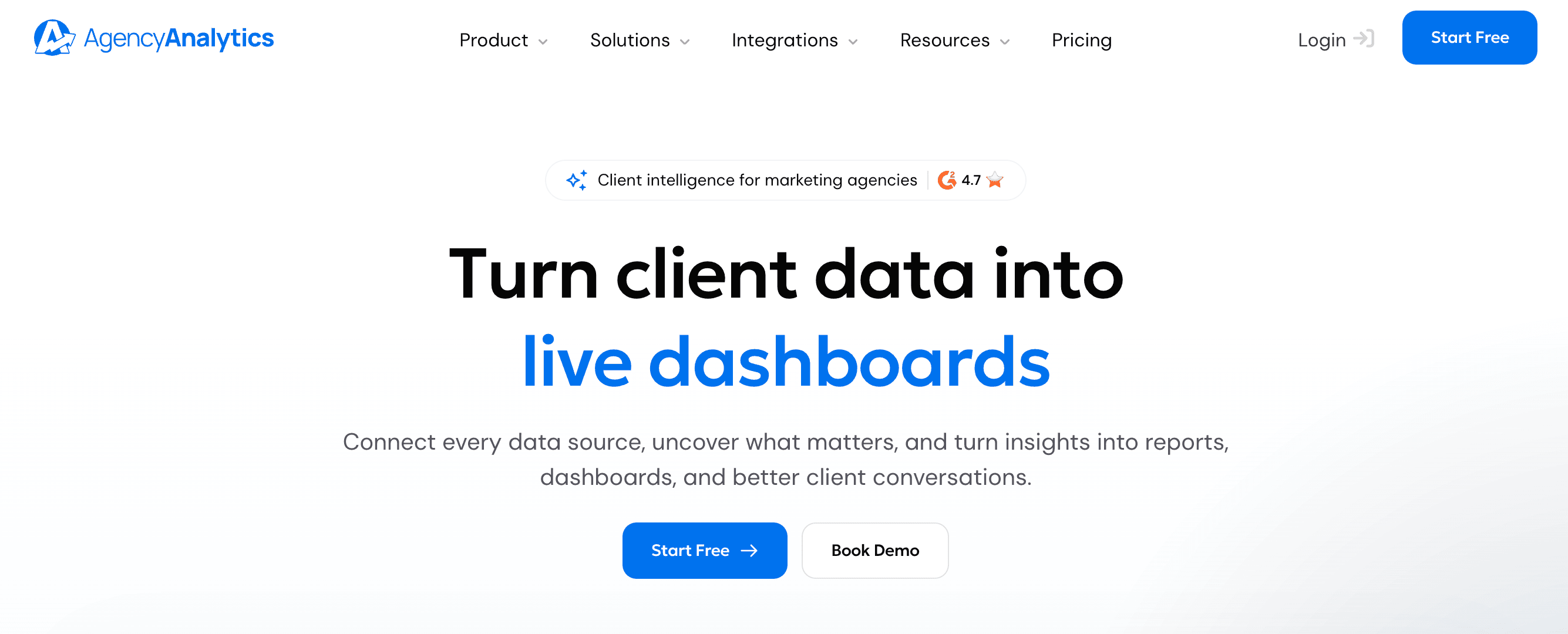
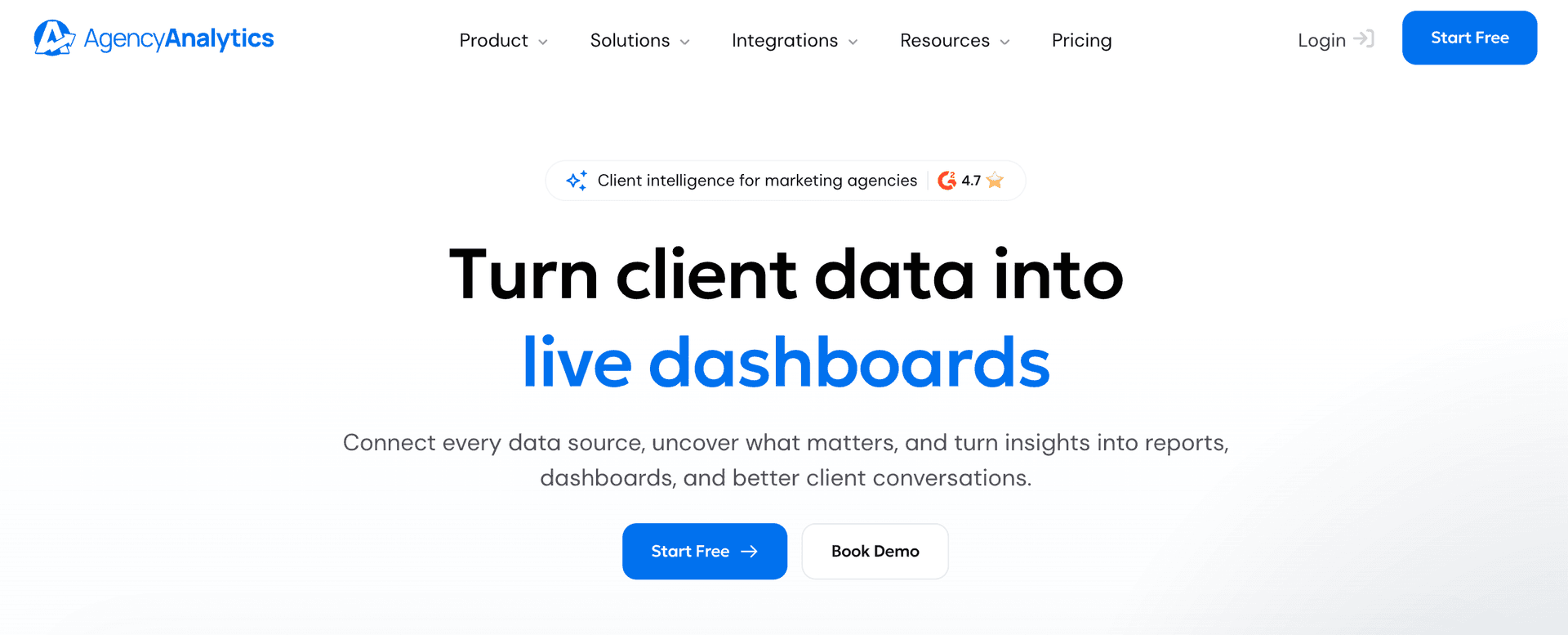
Supports 80+ integrations such as ActiveCampaign, Amazon Ads, LinkedIn Ads, GA4, etc.
Key features:
- White-labelling: Offer clients branded, professional dashboards to improve your agency’s expertise and credibility.
- AI-Tracker: Track and analyze how your clients show up across different AI platforms such as Claude, ChatGPT, Gemini, etc.
- Clients & Staff Management: Manage all your clients, staff, and teams in one place so you can share reports, create custom permissions, and give clients their own login.
- Drag-and-drop report builder: Use the drag-and-drop report builder to create visually compelling reports that showcase clear results.
- Custom comments: Add personalized comments and annotations to make your reports contextually relevant to your clients.
- Easy-to-use reporting interface.
- A broad range of integrations for agencies to consolidate marketing data.
- Fast and responsive customer support.
Oren M
"The platform gives you complete visibility into performance across multiple channels, with advanced filtering options and fully customizable dashboards."
- Some users face issues with the rank tracker.
- Pricing scales as you onboard new clients.
Sarfaraz
"The platform had limited capacity when it came to configuring report dimensions and tracking custom dimensions, which severely limited my ability to gain the insights I wanted from our performance reports. Furthermore, there were quite a few occasions where I encountered bugs in their software or had difficulty getting technical support for my issues."
First-Hand Experience
AgencyAnalytics is a comprehensive, client-focused reporting platform. Its ease of use, coupled with advanced filtering and customizable dashboards, provides complete visibility into your client’s performance insights. Another standout feature is the ability to create branded, professional client reports with the drag-and-drop editor. Overall, it is a great tool for agencies looking to provide client-driven reporting, but it might lack advanced ETL capabilities.
Pricing and Value
AgencyAnalytics pricing depends on the number of clients.
- Core plan: $20/month for one client (billed annually)
- AI Tracker (add-on): $20.83/month per 250 credits (currently in Beta)
- Rank-tracker (add-on): $41.67/month per 500 keywords.
Final Verdict
AgencyAnalytics is a strong alternative to Coupler.io, especially for agencies looking for a dedicated client-reporting platform. While it lacks Coupler.io's extensive data integration capabilities, it stands out for offering an all-in-one client reporting solution with automation, white-label reporting, and AI analysis. If you’re focused on delivering centralized marketing insights to clients with robust customization and scalability, AgencyAnalytics is a great choice.
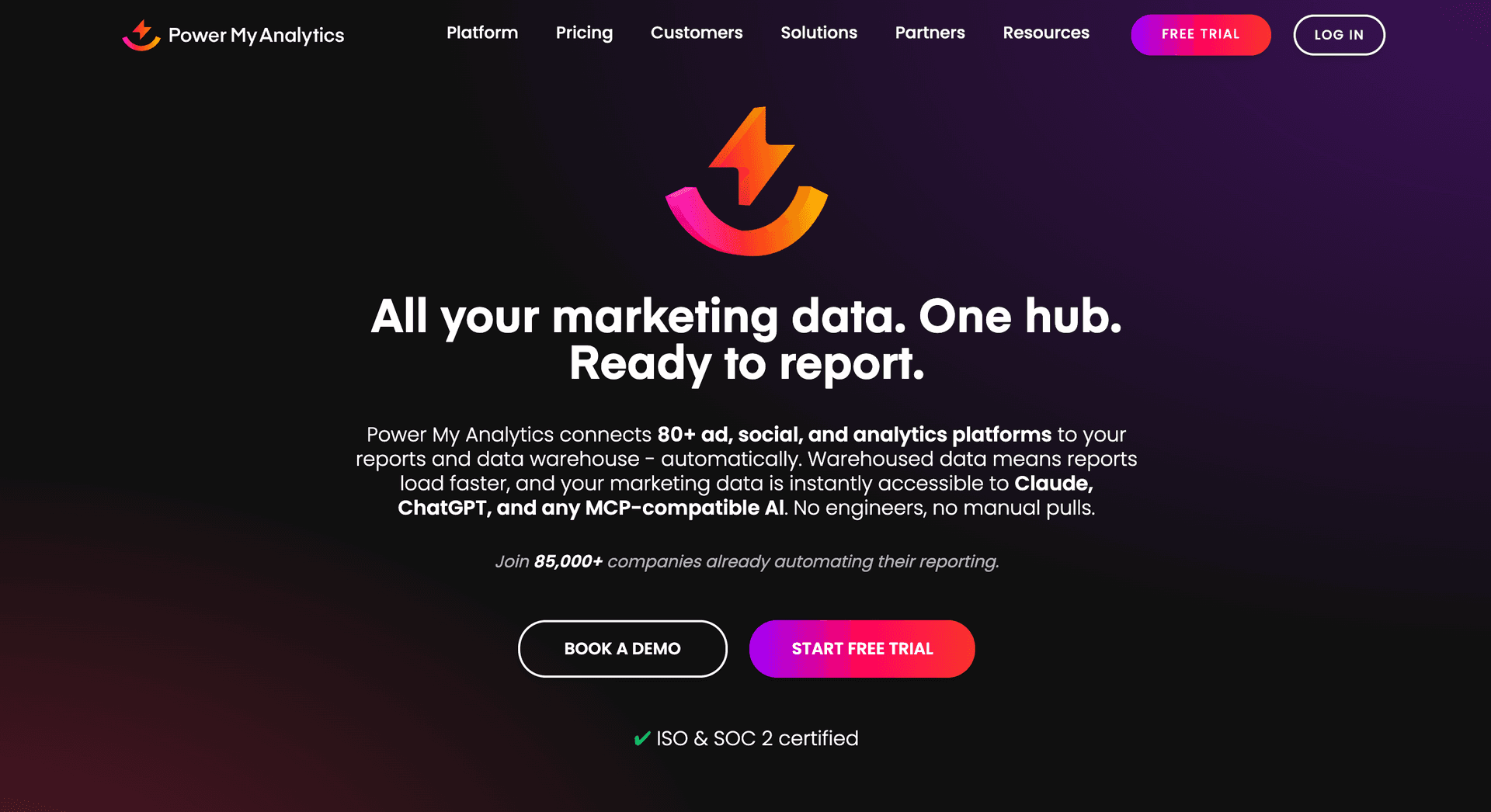
5. Power My Analytics
Supported platforms:
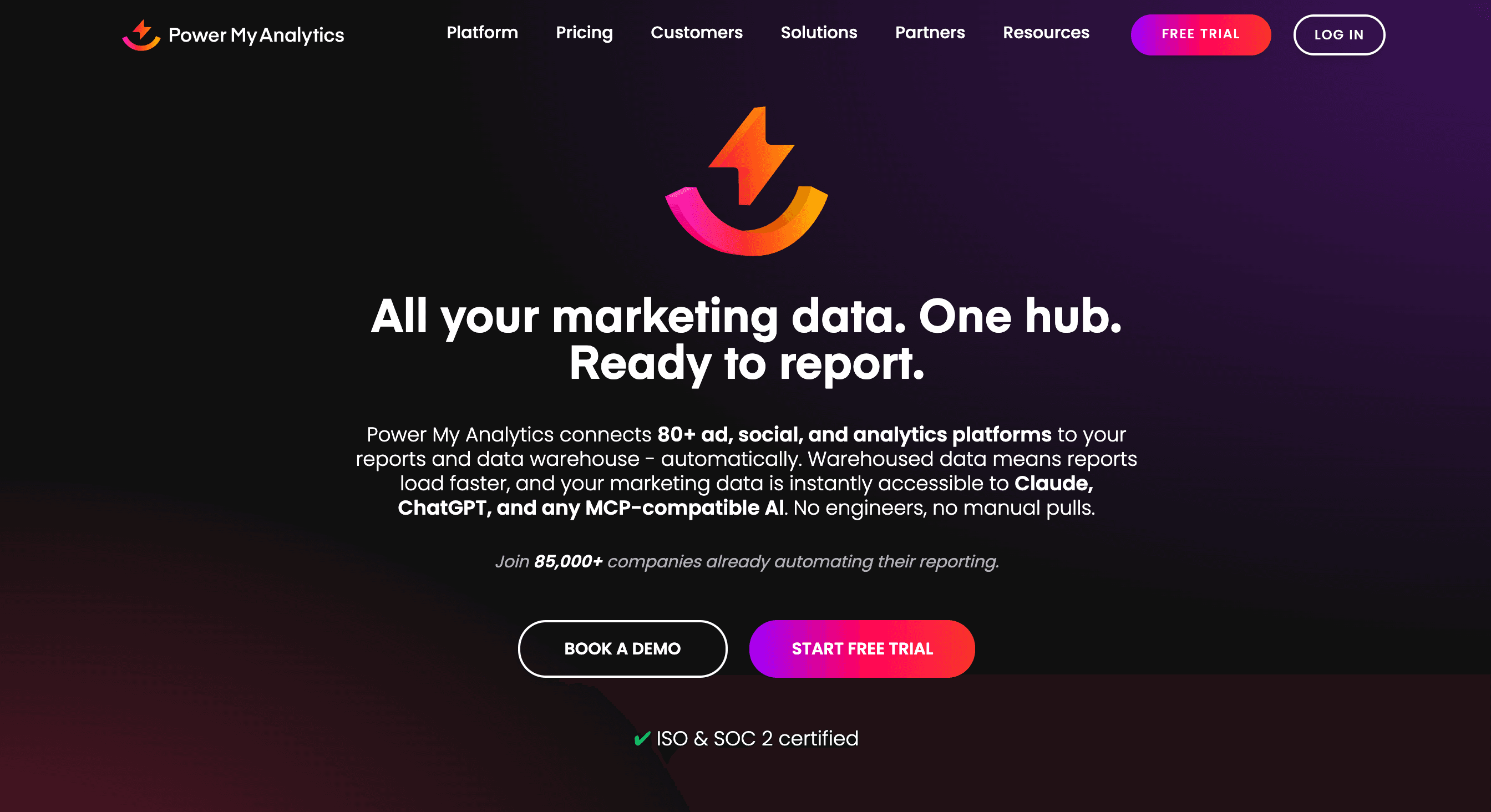
Supports 40+ platforms such as Google, Facebook, Instagram, Shopify, HubSpot, Campaign Monitor, Outbrain, etc.
Key features:
- Marketing Data Hub: Connect your marketing platforms to your preferred destination, warehouse or spreadsheet tools.
- Data Warehousing: Automatically collect and store marketing data in PMA’s data warehouse, helping you centralize your data for maximum efficiency.
- AI-insights: Generate AI-summaries of datasets to identify performance trends, anomalies, top-performing campaigns, etc. AI insights uses monthly credits which is based on your plan.
- MCP Integration: Connect marketing data to AI tools such as Claude, ChatGPT through MCP to act on your insights instantly.
- Easy-to-use interface with the ability to consolidate multiple data sources.
- Flexible warehousing solutions to store and secure your data.
Jens O
"Power My Analytics offer an easy integration with our data source(s) and was quickly deployed via predefined templates that gave a nice overview of most important KPIs."
- You can build unlimited reports in Google Sheets only on higher plans.
- Pricing feels expensive for SMBs, especially with increasing add-on costs.
Rebecca
"The connectors do seem to need some work--they can sometimes be slow, or the metrics are not always obvious for the various connectors. "
First-Hand Experience
Power My Analytics stores your data in its warehouse before transferring it to the destination. You can use its add-on to pull data directly into Google Sheets, manage clients, and even connect to Google Data Studio if needed. However, one downside I’ve encountered is the pricing structure – costs increase with add-ons. Exporting to Google Sheets and Excel costs $49.95/month, and when combined with the plan, the costs seem to escalate.
Pricing and Value
PMA offers 4 pricing plans. All plans include access to Data Studio, Tableau, Claude, ChatGPT, and Power BI. Here they are:
- Business: $41.63/month – 5 sources, 5 total accounts, 50 AI Insights credits
- Grow: $83.29/month – Unlimited sources, 7 accounts/source, 100 AI insights credits
- Pro: $166.63/month – Unlimited sources, 20 accounts/source, 100 AI insights credits, Sheets/Excel integration
- Custom: Contact Sales – Export to BigQuery, SQL, FTP, unlimited sources/accounts
Final Verdict
Power My Analytics is a reliable Coupler.io alternative for businesses that need streamlined reporting without high complexity. With white-labeling, automation, and warehousing, you can easily integrate data from multiple platforms and transform KPIs into actionable, data-driven insights. However, PMA might fall short in pricing when compared to Coupler.io, but it outweighs other core reporting functionalities.
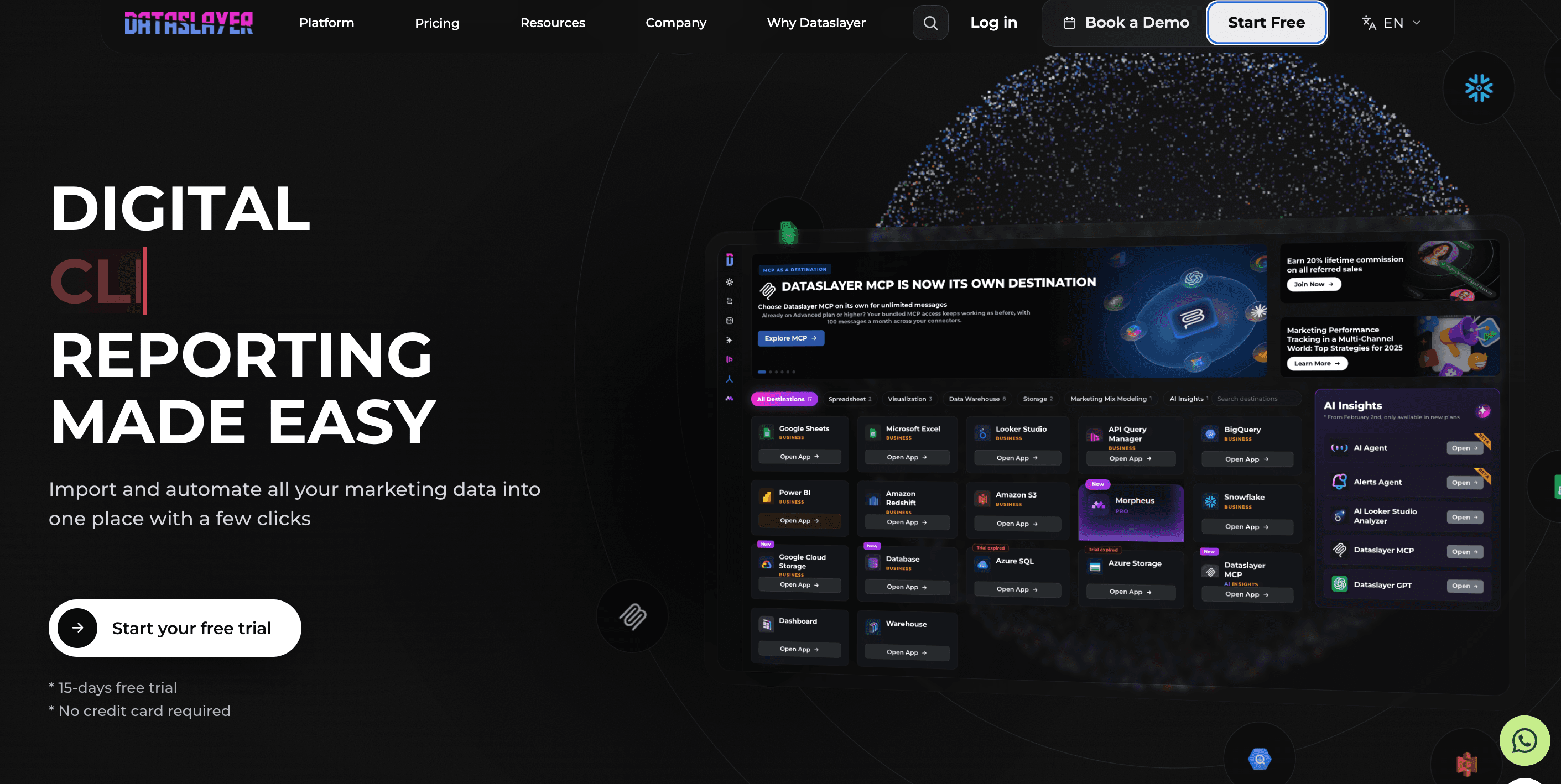
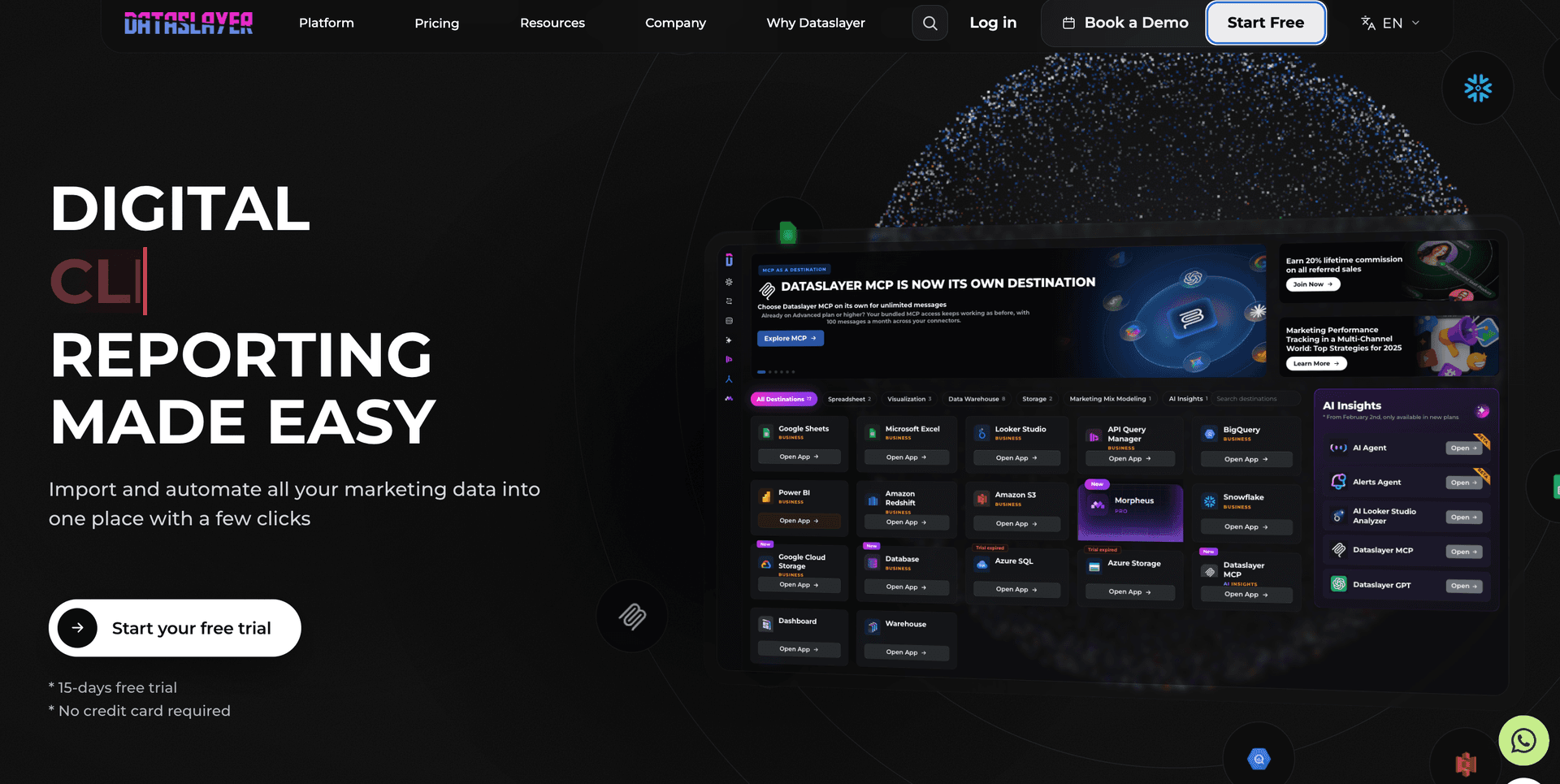
6. Dataslayer
Supported platforms:
Supports 50+ platforms such as Facebook Ads, Google Ads, GA4, YouTube, Snapchat, MariaDB, Stripe, WooCommerce, etc.
Key features:
- Data integrations: Connect data from different advertising, CRM, analytics, and ecommerce platforms.
- Dataslayer GPT: Access to Dataslayer AI for smarter and easier workflows.
- Automated report delivery: Schedule automatic refreshes to deliver live, real-time updates to clients.
- Data destinations: Export data to warehouses like BigQuery and Snowflake for sophisticated analysis.
- Marketing Mix Modeling: Optimize your advertising campaigns by forecasting data with Morpheus.
- Intuitive dashboard to streamline PPC reporting.
- Responsive customer support.
- Stable connections ensure smooth data analysis and reporting.
Rony D
"Dataslayer is an efficient, accessible, and easy-to-implement tool. It allows marketing teams to focus on analyzing and optimizing campaigns, instead of wasting time on repetitive data export tasks. "
- Certain metrics and dimensions may require manual adjustments.
- Must upgrade to higher plans for flexibility in API calls and daily refresh.
Daniel P
"Scalability: As user needs grow, enhancing scalability options for larger datasets and more complex queries could be beneficial."
First-Hand Experience
If your primary focus is to integrate, track and visualize data from multiple marketing and advertising platforms, Dataslayer is a good choice. The platform’s intuitive interface makes it easy for teams to streamline their reporting workflow. Since it relies on API calls, you might face issues when native platforms change their APIs, as it takes some time for the connectors to catch up. Overall, Dataslayer is a good choice for teams that need an easy-to-use reporting tool without requiring complex configurations.
Pricing and Value
Dataslayer offers freemium plans. Its free plan includes 1 connector, 1 user, 1 account and manual data refresh. The paid plans are as follows:
- Starter – $35/month – 3 connectors, 1 user, 1 destination, 3 accounts per connector, daily schedule
- Advanced – $115/month – 7 connectors, 10 users, 50 accounts per connector, 1 destination, hourly schedule. data blending, AI insights (100 messages for AI insights and 100 calls for other AI features)
- Pro – $345/month – 10 connectors, 1 destination, unlimited users, 100 accounts per connector
- Business – Custom – Custom connectors of your choice, hourly refresh and custom hours
You can choose from Core, Enterprise, and MCP destinations. The Enterprise destinations include a monthly row limit.
Final Verdict
Dataslayer offers a solid upgrade over Coupler.io with features like unlimited users, unlimited reporting, schedule refreshes, AI insights and live chat support. However, its API-based setup may impose limitations on bringing data directly into your spreadsheets (Excel or Sheets). Despite this, Dataslayer remains an excellent choice for marketers looking to streamline and scale PPC reporting with comprehensive visualization capabilities.
7. Funnel.io


Apps:
Available as a Google Sheets add-on, Google Data Studio connector, and includes destinations by use cases.
Supported platforms:
Supports 100+ platforms such as Facebook Ads, Instagram insights, Bing Ads, Amazon Ad Server, Taboola, Shopify, WooCommerce, etc.
Key features:
- Data explorer: Choose your desired fields and generate a table for instant data insights.
- White-labelling: Customize logos, fonts, and other interactive elements to match your client’s branding and requirements.
- Advanced data hub: Manage and share dashboards with clients and teammates who don’t have access to the Funnel app.
- Optimize ad spend: Includes advanced measurement models such as MMM, MTM, Incrementality testing and triangulation to streamline ad spend.
- Data source templates: Allows you to save data source configurations for a particular connector.
- Integrated data hub to access high-quality data for analysis.
- Numerous connectors are available for various platforms.
Muhammad Abdullah S
"Funnel makes it very easy to connect all our relevant marketing and analytics data sources in one place and keep them synced automatically. "
- Pricing can be expensive for SMBs due to the connectors being classified into different pricing tiers, limiting accessibility.
- Some connectors and transformations might be slow to process large data volumes.
Ya Hui Debbie K
"They have time zone issues with their support. At the core, they are just an ETL tool, so you can’t do much beyond that. They charge fees even for basic connectors like Power BI. "
First-Hand Experience
Funnel.io is an excellent choice for teams that require advanced data integration, transformation, and customizable workflows. I’ve found it useful for visualizing data through tailored dashboards to speed up decision-making. While the onboarding process can be a bit challenging for non-technical users, once you get the hang of the platform, it helps streamline your reporting workflows and makes everything efficient.
Pricing and Value
Funnel offers two separate plans for Brands and Agencies. Here they are:
- Brands: Starter ($300/month), Business ($600/month) and Enterprise (Custom pricing).
- Agencies: Agency Standard ($300/month) and Agency Advanced ($600/month)
Final Verdict
Funnel.io is a robust alternative to Coupler.io as it offers seamless automation, reporting and advanced data hub capabilities. With powerful measurement tools, you can unlock granular campaign insights, optimize performance, and share detailed reporting dashboards with clients. It is ideal for advanced teams looking to enhance their reporting workflows with diverse integrations, sophisticated tracking and analytical capabilities.
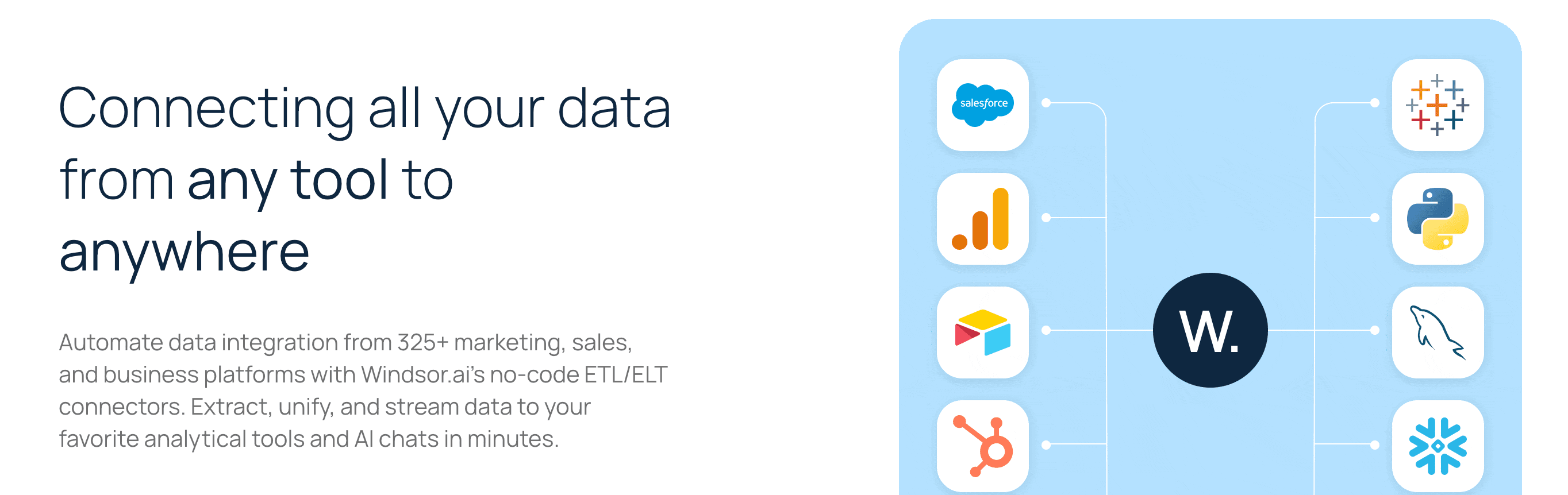
8. Windsor.ai
Apps:
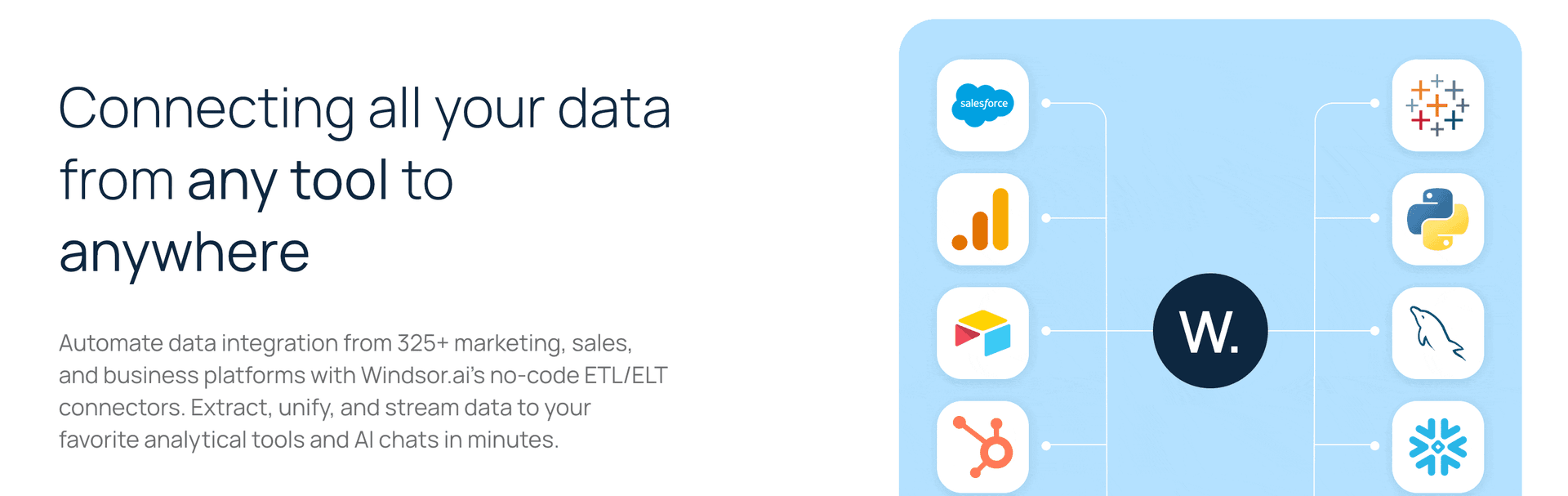
Available as a Google Sheets add-on, Google Data Studio connector, and includes other destinations such as BigQuery, Power BI, etc.
Supported platforms:
Supports 300+ platforms such as Facebook Ads, Amazon Seller Central, FirstPromotor, GA4, Salesforce, etc.
Key features:
- ELT/ETL Pipelines: Build end-to-end pipelines for advanced data processing.
- Automated reporting: Automate cross-platform data integration that handles schema mapping, updates and real-time syncs.
- Windsor MCP: Integrate your Windsor data with the LLM platform and get insights within minutes.
- Customizable templates: Access fully customizable templates across different categories, such as PPC, social media, ecommerce, etc, to deliver personalized reports.
- Wide range of data source integrations and destinations.
- Windsor MCP for AI-driven analysis.
- Unlimited reports for BI destinations.
Admin T
"Windsor.ai makes it incredibly easy to connect data from multiple platforms—Google Ads, Facebook, LinkedIn, HubSpot, and more—into one unified view. The integrations are seamless, the dashboards are clear, and it saves me hours every week"
- If you use data warehouses and databases, you may face limitations on monthly active rows.
- Steep learning curve for non-technical users.
- Customers find issues with the support team in processing refunds.
Verified User in Computer Software
"No refunds, clumpsy interface, bad customer support."
First-Hand Experience
Windsor.ai is a comprehensive ETL/ELT platform that lets you streamline and automate data movement from source to destination. It is best known for its diverse array of data sources integrations. However, if you are not familiar with data connectors or APIs, Windsor might feel complex. Overall, if you have the right technical expertise to handle data pipelines and manage sophisticated workflows, Windsor is a good choice.
Pricing and Value
Windsor offers a free plan, which includes 1 user, 1 data source, 1 account and 5M MAR. The paid plans are as follows:
- Basic – $19/month – 3 data sources, 75 accounts, daily refresh, 5 database destination tasks, unlimited users, 5M MAR.
- Standard – $99/month – 7 data sources, 75 accounts, daily/hourly sync, unlimited database destination tasks, 7.5M MAR.
- Plus – $249/month – Includes Standard plan features, 10 data sources, 200 accounts, 10M MAR.
- Professional – $499/month – Includes Plus plan features, 14 data sources, 500 accounts, auto-add all accounts, SSO, daily/hourly/15mins sync.
- Enterprise – Custom – Includes Professional plan features, 300 data sources, 50,000 accounts, enterprise SLA.
A major concern is that the pricing jump from Basic ($19/month) to Standard ($99/month) feels huge. SMBs and marketers might find pricing to be steep, considering scalability.
Final Verdict
If you’re looking for a robust Coupler.io alternative with advanced ETL workflows, Windsor.ai is a strong choice. It excels in marketing attribution, offering valuable insights into customer journeys and optimizing campaign performance. However, improvements could be made to its caching and dashboard customization options.
9. Whatagraph
Supported platforms:
Supports 50+ native integrations across different categories such as PPC, social media, SEO, analytics, email, etc.
Key Features:
- Drag-and-drop editor: Easy-to-use editor with cross-channel widgets and flexible customization options.
- Automated reporting: Share live, real-time updates to clients via Slack, Notion, BigQuery or Google Data Studio.
- AI-powered insights: Whatagraph IQ helps you easily build reports with custom prompts.
- Custom transformations: Create custom metrics, dimensions, source tags and aggregate source blends.
- Excellent customer support.
- Intuitive client reporting interface
- Pre-made templates & data transformations.
Bruhith I
"The dashboards are clean, easy to build, and perfect for client reporting. It pulls in data from Google Ads, Meta, LinkedIn, and even TikTok without any hassle. "
- Widgets can break if multiple people edit the report simultaneously.
- Pricing feels expensive for SMBs.
Muhammad Umar A
"I was not able to fetch the key matrices in the campaign(s), such as purchases, adds to cart, etc. For this, I had to add a custom box, and fill out the entires manually."
First-Hand Experience
Whatagraph is an all-in-one client reporting platform that is best suited for agencies and marketers who want to create visually engaging reports. With a drag-and-drop editor, you can customize reports, pull data from multiple sources and export them to Google Data Studio or BigQuery. However, it does come with a few limitations. For example, if multiple users edit a report simultaneously, widgets can break. Moreover, custom branding is available only in the higher plans, which can be quite expensive for teams with limited budgets.
Pricing and Value
Whatagraph offers two pricing plans.
- Max: $1118/month – IQ Agents, Advanced integrations, Data groups, blends, white-label reports, KPI overview with alerts.
- Prime: Custom – IQ Agents, Premium integrations, Custom report domain, Public API access, Transfer to BigQuery or Looker Studio.
Final Verdict
Whatagraph is a solid option for agencies looking for a dedicated client reporting platform that emphasizes branding, customization, and automation in a single interface. With a library of pre-built templates, cross-channel widgets, reusable transformations, and AI-powered reporting, you can create actionable reports fast. However, pricing can be a key concern for SMBs as the platform may not be cost-effective for smaller teams with tight budgets.
10. Swydo
Apps:
Available on Google Sheets
Supported platforms:
Supports 30+ platforms such as Google Ads, Google Analytics 4, Facebook Ads, Google Search Console, HubSpot, etc.
Key Features:
- Custom KPI tracking: Track and measure custom metrics with built-in goal tracking.
- Data blending: Combine and evaluate campaign performance data from different advertising platforms in a single dashboard.
- Timely alerts: Get instant email notifications when your KPIs spike or fall below targets.
- Access to live dashboards: Share real-time, interactive dashboards via secure, custom links.
- Team collaboration: Assign user roles, manage permissions, and streamline team workflows.
- Simple and easy-to-use interface.
- Time-saving automation capabilities.
- Design re-usable templates tailored to your branding workflows.
Lance E
"I like how easy it is to set up reports and customize them. The white labeling is solid - I can add logos and format things the way I want which makes reports look clean and professional."
- The pricing structure could be more flexible for users who may not require all the features.
- No integration with Google Data Studio.
Razvan
"The fact that they will charge you extra, without any notice if you go above the data connections in your plan "
First-Hand Experience
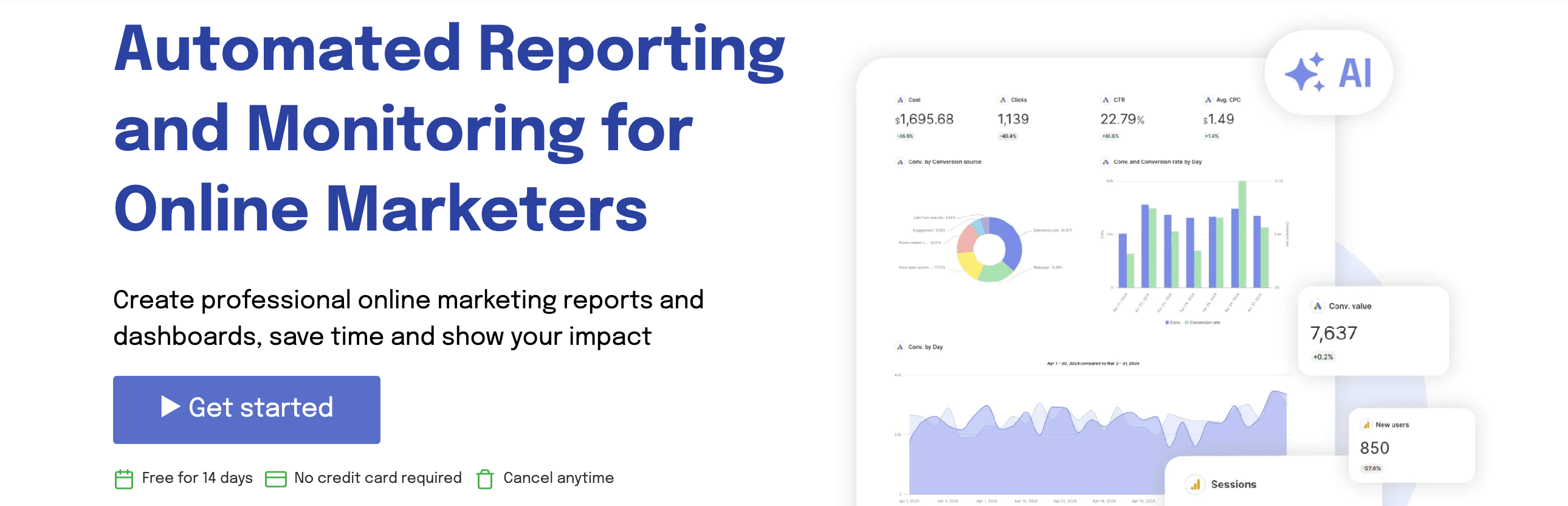
Swydo makes it easy for marketing agencies to deliver custom dashboards without any technical setup. You simply connect your ad accounts, pull necessary metrics, and set up automated report delivery. If you’re looking for a straightforward tool that handles basic reporting and automation well, Swydo is a solid choice.
Pricing and Value
Swydo offers a single pricing plan that includes all features, but the cost varies depending on the number of data sources you integrate.
The plan starts at $62/month for up to 10 data sources. However, I feel the pricing is rigid – if you need fewer than 10 data sources, Swydo sounds expensive than other alternatives.
Final Verdict
If you’re looking for an easy-to-use reporting tool that allows for a clean dashboard setup and streamlined reporting across different platforms, Swydo does a good job. However, when it comes to advanced customization, tracking or handling complex workflows, you’ll find Swydo a bit limiting and might have to switch to other alternatives.
Conclusion
When selecting the right Coupler.io alternative, it is important to look beyond just one key feature or pain point it solves. Take a holistic approach – analyze how it supports your business growth as your client base and reporting needs expand. If you’re aiming for an all-in-one reporting tool that combines speed, flexibility, and affordability, Two Minute Reports is the best fit. Here’s how:
- Zero row limits – Export large datasets without any limitation.
- Simple and easy no-code setup to create and automate reports.
- Fast and responsive customer support via live chat and email – rated 4.6 on Capterra.
- Daily, weekly, and monthly schedules across all plans.
- Deliver blazing-fast reports that load in under 5 seconds via Speedboost.
Try Two Minute Reports free for 14 days and experience a smoother and more efficient reporting process.
Frequently Asked Questions
Start by identifying the number of connectors you need, where you want to export(Google Sheets, Google Data Studio, BI tools), and the range of customization and automation workflows. These factors play a crucial role in helping you select the best alternative to Coupler.io.
While Coupler offers diverse data integrations, it falls short in major areas. Limited flexibility in refresh schedules across plans, lack of live chat support, premium upgrade to zero data volume limits and expensive pricing may lead users to search for other reliable options.
Key features to consider include the number of connectors, supported destinations, automation and scheduling, customizable templates, cross-channel data blending, pricing flexibility, data transformations and scalability. Evaluate how these features enhance your reporting capabilities and fit seamlessly into your daily workflows.
Look out for costs related to additional users, additional connectors, API calls, refresh frequency, row limits, and number of users as you onboard new clients.

Meet the Author
Shalini MuruganShalini is driven by ideas that create a tangible impact. At Two Minute Reports, she specializes in content that helps marketers optimize their reporting workflows. When she's not transforming complex data into meaningful insights, you might find her lost in a book, jotting down ideas in her notebook, or connecting the dots others overlook.


More Alternatives to Explore
See how Two Minute Reports compares to other reporting tools.
Take back your time. Wow clients.
Get Two Minute Reports.
Start your free trial todayBuilt by marketers. Built for marketers.