


HubSpot Reporting Tool

"My weekly report is done in 1 minute rather than 1 hour"

Trusted by
global brands
Connect your HubSpot account once, then work with your data everywhere it lands.

IN THE PRODUCT
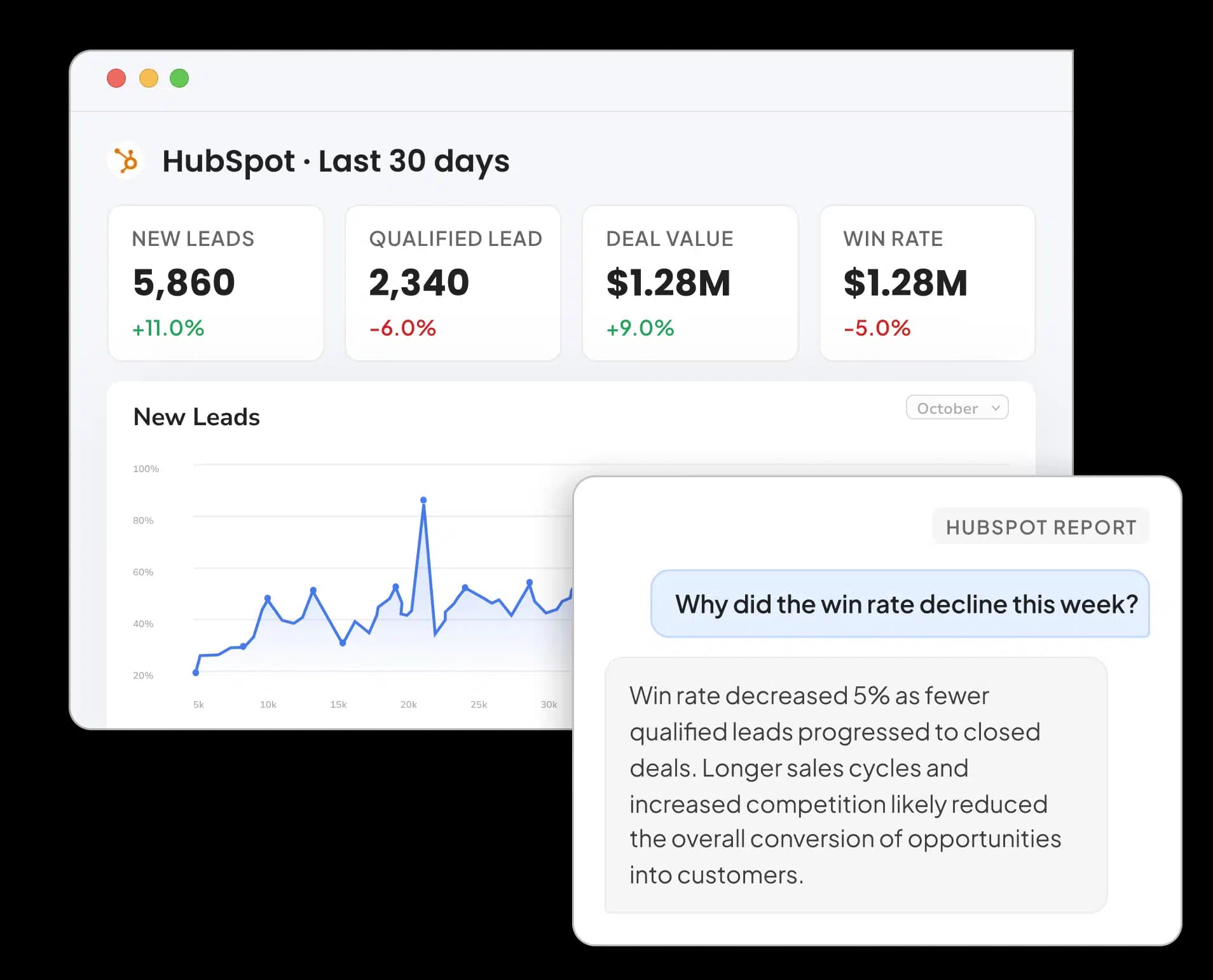
Turn a simple prompt into a client-ready HubSpot dashboard with the metrics and insights that matter most.

IN YOUR STACK
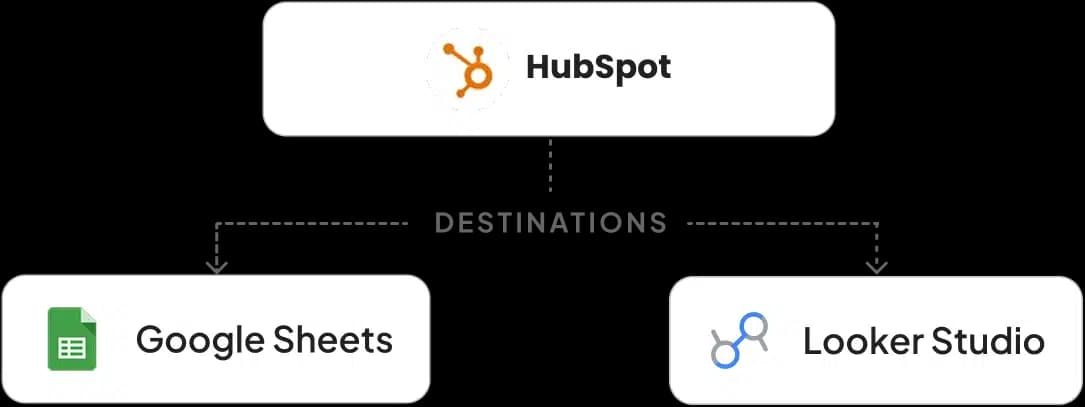
Send up-to-date contact and sales data straight into Google Sheets and Looker Studio, the tools your team already reports in.

BUILT-IN AI AGENT
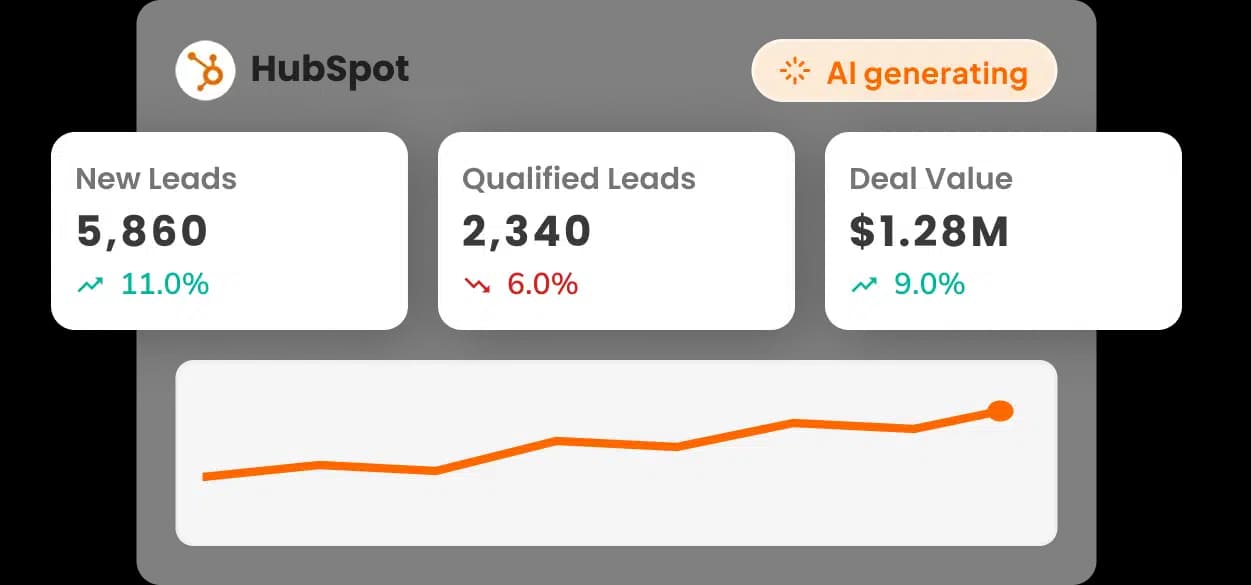
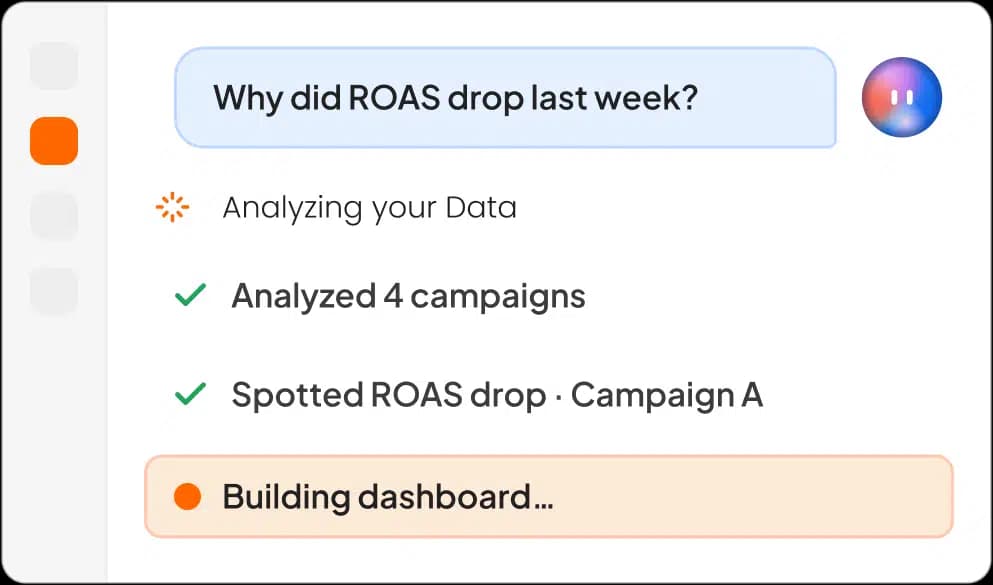
An AI agent that works alongside you โ analyzing campaigns, surfacing insights, and building reports as you go.

MCP
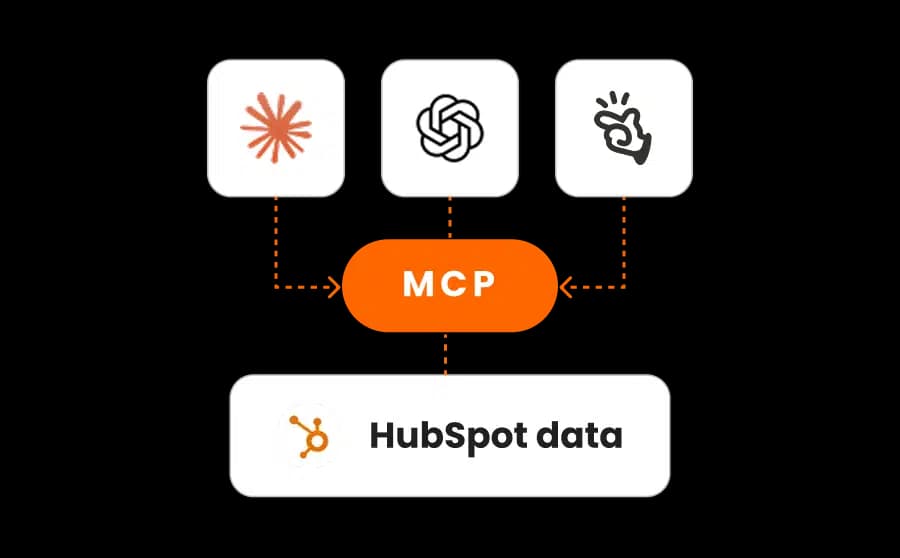
Connect Claude, ChatGPT and Manus to your HubSpot data through Two Minute Reports MCP and audit your campaigns instantly.
Unclear CRM Data? See Where Your Deals Drop Off
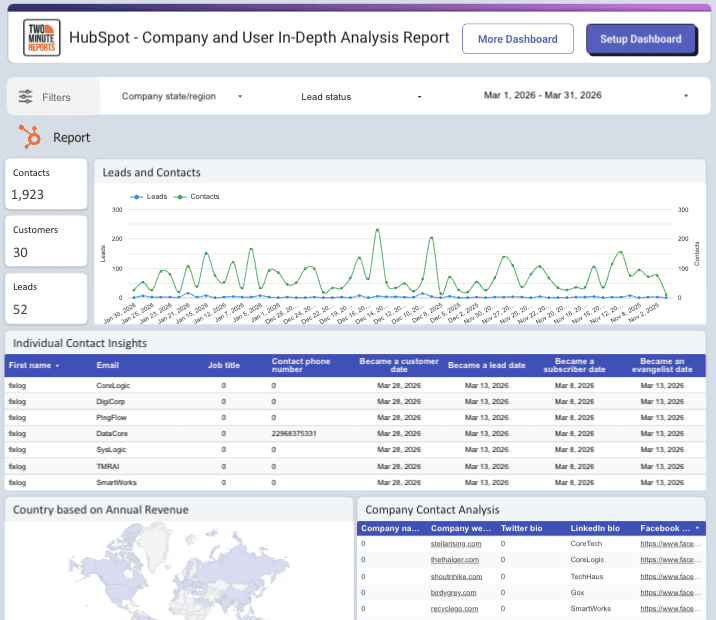
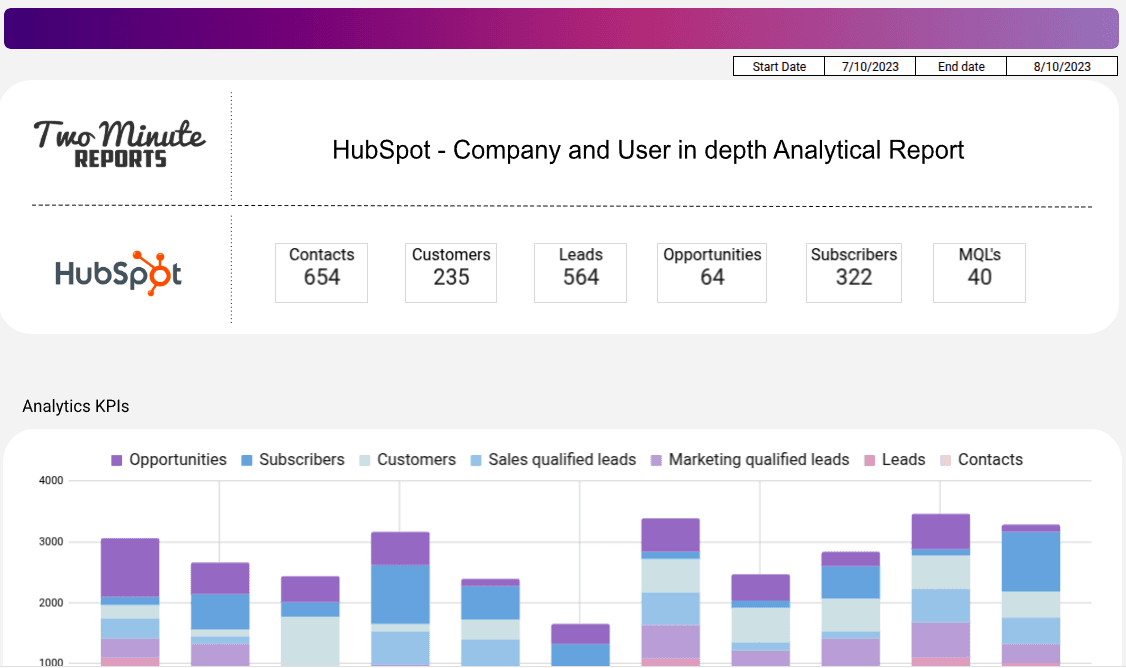
Turn your company contact data into ready-to-share reports. No complex setup or manual pulls.
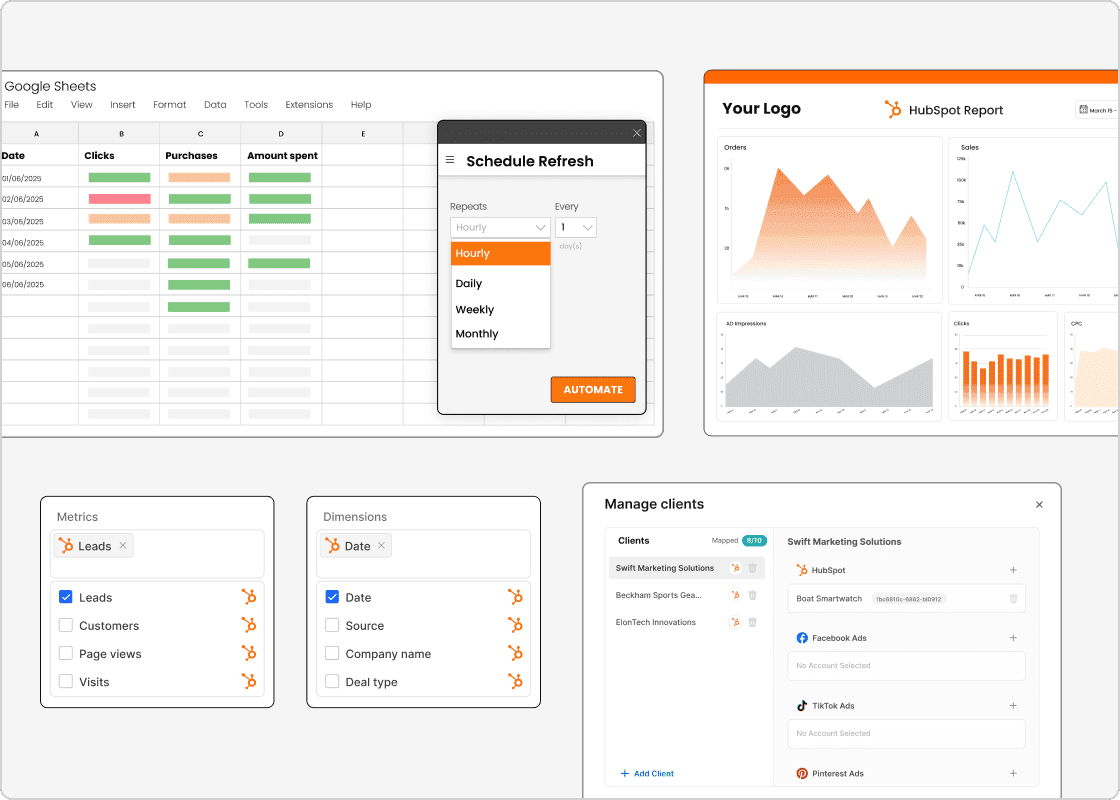
Build it once. Let it auto-refresh and deliver forever. No more manual pulls.
Generate dashboards with one click, or analyze performance by chatting with Claude, ChatGPT, or Manus.
Set ROAS, spend, and CPA targets โ and see at a glance whether every account is on pace to hit them.
Build native dashboards in Two Minute Reports, or use 100+ templates in Looker Studio and Google Sheets.
Send up-to-date reports to clients or stakeholders automatically โ daily, weekly, or monthly.
Secure authentication and granular permissions. No API setup, dev work, or spreadsheet chaos.
Set Up HubSpot
reporting in Three Simple Steps
Start tracking your lead pipeline and generate client-ready dashboards within minutes.
Connect your HubSpot account in a few clicks, and the data flows into your reports instantly without coding.
Generate a complete dashboard from a prompt or template. Set custom goals and track performance across every client in one place.
Pull your latest contacts data to Google Sheets, Looker Studio, or native dashboards. Schedule automated delivery at your preferred interval.
HubSpot reporting
Get unlimited insights from your HubSpot data inside Google Sheetsโข โ automate reports, blend metrics, and monitor performance like a hawk.
HubSpot reporting
Create always-live, interactive dashboards for HubSpot in Looker Studio and securely share them with your internal and external teams.
HubSpot reporting
Turn your HubSpot data into actionable insights with Claude - analyze performance, uncover trends, and generate marketing-ready summaries using AI.
HubSpot reporting
Turn your HubSpot data into actionable insights with ChatGPT - analyze performance, uncover trends, and get instant answers using AI.
HubSpot reporting
Turn your HubSpot data into actionable insights with Manus - analyze performance, uncover trends, and get instant answers using AI.
HubSpot Reporting Tool Built For Every Team
Whether you're an agency owner, a marketer, or a data expert, act on your sales data with precision.
White Label Reports
Present fully branded HubSpot reports that your clients will trust and remember
Client Account Mapping
Map HubSpot accounts to specific clients and manage everyone from a central dashboard.
Automated Report Delivery
Schedule recurring HubSpot reports to clients via email.
Custom Fields
Add context and track client-specific KPIs across platforms in one report.

A HubSpot Reporting Platform like Two Minute Reports helps you track, visualize, and automate key CRM metrics โ like contacts, deal value, lead quality, analyze their likelihood of conversion, MRR of closed deals, form interactions, conversions, company details, and other custom properties holistically to help boost your clientโs overall growth and ROI.
Yes. You can select your preferred date range in Google Sheets and Looker Studio to analyze the number of deals won and lost in a custom period, monthly revenue trends, number of leads generated, form submissions, and other relevant metrics. Spot new engagement patterns, optimize funnel drop-offs, and drive smarter decisions for profitable growth.
Start by connecting your HubSpot account with Two Minute Reports. Next, choose the metrics you want to track (like MRR, deal stage, and form conversions), and set your preferred refresh schedule. Now, visualize with pre-built HubSpot dashboard templates or custom dashboards in Google Sheets or Looker Studio and tailor outreach strategies to close deals faster.
Yes. You can create account-specific or client-specific goals based on the HubSpot metrics, such as leads generated, deals closed, pipeline value, email engagement, conversion rate, or revenue. Set recurring goals to monitor ongoing sales and marketing performance or define one-time targets with fixed start and end dates. Track progress monthly, quarterly, or annually to ensure every HubSpot account stays on pace to achieve its business goals.
Absolutely. This HubSpot Reporting Software lets you create white-labeled, client-focused reports and share them as a Sheet, a branded PDF, or automated emails. You can tailor reports with a custom logo and layout, and deliver professional sales reports at scale, showcasing your agencyโs analytical and strategic expertise.
Yes, we offer a 14-day free trial with full access to all HubSpot reporting features. No credit card is required. During the trial, you can explore everything this HubSpot reporting software has to offer โ from templates to automating metrics, to test your workflow before committing to a plan.
Yes. With Two Minute Reports, you can generate a HubSpot dashboard using AI. Describe what you want in plain English, select your HubSpot account and theme, and let AI build a dashboard with the CRM and marketing metrics that matter most. Customize widgets, apply your branding, and share client-ready marketing reports in one click.
Made for marketers of all sizes.
Included Access
Destination
Queries
Data History
Included Access
Destination
Queries
Data History
Included Access
Destination
Queries
Data History
Connect with 20+ popular tools across marketing, analytics, advertising, and eCommerce to automate and streamline your reporting. Build once, report everywhere.
Explore All Integrations
Built by marketers. Built for marketers.